
Ap Booking Prestashop Module Hotel | Resort and Spa services

Description




 <!-
<!-  ->
->

DETAILS
Ap Booking Prestashop Module was specially crafted for Hotel, Resort and Spa services. This powerful module has well-balanced design and robust structure. Its sleek and trendy look plus unlimited functionality will be a perfect fit for hospitality niche. With hotel booking form, users can instantly reserve desired room with a preferable number of rooms, select perfect time and date and pick the optimal price. This web form was meant to provide smooth booking process. Thanks to our module, you can post information about your latest events, team members and the benefits of your hotel to the blog, describe it in a mouthwatering way and display with different layouts and post styles.
Ap Booking Prestashop Module will sell your story and present your hospitality in the most attractive way. With this wonderful product, you will have:
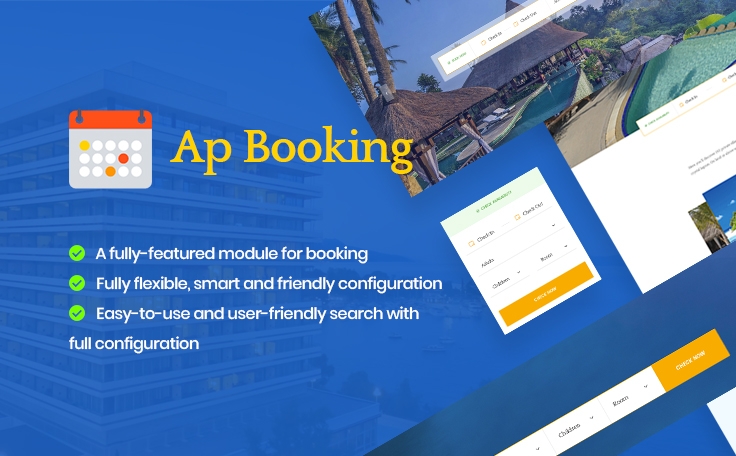
- A fully-featured module for booking
- Fully flexible, smart and friendly configuration
- Easy-to-use and user-friendly search with full configuration
- A Smart combination between Prestashop products and booking makes it easy for you to manage rooms, services and process orders
- With smart management method, you can easily search and manage orders daily, monthly and annually
MODULE FEATURES
- The module is compatible with both Prestashop 1.7
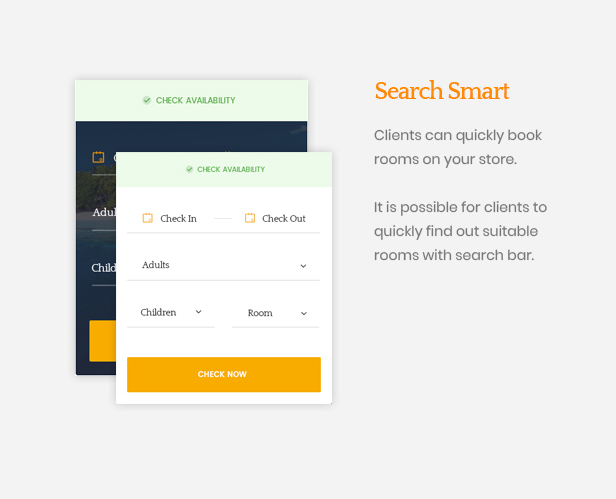
- It is possible for clients to quickly find out suitable rooms with search bar
- Clients can quickly book rooms on your store
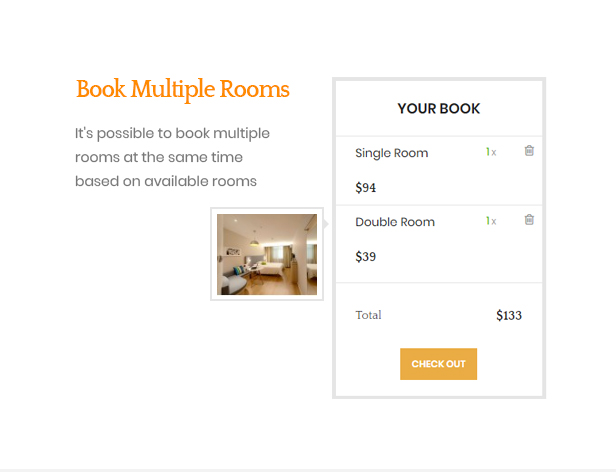
- It’s possible to book multiple rooms at the same time based on available rooms
- Advantage and user-friendly interface for clients and administrators
- Administrators
- Manage types of rooms
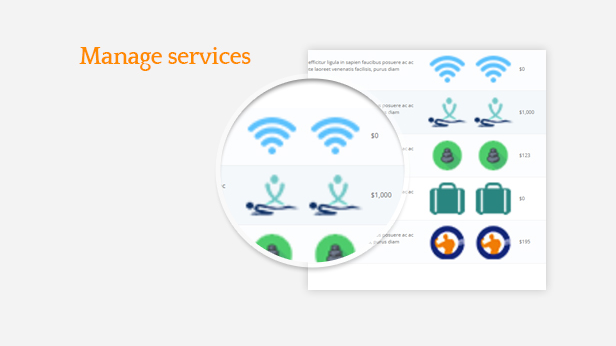
- Manage services
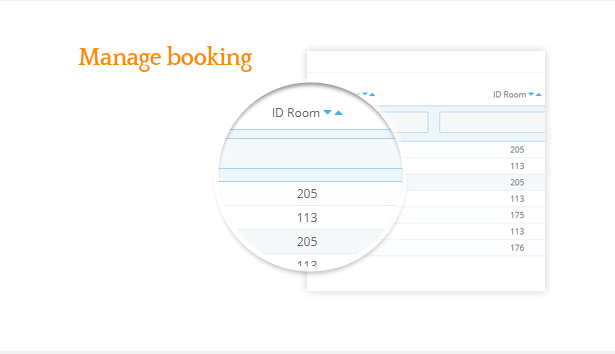
- Manage booking time and clients’ information in detail
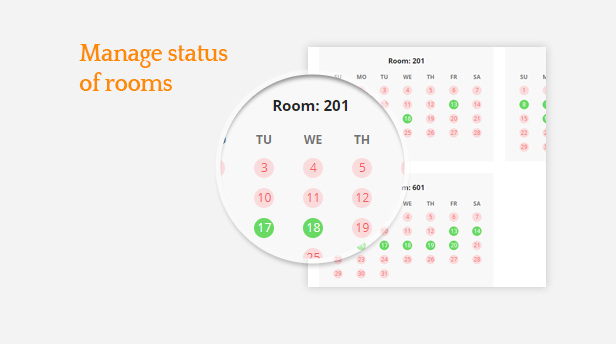
- Manage status of rooms
- It’s possible to show services in the list of products
- Customize the display of room search bar
- Customize booking time
- Customize priority order for booking rooms
- Customize the date format
- Options to set different prices for special periods, special days, special days in one week for same type of room
- Add price for paid services
- Prevent booking at certain times by day, time period, days of the week
- Select services together with type of rooms
- Clients/ Site visitors
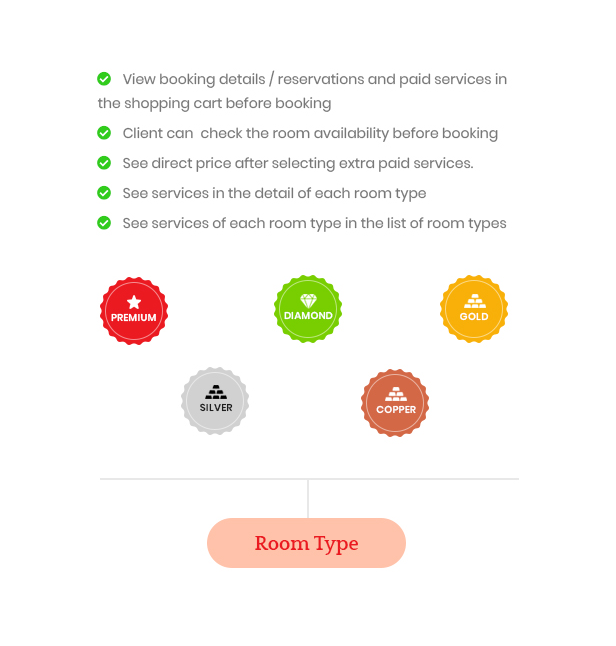
- View booking details / reservations and paid services in the shopping cart before booking
- See direct price after selecting extra paid services
- See services in the detail of each room type
- See services of each room type in the list of room types
- Client can check the room availability before booking
In case you want to show how your products work on their shops, please enter this backend link:
Change log:
Version 2.0.3 (July 18th, 2020)
    Compatible Prestashop 1.7.6.x
     Fix choice date from and date to in search room
     Fix error order confirmation
     Update display price per day in hook displayProductPriceBlock
     Set shipping always free
Version 1.0.2 (June 9th, 2020)
   Compatible:Prestashop 1.7.6.x
    Fixed bug on version 1.7.6.5
    Warning count() in file search.php
    Error displaying discount in cart
    Version 1.0.0 => version 2.0.0
Version 1.0.1
- Compatible:Prestashop 1.7.6.x
Prestashop 1.0.0
(+) Compatible: Prestashop 1.7.4.x, 1.7.5.x
(+) Add new
| Type | PrestaShop Module |
|---|---|
| Author | leo-theme |
| Category | Plugins / Prestashop |
| Price | $83 |
| Sales | 5 |
| Rating | 0.00 from 1 rating |
| Published | Mar 7, 2019 |
| Last Update | Dec 20, 2021 |
| Compatible Browsers | IE10, IE11, Firefox, Safari, Opera, Chrome, Edge |
| Compatible Software | PrestaShop 1.7.6.x, PrestaShop 1.7.5.x, PrestaShop 1.7.4.x |
| Source Files Included | JavaScript JS, JavaScript JSON, HTML, PHP, SQL |
Categories
Tags
External listing. code.market does not sell this product and does not process payment for it. Pricing, payment, delivery, licensing, refunds, and support are handled by the third-party merchant on its own website. We may earn an affiliate commission from a referral. Details.
Products of the Week.
Submit🥇

STOP GUESSING WHAT TO POST
AI that learns your brand voice and builds a month of consistent, on-brand social content: carousels, posts and hooks that sound like you, not like everyone else's AI.
SaaS · 4,290 views · 38 clicksSaaS · Week 45 · 4,290 views · 38 clicks
🥈

Conversational Backlinks for Busy Founders
Place Backlink Relevant Conversation for your domain across Forums and Conversations
Website · 42,001 views · 223 clicksWebsite · Week 45 · 42,001 views · 223 clicks
🥉

upvote.club
Free Social Media Engagement that Helps Boost Your Content. Upvote Club supports 19 social networks with 100+ engagement actions in one dashboard. Add links to your posts and get free engagement from real users.
SaaS · 40,042 views · 117 clicksSaaS · Week 45 · 40,042 views · 117 clicks
#4

Substack Posting API
Onboard your Agent to Substack. Write Publish on Substack via API
SaaS · 59,052 views · 198 clicksSaaS · Week 45 · 59,052 views · 198 clicks
#5

Seenshot App
Free, Fast, MacOS Screenshot app. Make Screenshot cmd+shift+2 and send it via link
Desktop App · 28,427 views · 122 clicksDesktop App · Week 45 · 28,427 views · 122 clicks
#6

Hand-Placed Backlinks $9.99 per link. Flat rate.
Buy hand-placed forum, Q-A and directory backlinks. Flat $9.99 per link, no subscriptions — you only pay for approved listings.
Website · 4,261 views · 19 clicksWebsite · Week 45 · 4,261 views · 19 clicks
#7

Free Invoice Generator - PDF Invoices in Your Browser, No Sign-Up
A free invoice maker for freelancers and small businesses: fill in the invoice, check the live preview, and download a PDF that looks exactly like it. Any currency, tax per item, three templates, no sign-up, and nothing leaves your device.
2,937 views · 17 clicksWeek 45 · 2,937 views · 17 clicks
#8

Merge PDF Files Free - Combine PDFs in Your Browser, No Upload
A free PDF merger for office workers, students, and freelancers: combine PDFs and images into one file in the browser, reorder files and pages, pick page ranges, keep bookmarks, and open password-protected PDFs. Nothing is uploaded, no sign-up, no watermark.
2,713 views · 13 clicksWeek 45 · 2,713 views · 13 clicks