
Amelia - Enterprise-Level Appointment Booking WordPress Plugin

Description
Amelia is a next-generation appointment booking WordPress plugin built with modern technology by an award-winning team.
If you have any questions about pricing or your support period, feel free to get in touch with us. We’ll be happy to provide more details, help you explore available options, and share any current offers.
Amelia is a simple yet powerful automated booking specialist that works 24/7, so your customers can book appointments and events at any time.
With Amelia, you can:- Create custom events (classes, conferences, meetings, etc.) and allow customers to book through a polished front-end event calendar
- Send real-time SMS notifications and reminders to customers and employees
- Manage multiple employees with custom working hours and days off
- Enable recurring appointments with flexible schedules (daily, weekly, monthly, yearly)
- Display events in a modern calendar view with instant booking
- Employee Panel and Customer Panel for managing bookings from the front end
- Zoom integration for seamless online appointments and events
- Configure special days with custom schedules
- Two-way Google Calendar integration for each employee
- WooCommerce integration
- Manage multiple services, categories, and extras
- Support multiple business locations
- Track business performance with dashboards and KPIs
- And many more features
View front-end demos | Back-end demo
Where can I see the feature list?
You can explore the full feature list on the features page.
For more details on how each feature works, check out the documentation, where you’ll find step-by-step guides and explanations.
If you’d like to see Amelia in action, browse our demo pages. You can also access the back-end demo here.
Will Amelia be a good fit for my business?
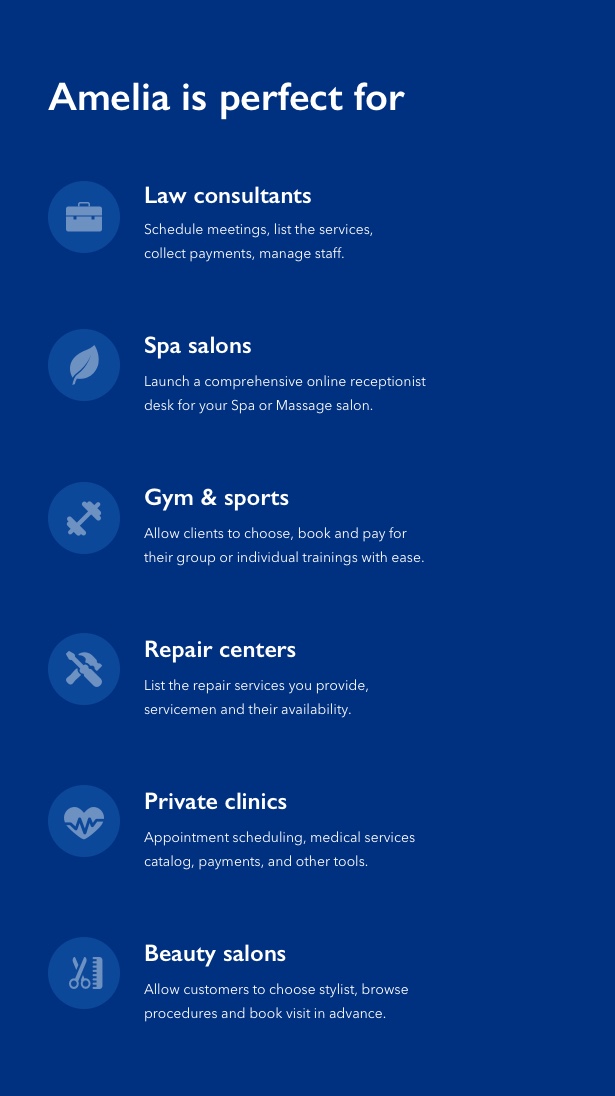
Amelia is designed for any business that relies on appointments or scheduled services. It works well across a wide range of industries, including:
- Spa and wellness centers
- Beauty and hair salons
- Photographers and wedding professionals
- Tour guides and tourism services
- Clinics, dentists, and healthcare providers
- Consultants and professional services
- Personal coaches and trainers
- Repair and service businesses
- Psychologists and therapists
- Cosmetologists
- Internet cafes
- And many more
Is it complicated to set up and use?
Not at all. Getting started with Amelia is quick and straightforward. The setup process is simple, and each section of the back end includes helpful tooltips to guide you along the way.
We’ve also created detailed documentation to make onboarding as smooth as possible, whether you’re setting things up for the first time or exploring advanced features.
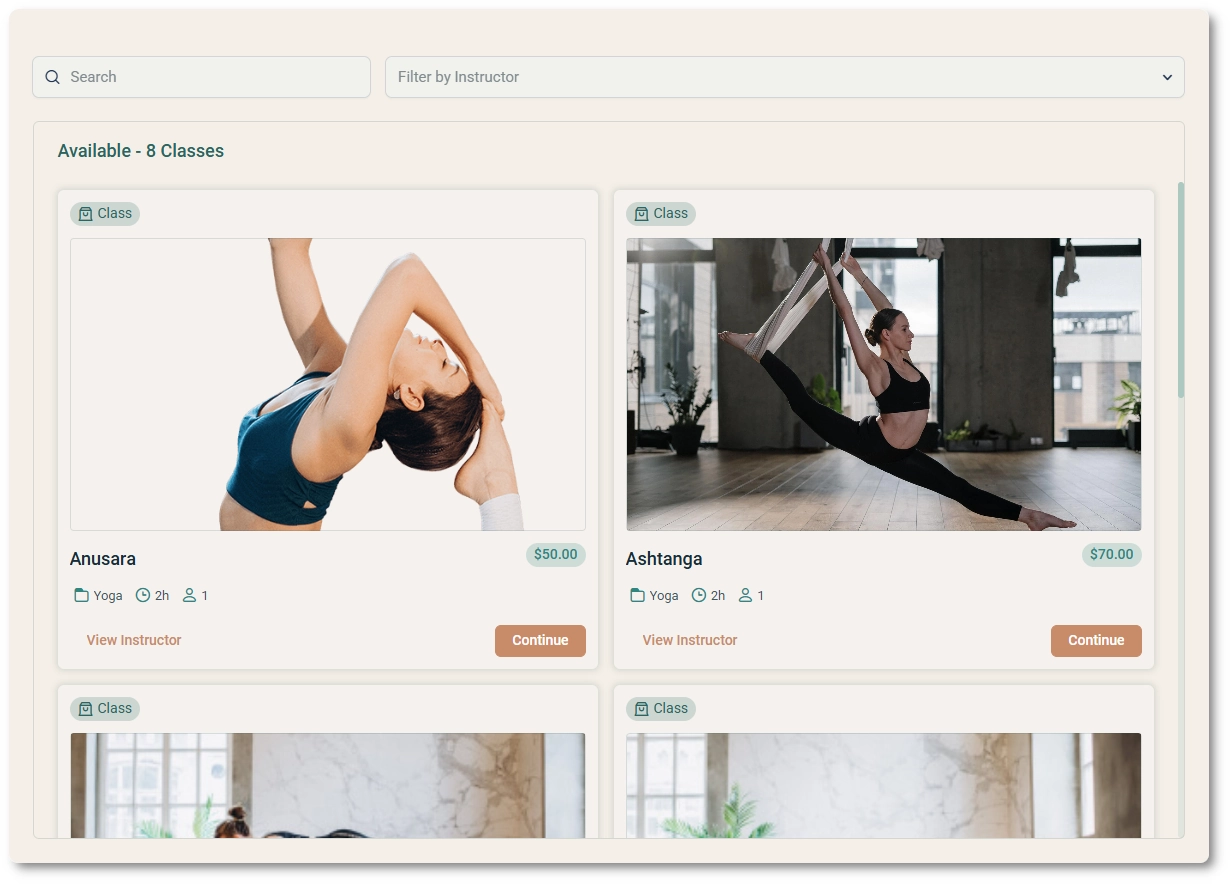
Catalog view for categories and services
With Amelia, you don’t need to create separate WordPress pages for each service or category, or rely on additional plugins to display them. The built-in catalog view lets you showcase all services in one place, or focus on a single category or service, all with a simple shortcode.
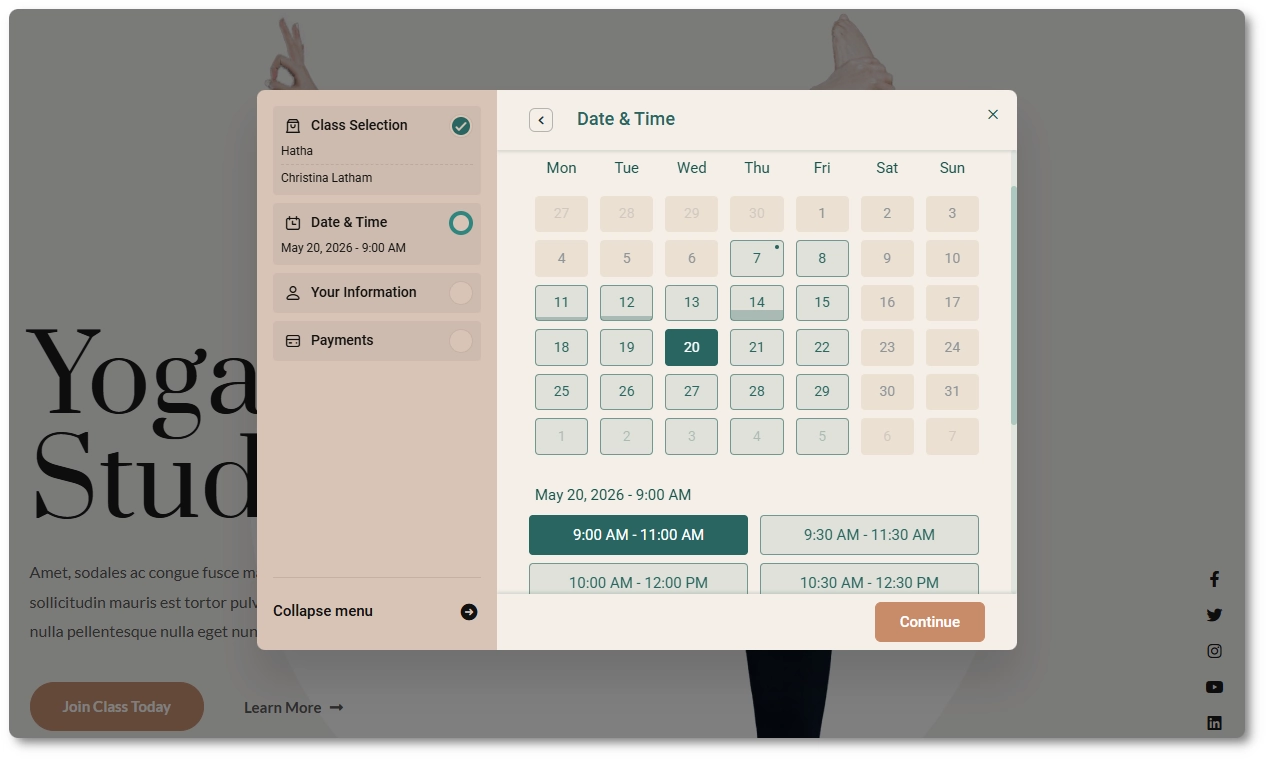
Step-by-step booking wizard
For users who prefer a guided booking experience, Amelia offers a smooth step-by-step wizard. Customers can choose a service, employee, date, and time slot in a clear, intuitive flow. The wizard loads as a fast, single-page interface and can be added anywhere using a shortcode.
On-site payments
If you prefer to keep things simple, you can accept payments on-site. Customers can pay in person, while all payment data is still tracked and stored within Amelia.
PayPal payments
Amelia includes built-in support for PayPal. Setup is quick, and you can use Sandbox mode to test everything before going live.
Stripe payments
Stripe is fully supported, with a fast and simple setup. You can test transactions in demo mode before switching to production.
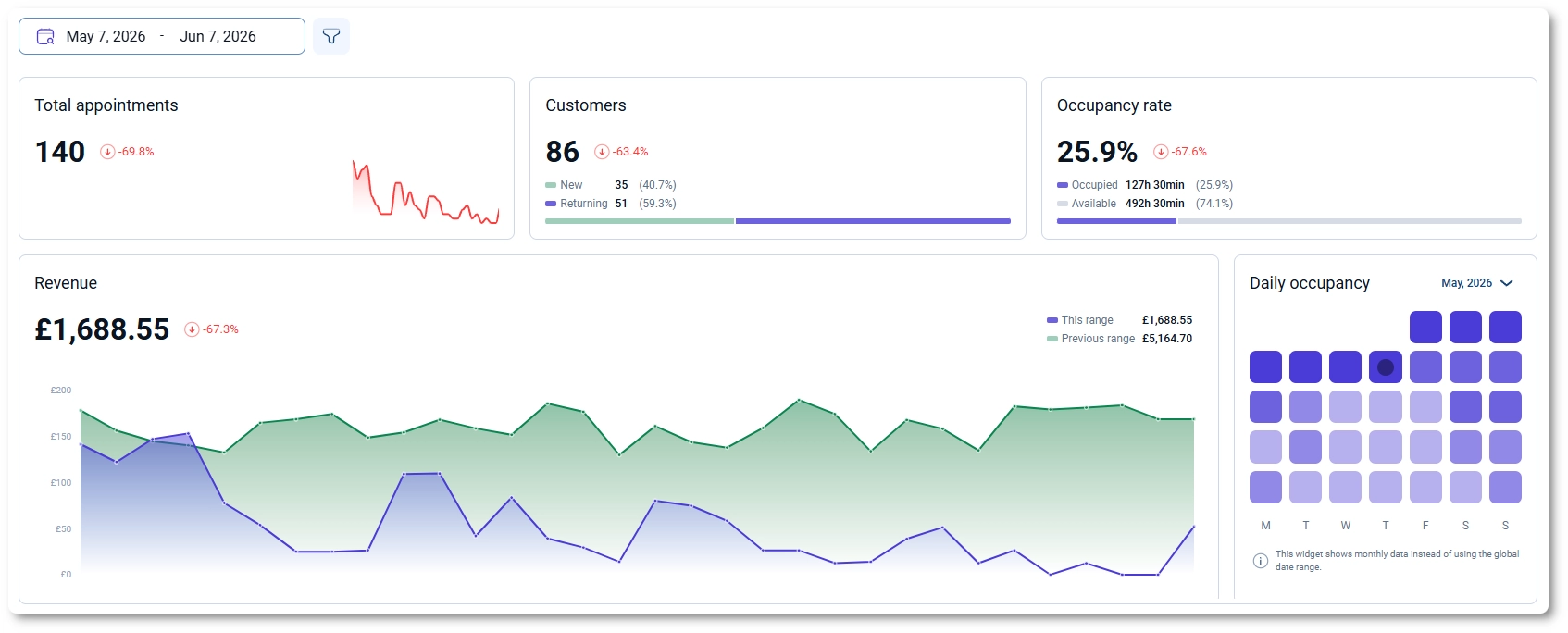
Dashboard and business insights
The Amelia dashboard gives you a clear overview of your business performance. Track key metrics, monitor bookings, and stay on top of everything from a single, easy-to-use control panel.
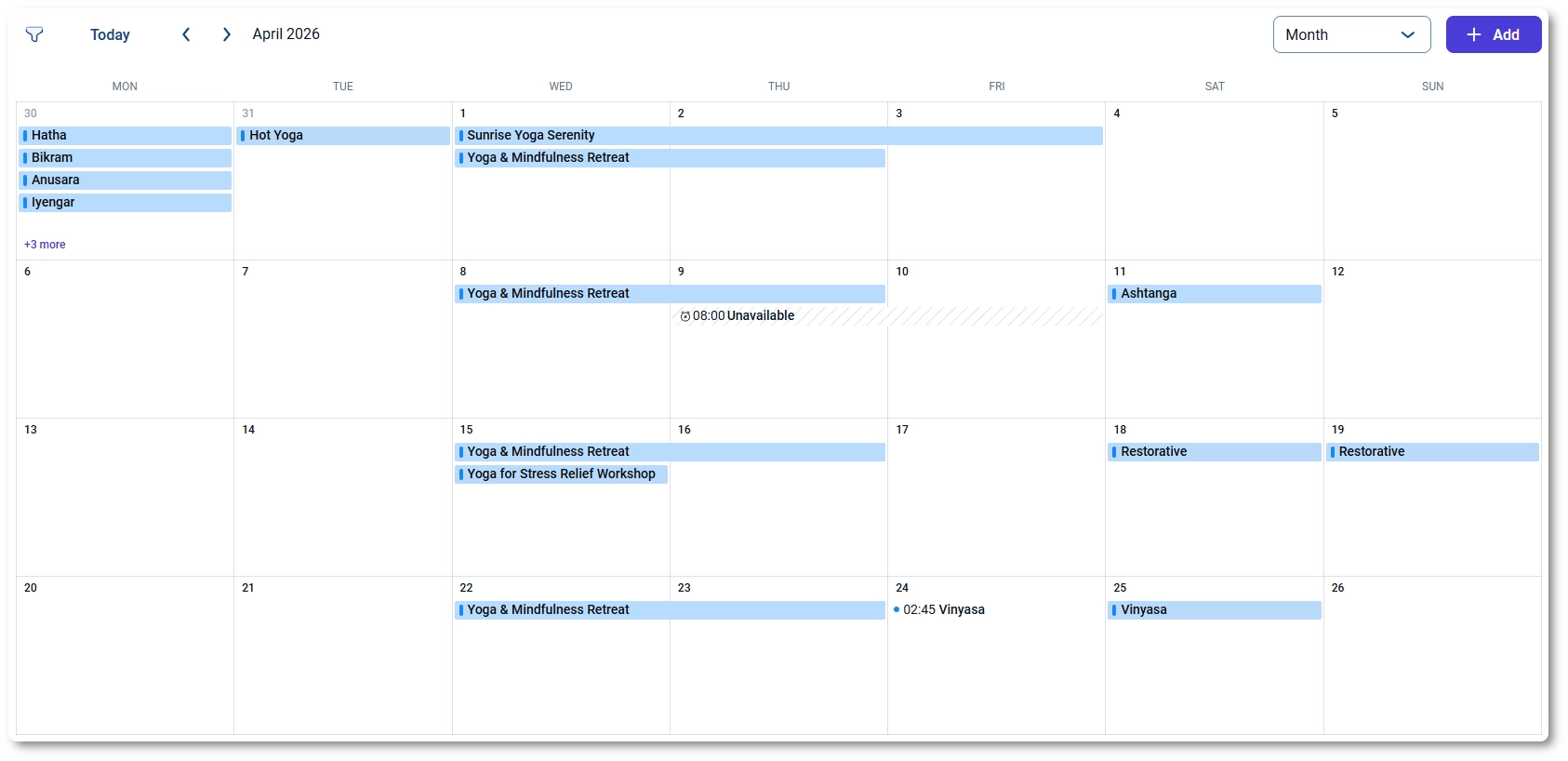
Interactive scheduling calendar
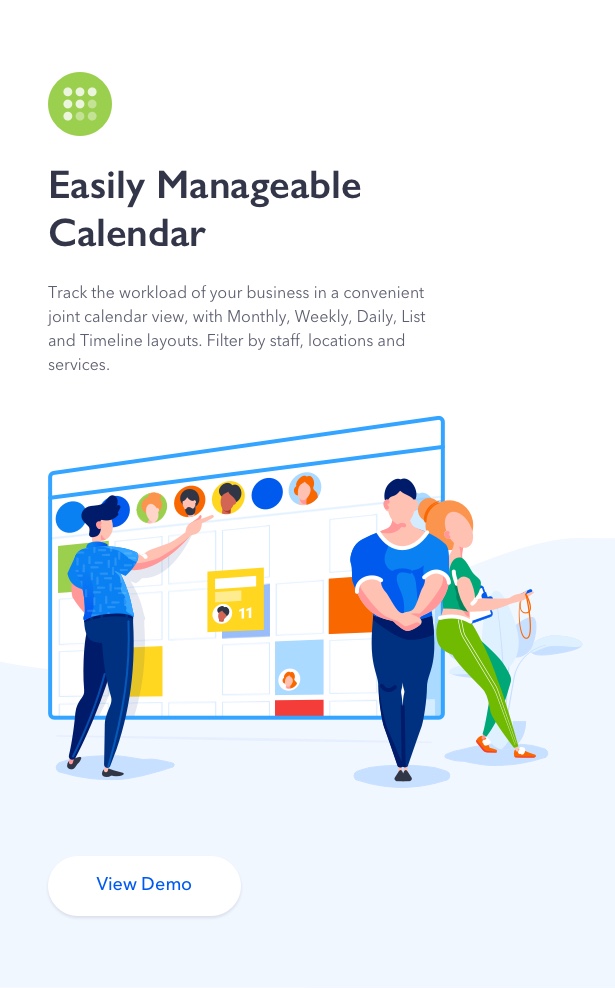
Manage your schedule with a flexible calendar view. Switch between daily, weekly, and monthly layouts, or use list and timeline views to get a more detailed overview of appointments and events.
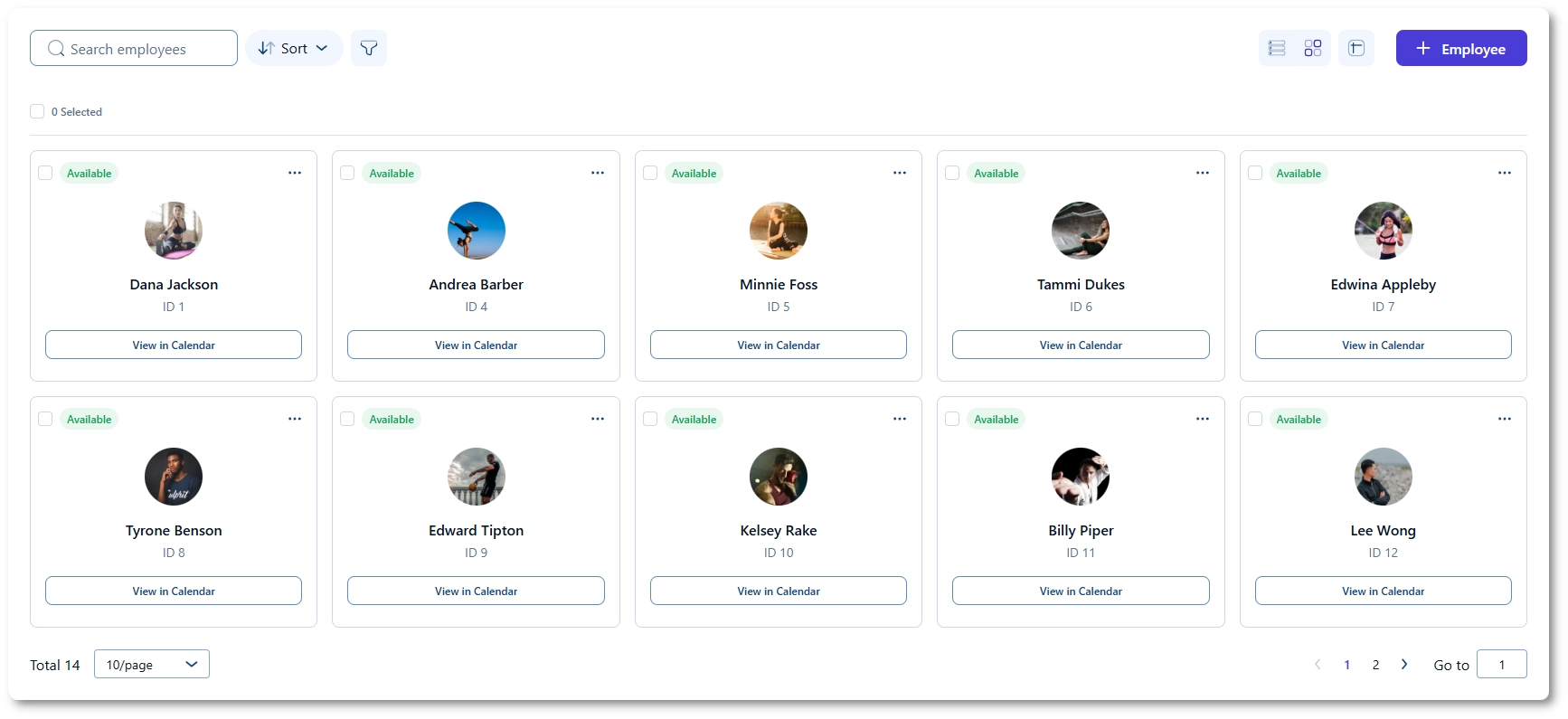
Multiple employees support
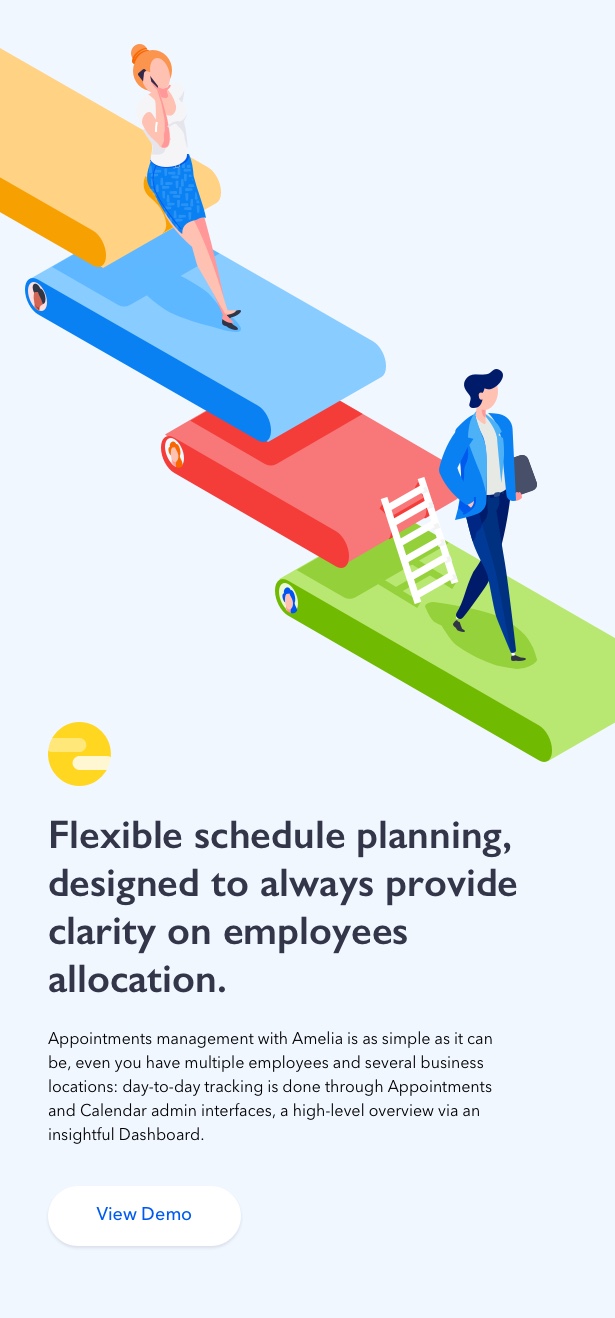
Whether you’re running a solo business or managing a larger team, Amelia scales with you. Each employee can have their own services, schedule, working hours, breaks, and days off.
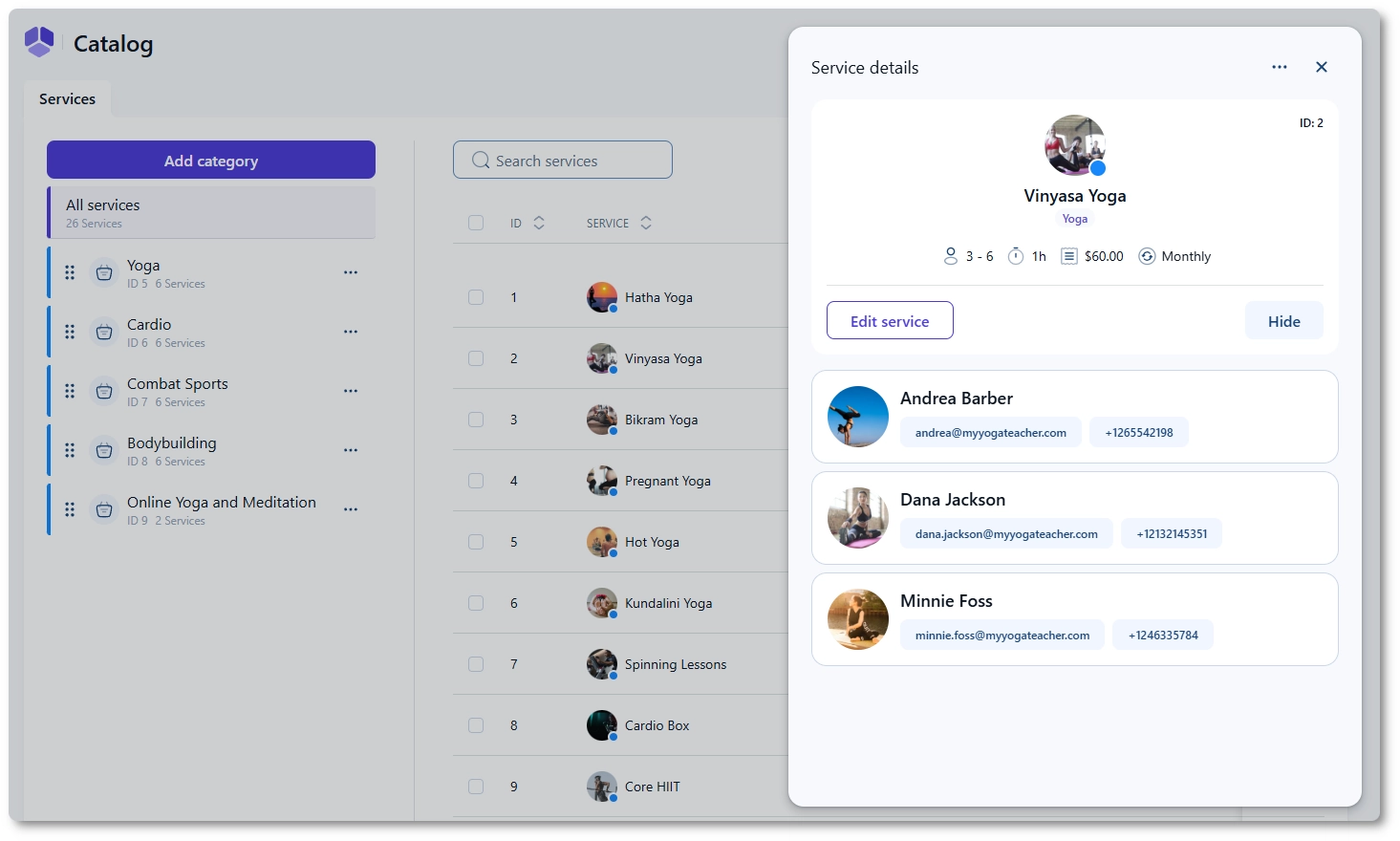
Services and categories
Create and organize your services with full flexibility. Set prices, durations, and capacity, allow group bookings, and configure buffer times before and after appointments.
Extras and upsells
Increase your revenue by offering additional services or products during booking. For example, you can add meals, tickets, or add-ons to appointments and let customers include them as extras.
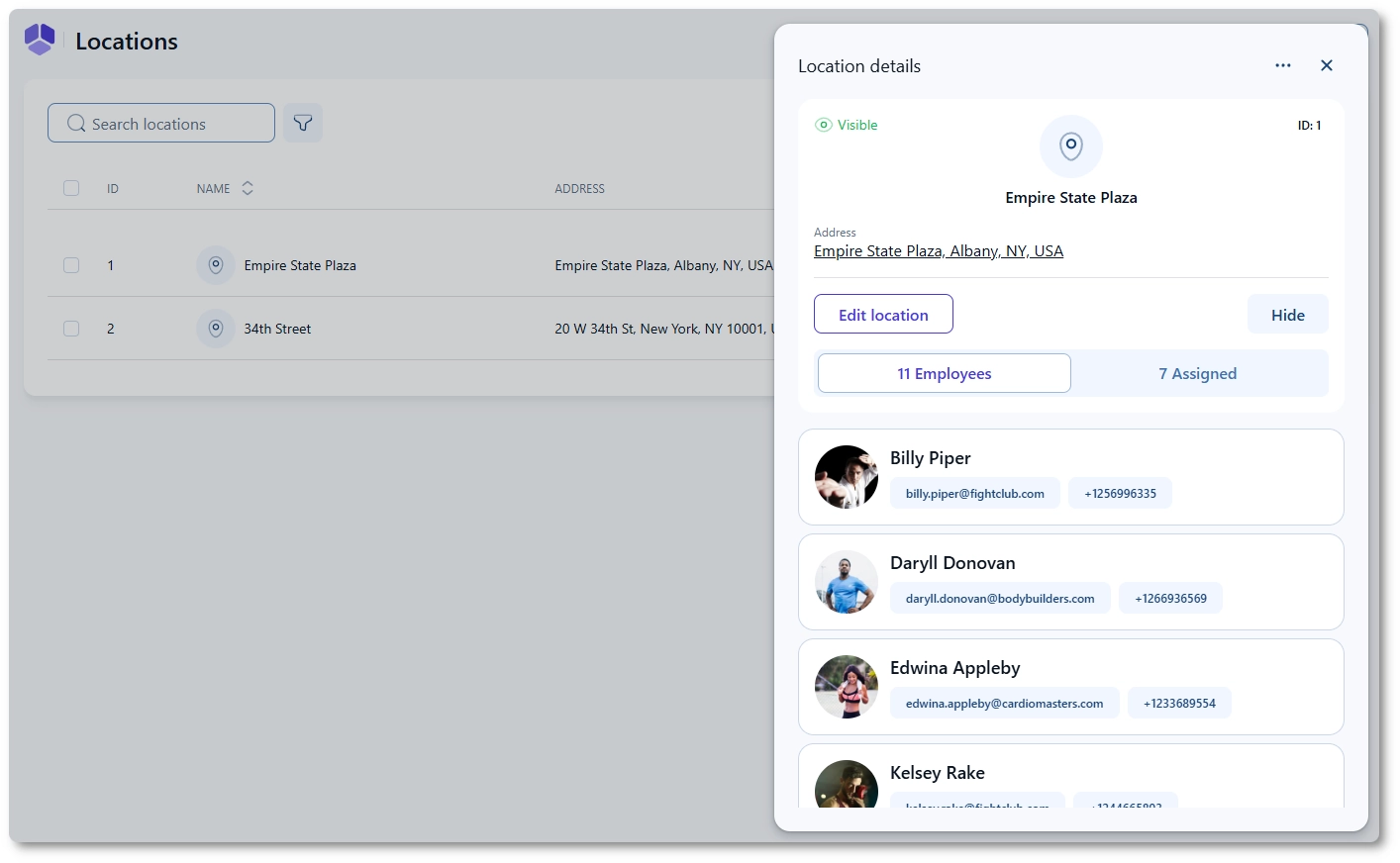
Multiple business locations
Manage multiple locations from a single system. Assign employees to specific locations and let customers choose where they want to book their appointment.
What’s next?
We’re constantly improving Amelia based on user feedback. If you have an idea or need a feature that’s not yet available, you can vote for existing requests or suggest your own.
Changelog
We regularly release updates with new features, improvements, and bug fixes. View the changelog to see the latest updates and full release history.
Amelia featured in popular WordPress and web design resources
| Type | WordPress Plugin |
|---|---|
| Author | melograno-ventures |
| Category | Wordpress / Calendars |
| Price | $299 |
| Sales | 2,053 |
| Rating | 4.77 from 132 ratings |
| Published | Jun 12, 2018 |
| Last Update | Oct 2, 2026 |
| Compatible Browsers | IE11, Firefox, Safari, Opera, Chrome, Edge |
| Compatible Software | WordPress 7.0.x |
| Gutenberg Optimized | Yes |
| Source Files Included | JavaScript JS, HTML, CSS, PHP |
Categories
Tags
External listing. code.market does not sell this product and does not process payment for it. Pricing, payment, delivery, licensing, refunds, and support are handled by the third-party merchant on its own website. We may earn an affiliate commission from a referral. Details.
Products of the Week.
Submit🥇

STOP GUESSING WHAT TO POST
AI that learns your brand voice and builds a month of consistent, on-brand social content: carousels, posts and hooks that sound like you, not like everyone else's AI.
SaaS · 3,993 views · 35 clicksSaaS · Week 45 · 3,993 views · 35 clicks
🥈

Conversational Backlinks for Busy Founders
Place Backlink Relevant Conversation for your domain across Forums and Conversations
Website · 41,641 views · 222 clicksWebsite · Week 45 · 41,641 views · 222 clicks
🥉

upvote.club
Free Social Media Engagement that Helps Boost Your Content. Upvote Club supports 19 social networks with 100+ engagement actions in one dashboard. Add links to your posts and get free engagement from real users.
SaaS · 39,668 views · 114 clicksSaaS · Week 45 · 39,668 views · 114 clicks
#4

Substack Posting API
Onboard your Agent to Substack. Write Publish on Substack via API
SaaS · 58,696 views · 198 clicksSaaS · Week 45 · 58,696 views · 198 clicks
#5

Seenshot App
Free, Fast, MacOS Screenshot app. Make Screenshot cmd+shift+2 and send it via link
Desktop App · 28,079 views · 122 clicksDesktop App · Week 45 · 28,079 views · 122 clicks
#6

Hand-Placed Backlinks $9.99 per link. Flat rate.
Buy hand-placed forum, Q-A and directory backlinks. Flat $9.99 per link, no subscriptions — you only pay for approved listings.
Website · 3,938 views · 19 clicksWebsite · Week 45 · 3,938 views · 19 clicks
#7

Free Invoice Generator - PDF Invoices in Your Browser, No Sign-Up
A free invoice maker for freelancers and small businesses: fill in the invoice, check the live preview, and download a PDF that looks exactly like it. Any currency, tax per item, three templates, no sign-up, and nothing leaves your device.
2,615 views · 17 clicksWeek 45 · 2,615 views · 17 clicks
#8

Merge PDF Files Free - Combine PDFs in Your Browser, No Upload
A free PDF merger for office workers, students, and freelancers: combine PDFs and images into one file in the browser, reorder files and pages, pick page ranges, keep bookmarks, and open password-protected PDFs. Nothing is uploaded, no sign-up, no watermark.
2,434 views · 13 clicksWeek 45 · 2,434 views · 13 clicks