The Largest Curatorial Library
With Window

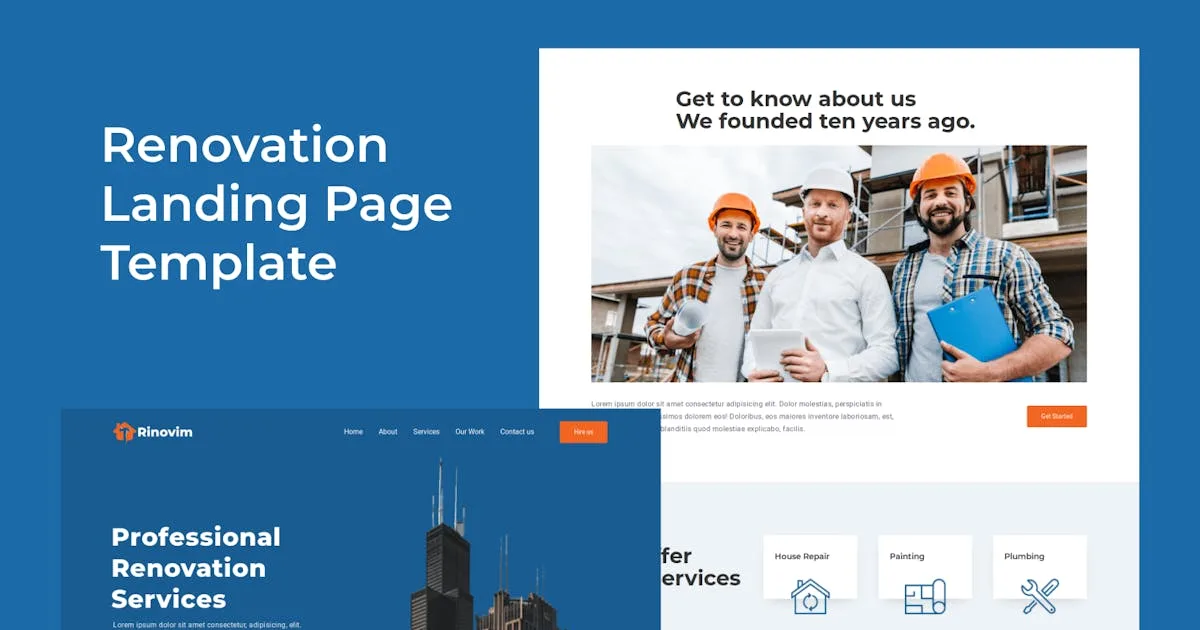
Rinovim - Renovation Landing Page Template

Rinovim - Renovation Landing Page Template

Rinovim - Renovation Landing Page Template suitable for individual, team or company, who wants to present or display to online the renovation services that will make people know and interested your services. with a modern and creative design, is fully responsive for desktop, tablet and mobile. with brought clean design, simple design,responsive, easy customize and more. And many features other, instantly see the preview to see any features

Rinovim - Renovation Landing Page Template

Rinovim - Renovation Landing Page Template

Rinovim – Renovation Landing Page Template suitable for individual, team or company, who wants to present or display to online the renovation services that will make people know and interested your services. with a modern and creative design, is fully responsive for desktop, tablet and mobile. with brought clean design, simple design,responsive, easy customize and more. And many features other, instantly see the preview to see any features

Advanced Zoom Product Images

Advanced Zoom Product Images

With this module you can zoom your product page images. An easy-to-use module advance image zooming plugin to present magnified product images to your customers. It allows customers to enlarge the image by simply hovering the mouse over it. It features three Zoom types: inner, lens & window. The plugin comes with advance setting panel to change the ways it works in the front end like cursor type, lens shape, lens color, lens border, zoom window width, height, color & border, fade-in speed, fade-out speed, and much more.

Pop-up Container Adobe Muse Widget

Pop-up Container Adobe Muse Widget

This widget allows you to display a Pop-up window that locks the rest of the page until the page visitor closes it. So it’s great for placing promotions, ads or some other important information. The design of the pop-up window can be created directly in Muse, so it will look awesome and will match your website. Just use the provided container as canvas to create the design for your Pop-up window and then adjust various additional options in the widget panel. You can can create any design that you wish for your Pop-up window by placing text, images, videos, shapes, buttons and any other kind of elements into the provided container.