🥇
WooCommerce Catalog Mode - Pricing, Enquiry Forms & Promotions
Use the WooCommerce Catalog Mode – Pricing, Enquiry Forms & Promotions plugin to easily set up catalog modes, prices and marketing strategies on your WooCommerce store.
🥇
WooCommerce Catalog Mode - Pricing, Enquiry Forms & Promotions
Use the WooCommerce Catalog Mode – Pricing, Enquiry Forms & Promotions plugin to easily set up catalog modes, prices and marketing strategies on your WooCommerce store.
🥈
Discount by NFT for WooCommerce (addon)
Discount By NFT For WooCommerce (addon) – is an addon for our core plugin: Enefti Core. It is used for generating WooCommerce Discounts (based on fees) for users that owns one or more NFTs from the Enefti Core.
🥉
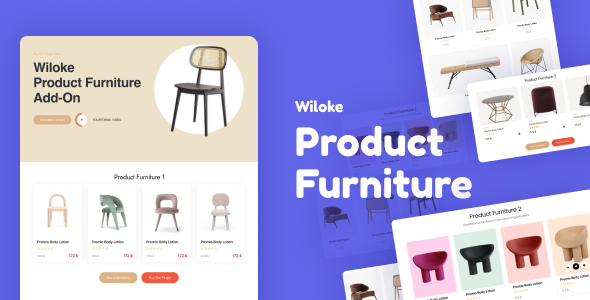
Elementor WooCommerce Product Furniture
It is super simple to showcase a product catalog on your site. With a single click, you’ll have all of your items available for purchase on any page, including the homepage!
#4
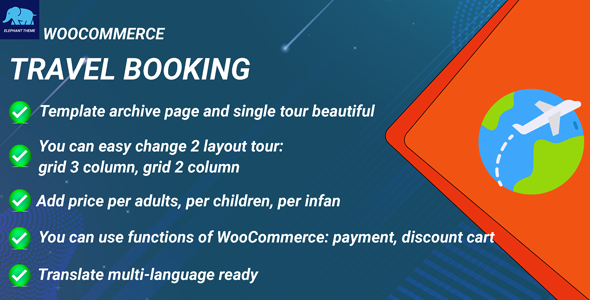
Travel Booking for WooCommerce
An extension for WooCommerce, this plugin helps you add an tour in WooCommerce. Beautiful view for a single tour and archive tour. It can work with all WordPress themes. It has archive page tours: Grid 3 column, grid 2 column. You can book tour via WooCommerce. You can set up payment via WooCommerce easily.
#5
WooCommerce Event QR Code Email Tickets
For example if you sold tickets to a party or for another example is a bus ride. You can scan the qr code ticket as the customers arrive (use any free qr code scanner app) to see if its valid or not. Once the customers QR Code ticket is scanned it becomes invalid, to avoid the customer trying to use ticket twice). (our plugin does the work behind the scenes so they cannot try to use the same ticket twice) LIVE DEMO
#6
Upsell Cross-sell Bulk Edit for WooCommerce
In addition to Search and Select products which is already available in WooCommerce, the following options are available in the Upsell/Cross-sell bulk edit for WooCommerce,
#7
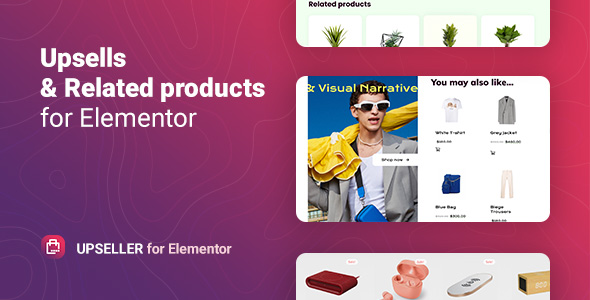
WooCommerce Upsells and Related Products – Upseller
The Upseller WordPress plugin includes two widgets for the Elementor builder to add Upsells and Related products. It allows displaying the product blocks in the necessary place on any site page with the ability to customize element styles to suit your design and preferences.
#8
WooCommerce NFT Importer - Data Fetcher via Cronjob (Addon)
NFT Data Fetcher via Cronjob: Is an addon for WooCommerce NFT Importer and is the perfect helper for those who are looking for fetching the details of a NFT in real-time. The NFT Importer core only imports the NFTs one time and doesn’t fetch the details in real-time. With the help of this addon, this problem is fulfilled.
#9
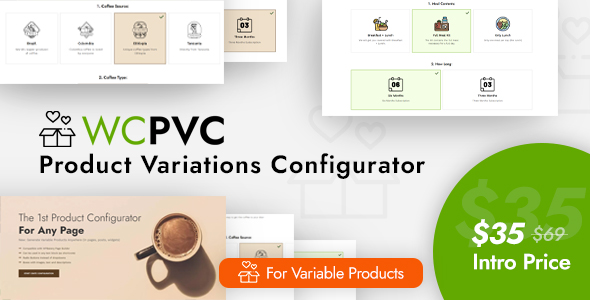
WC Product Variations Configurator on Any Page
With this plugin, you can create a perfect Subscription Box online shop. If you are looking for a Subscription Box theme, take a look at our newest theme: TheCrate – WooCommerce Subscription Box Theme
#10
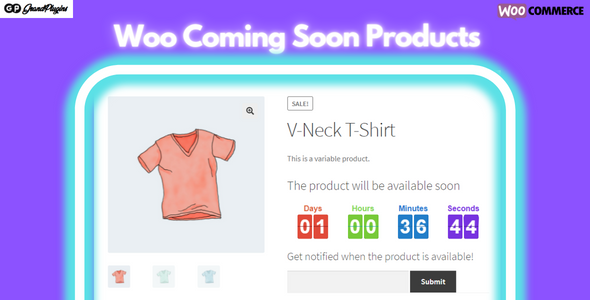
Coming Soon Products for WooCommerce
WooCommerce Coming Soon Products plugin allows setting a coming-soon mode to any product and let your clients know when the product will be available, collect their emails, so you can inform them when the product is available..
#11
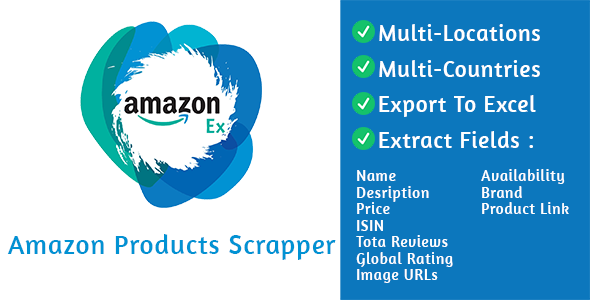
Amazonex
AmazonEx allows you to set how many businesses you want to extract, just set the pages counts field, and every page contains from 1- to 25 products.
#12
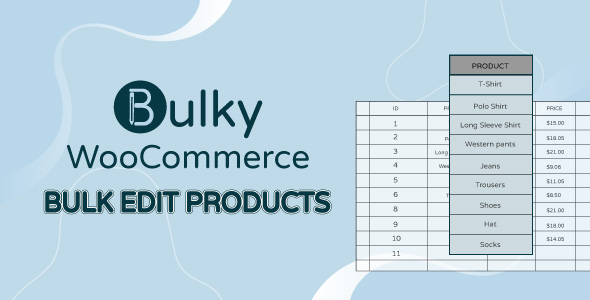
Bulky - WooCommerce Bulk Edit Products, Orders, Coupons
WooCommerce Bulk Edit Products helps easily work with products in bulk. Particularly, the plugin offers sufficient simple and advanced tools to help filter various available attributes of simple and variable products such as ID, Title, Content, Excerpt, Slugs, SKU, Post date, range of regular price and sale price, Sale date, range of stock quantity, Product type, Categories…. Therefore, users can quickly search for wanted products fields and work with them in bulk. In short, the plugin promises to help shop owners to save time and optimize manipulation when working with products in bulk.
#13
WooCommerce Product Catalog Inquiry
WooCommerce Product Catalog and/or Inquiry is a multi-purpose plugin to let you set all or selected products in catalog mode by revoking cart and optionally hiding product price. It also lets you receive inquiry for any product regardless of its catalog mode status by adding an inquiry cart to your store and showing inquiry button for the product. What you call this inquiry (order, request a quote, info query) and which form (Contact Form 7, Gravity Forms, etc.) you use to receive this inquiry is up to you. You can receive inquiry cart’s content in the email sent to you by the inquiry form. You can also customize product price text and inquiry button label.
#14
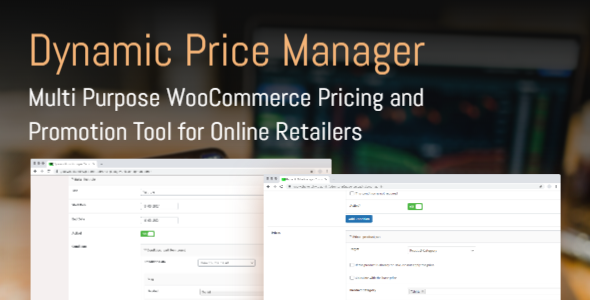
WooCommerce Dynamic Price Manager - Wholesale Pricing and Bulk Discounts
Unlock the power of advanced pricing strategies with our dynamic pricing management tool for WooCommerce. Designed for the evolving needs of online retailers, our plugin allows you to effortlessly set different prices for varying conditions, craft enticing discounts, and implement powerful promotions. With an intuitive interface, it’s simple to customize your pricing to maximize sales and customer engagement. Embrace the future of e-commerce where external data informs your pricing decisions, giving your store a competitive edge with our unmatched pricing flexibility.
#15
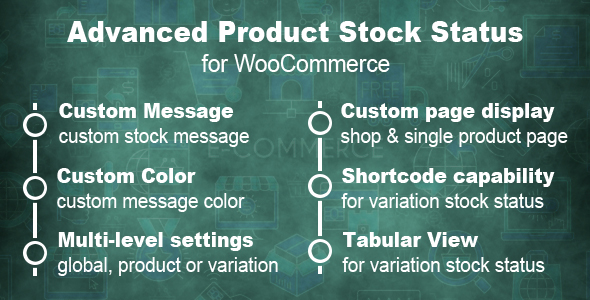
Advanced Product Stock Status For WooCommerce
This plugin is used to write the custom stock status with different colors for each WooCommerce product or globally, let users to know exact stock status names in product details page. You can change the following default stock status and diferent colors for status text
#16

WooCommerce Products Compare
#17
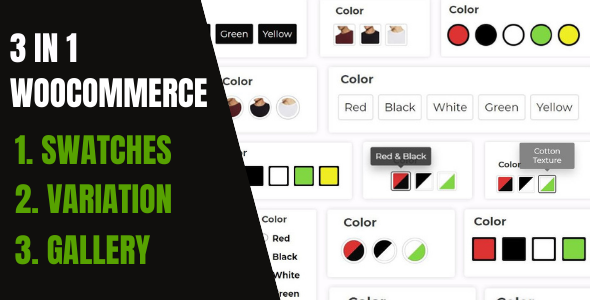
WooCommerce Variation Swatches And Additional Gallery
InnovativeWP’s Variation Swatches Plugin is a Complete 3 in 1 Solution for WooCommerce. We have included your every requirement into a single solution.
#18
WooCommerce Shop the Look
Showcasing complete looks is getting more and more important in 2021. Not only Zalando does, but more and more online shops show get the look products to increase their sales. Image yourself seeing an outfit of a person you like and want to buy. Our WooCommerce plugin makes this possible by showing not only the outfit or set itself, but by showing all shoppable items directly at the same page. From here customers can choose their products and add them manually or all to cart with ease. Simply sell lookbooks & get the look products with ease! Some example use cases:
#19
WooCommerce Sale Countdowns & Triggers
Ever heard about dark pattern in eCommerce? No? Then you should definitely continue reading. Dark pattern are used in eCommerce since years and are well common. Even though some people judge them, many big brands like booking.com or amazon.com uses them. Some examples your might have seen during your own shopping experience:
#20
ALD - AliExpress Dropshipping and Fulfillment for WooCommerce
Aliexpress Dropshipping for WooCommerce is most likely a keyword that is frequently searched on browsers. If you are new to an online business, Aliexpress dropshipping for WooCommerce is the best option for you because it allows you to start an online business at a low cost, with low risk, attractive revenues, and a wide range of products from AliExpress.com.