🥇

UnoSlider - Responsive Touch Enabled Slider
High Resolution: No, Compatible Browsers: IE6, IE7, IE8, IE9, IE10, IE11, Firefox, Safari, Opera, Chrome, Software Version: jQuery
Created Oct 15, 2011 · Updated Jan 15, 2015 · ★ 4.44 (122) · 9.7K sales
🥇
UnoSlider - Responsive Touch Enabled Slider
High Resolution: No, Compatible Browsers: IE6, IE7, IE8, IE9, IE10, IE11, Firefox, Safari, Opera, Chrome, Software Version: jQuery
Created Oct 15, 2011 · Updated Jan 15, 2015 · ★ 4.44 (122) · 9.7K sales
🥈

jQuery Responsive OneByOne Slider Plugin
The OneByOne Slider is a lightweight, responsive & layered jQuery plugin you can use to display your image and text one by one. The CSS3 animation is driven by Animate.css. It’s mobile friendly, which support wipe left/right on your touch device like iPhone & iPad. You can drag and drop to navigate with your mouse too. The latest update add an extra example, which make Twitter Bootstrap Carousel support the one by one animation.
Created Oct 23, 2011 · Updated Aug 16, 2013 · ★ 4.29 (191) · 1.8K sales
🥉

FullScreen Background Slider - jQuery SlideShow
FullScreen Background Slider using the latest CSS3 transitions along with jQuery to display a really unique fullscreen gallery slideshow in the background of your website. With 36 animation types, 20+ patterns and customizable timing, it can be a modern and clean tool to create great websites, including landing pages or even coming soon pages.
Created Jan 29, 2014 · Updated May 17, 2022 · ★ 4.64 (22) · 316 sales
#4

XML Timeline Animation Banner
XML Timeline Animation Banner Before the iPhones and iPads, Flash has been the best cost-effective solution in delivering quality animations in the web. But with the increased popularity of iOS devices with no flash support, the industry is slowly shifting to open standards. Developers mostly rely on Javascript animation libraries for their animation needs. Unfortunately, most of these libraries still have some limitations which XML Timeline Animation Banner would like to address. Check out the features below. It might just be what your looking for. Features 1. CSS Animation This uses the power of JQuery to select DOM Elements and Greensock Animation Platform (GSAP) v12 for the really crazy fast animation and sequencing. You can animate almost any CSS property of DOM elements including border, color, percentages, opacity, cool transforms like skewX, skewY, scaleX, scaleY, rotation, x, and y. There are no predetermined CSS parameters in the XML that you need to input. Simply animate only the properties you need to one or more DOM elements.Below is an example showing the css animation. 2. Javascript Object Property and Function-based Property Tweening XML Timeline Animation Banner is not only limited to DOM Element animation. It also provides a way to tween object properties. You can target a single object or even multiple objects using arrays. This great feature provides a flexible way to animate graphical objects in a Canvas element. Another feature is the ability to tween function-based properties. It will work if you have an object with a function rotation() that gets and sets a value. Also, it can also tween even if you have functions like setRotation() and getRotation(). 3. Advanced Timeline Sequencing Using timelines, you can offset the insertion point, align animations at the same start time or align them one after the other. You can even set a time that can be added to the start time of each animation. You can even go further by nesting timelines(timeline within a timeline). You can also have multiple banners that have separate controls in one page. 4. Cross-browser, PC, Mac, Android and iOS compatible Using a PC, Mac, Android or IOS Device? No problem. Since it’s written in Javascript, it should work on your devices. Standard CSS properties including special transforms like rotation, scaleX, scaleY, scale, skewX, skewY, x, y, transformOrigin will work in all modern browsers even with a classic browser such as Internet Explorer 6. Non-standard CSS properties will depend on browser support. So if your browser supports it, it can be animated. 5. Advanced User Controls Users will now have video-like controls (without the buffering) when viewing the animation. Repeat, pause, play or seek(time or label) anytime so your users don’t have to miss a thing. You can use labels that are precisely marked in the seek bar so your users will know when the next set of animation begins. All of which can be set in the XML. 6. Multiple Banners in One Page You can set multiple banners in one page using one XML. Each banner can have its own timeline sequence and controls. 7. One XML, Multiple Banner Sizes One xml can be reused in different pages requiring different banner sizes. This can cut cost because there will be no need to rework the same animation with different banner sizes. This can be achieved by using a combination of % based position and size. 8. Slice your images with ImageSlicer ImageSlicer uses CSS to conveniently slice and animate images just by setting the number of rows and columns in the XML. Combined with timeline sequencing, it creates cool image slice transitions. 9. Intelligent Autoplay Most of the time you don’t need a banner animation to play when it is not currently visible in the page. With this feature, you can optionally specify to pause the banner animation when not shown in your page. This saves additional processor overhead especially with mobile devices. 10. DOM Element Event Handler This helps attach events to DOM Elements without coding. Note: Images are not included in your purchase.
Created Sep 10, 2012 · Updated Sep 12, 2012 · ★ 5.00 (6) · 81 sales
#5

jQuery Simple Slider Plugin
The Simple Slider is a jQuery plugin you can use to display your image and Vimeo or Youtube videos. The CSS3 animation is driven by Animate.css. It’s mobile friendly, which support wipe left/right on your touch device.
Created Nov 3, 2011 · ★ 4.60 (10) · 213 sales
#6

CSS3 Accordions for WordPress
CSS3 Accordions For WordPress is a WordPress Accordions Plugin based on pure CSS3. It comes with intuitive admin panel, horizontal and vertical layout and color picker for unlimited color skins. You can put content of any type inside accordion expandable section including lists, images or any custom HTML code.
Created Oct 27, 2011 · Updated Nov 19, 2025 · ★ 4.05 (43) · 440 sales
#7
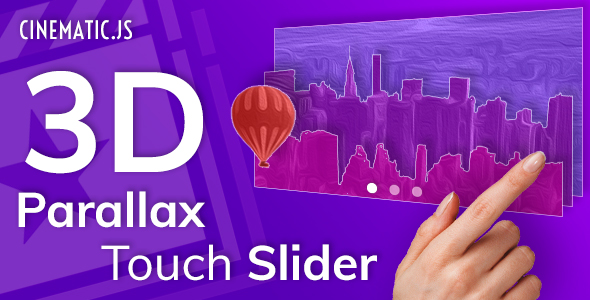
Cinematic - 3D Parallax Touch Layer Slider v.1.2
Cinematic – is a responsive, touch-friendly Slider script that displays your content with parallax 3D effect. You can easily prepare layers for your own images in photo editor – a video lesson for Adobe Photoshop is included. Or you can pick one of ready 3D slides from our big library. You can use different content for creating layers: images, text or any HTML.
Created Dec 24, 2025
#8
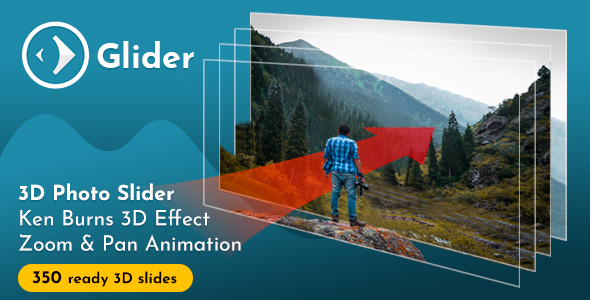
Glider 3D Photo Slider v1.7
Glider – is a simple slider script that automatically animates layers of still imagery for creating illusion of 3D. It pans and zooms photo in any direction to achieve Ken Burns 3D effect. You can use any HTML content as layers, like text or buttons.
Created Dec 24, 2025
#9

jLayers - Mouse Driven Animation Plugin
jLayers – pure JavaScript plugin for creating mouse-driven motion animations. This plugin can be used to create site backgrounds, Under Construction pages and Sliders. jLayers binds mouse movement with layers that it control, where each layer receives its own offset depending on mouse position in document. Layer can contain any html element, like image, text or even video.
Created Jun 21, 2011 · ★ 4.50 (12) · 121 sales
#10

Image Sliders - The Ultimate Bootstrap Image Sliders
The Ultimate Bootstrap Sliders is an all-in-one package that includes a variety of slider types, each with its unique style and functionality. It provides you with a complete range of customizable sliders to help you create dynamic and engaging web pages. With its intuitive interface, you can quickly and easily add stunning sliders to your website. Whether you need a basic slider or a more complex one, the Ultimate Bootstrap sliders has got you covered. It is easy to use, fully responsive, and works seamlessly across all devices. Choose from a variety of transition effects, control animations, and customize everything from colors to fonts to create the perfect slider for your website. Get The Ultimate Bootstrap sliders and take your website to the next level.
Created Apr 4, 2023 · 17 sales
#11

jSimplePresentation
High Resolution: No, Compatible Browsers: IE7, IE8, IE9, Firefox, Safari, Opera, Chrome, Software Version: jQuery
Created Dec 15, 2011 · ★ 4.50 (8) · 92 sales
#12

Glitch Slider — Expressive Transition Effect
High Resolution: No, Compatible Browsers: Firefox, Safari, Opera, Chrome, Edge, Software Version: jQuery
Created Apr 5, 2019 · 10 sales
#13

jQuery CSS3 Feature Slider Plugin
High Resolution: No, Compatible Browsers: IE8, IE9, Firefox, Safari, Opera, Chrome, Software Version: jQuery
Created Sep 20, 2012 · 11 sales
#14

Slice - Responsive jQuery Slider, Carousel and Parallax Plugin
Slice is a Responsive jQuery Slider and Carousel Plugin, everything you need in one plugin. In addition to classic horizontal sliders and carousels, it provides fully functional vertical sliders and carousels. Slice provides enourmous amount of options and examples of it, that can fullfill some sophisticated tasks. All options can be set directly in HTML via data attributes in a simple way. Easy extendable and themable, comes with 5 pre-styled themes too choose from and more is comming.
Created Oct 24, 2019 · Updated May 25, 2021 · ★ 0.00 (2) · 79 sales
#15

SLD Sliders Responsive CSS
High Resolution: Yes, Compatible Browsers: IE10, IE11, Firefox, Safari, Opera, Chrome, Edge, Software Version: CSS3
Created Jan 13, 2018 · Updated Feb 4, 2018 · ★ 0.00 (1) · 46 sales
#16

jQuery Animate Slider Plugin
High Resolution: No, Compatible Browsers: IE8, IE9, Firefox, Safari, Opera, Chrome, Software Version: jQuery
Created Mar 28, 2012 · Updated Mar 29, 2012 · ★ 3.50 (8) · 82 sales
#17
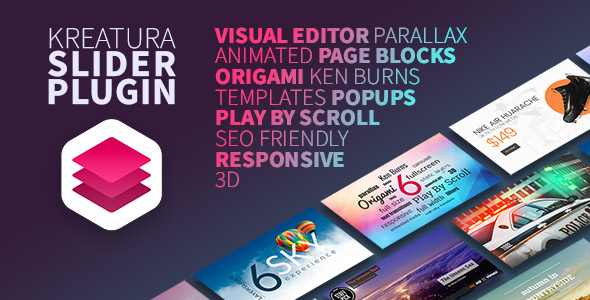
Kreatura Slider Plugin for WordPress
Created Dec 23, 2025
#18
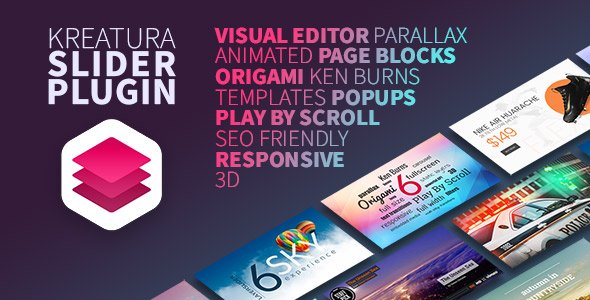
Kreatura Slider Plugin for jQuery
Created Dec 23, 2025