The Largest Curatorial Library
With Responsive Creative

OREO - Creative Portfolio Responsive Retina HTML

OREO - Creative Portfolio Responsive Retina HTML

OREO is an interactive full screen portfolio which suitable for artists, photo studios, creative or digital agency, restaurants, freelancer and for everyone wants to showcase their portfolio in an interactive and professional way. Check out the layout structure of http://fmedias.com/oreo/index2.html file in ipad/iphone ( http://ipadpeek.com/ ) device It’s very easy to edit the page content. Can be use one page or seperate pages versions or combine both the files as per you need. Using the lazylaod option, The images are load only when the perticular page will display, so it increase the page load time. Both one page and seperate pages versions with two colors are available in download file on seperate folder. It’s very easy to change the template color by just editing a single color.css file. It looks great in Desktop, Tablet and Mobile device. All PSD file and Complete Help document is included Features:

Created Apr 23, 2013 · Updated Feb 18, 2014 · ★ 4.68 (22) · 311 sales

GENIUS - Ambitious Coming Soon Template

GENIUS - Ambitious Coming Soon Template

GENIUS is probably the cleanest and powerful template for introducing your project. Versatile in all the ways, GENIUS can be used for every creative people, corporates, agency, e-commerce, business, portfolio etc
 Get an important advantage with a very smart page. Polyvalent, elegant, crafted carefully for an intuitive experience. Exclusive in all the ways as well, offering a range of unique interactions, 05 pre-made variants, 20 variations and 05 color schemes, a solid foundation under Bootstrap 3 and a fast support in English & Français.

Created Nov 13, 2016 · Updated May 22, 2017 · ★ 4.83 (12) · 202 sales

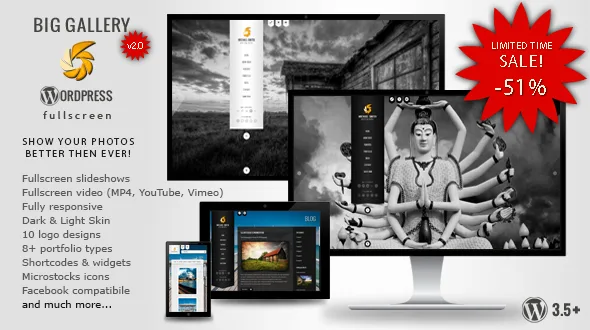
BIG Gallery WP - Fullscreen Photography/Portfolio

BIG Gallery WP - Fullscreen Photography/Portfolio

You can find few fullscreen themes, but if you’re a photographer, you know how important is composition. Fullscreen photos are always cut or stretched, so they don’t look as you wanted. BIG Gallery allows you to choose from 4 ways of fullscreen slideshow. You can fill all screen with the image, fill full width or height. You can also automatically adjust images to prevent them from being cut. You can change slideshow type separately for every page. Take a look at the example:

Created Dec 23, 2025