#1
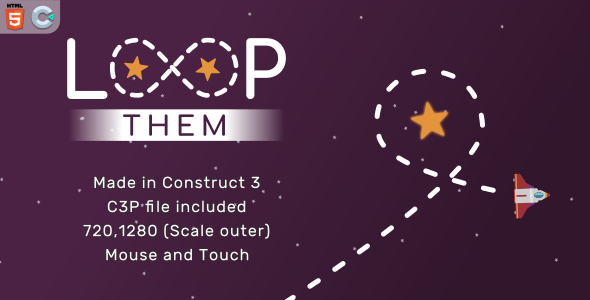
Loop them - HTML5 Casual game
#1
Loop them - HTML5 Casual game
#2
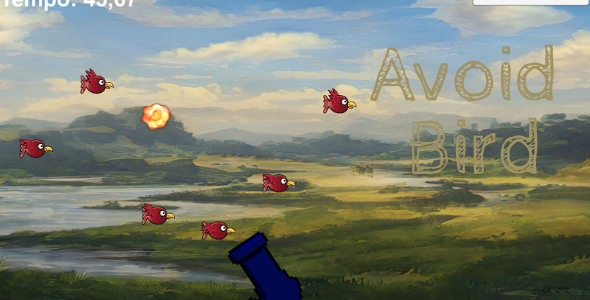
Avoid Bird Starter Kit + Unity Project + Assets + Android, PC and Xbox
#3
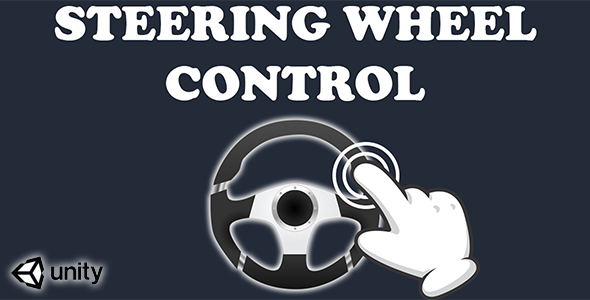
Virtual Steering Wheel Controller (Unity Source code)-mobile ready simple input touch control system
How to use it? - Drag and drop “steering wheel.prefab“ from “Prefab” folder into you canvas - Inside your scripts call SteeringWheel.axis static variable to get steering wheel input axis. As simple as that!
#4
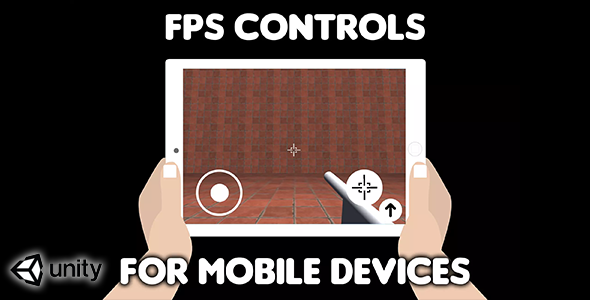
FPS Controls for mobile devices (Unity Source Code) - easy first person shooter virtual controls
• To detect if shot button is pressed you can use JoystickRight.shot static variable. It will return true when shot button is pressed and false when it is released. • To detect if jump button is pressed use JoystickRight.jump. It will return true whan jump button is pressed and false when it is released.