#1

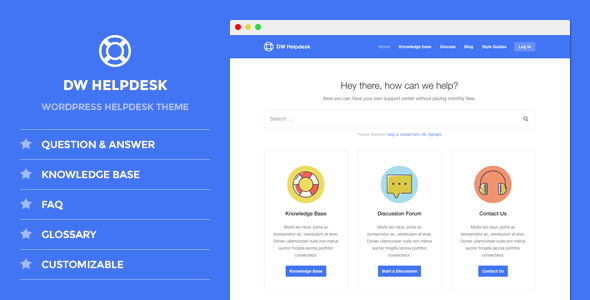
DW Helpdesk - Knowledge Base / Q&A / FAQ WordPress Theme
#1

DW Helpdesk - Knowledge Base / Q&A / FAQ WordPress Theme
#2

MinervaKB Knowledge Base for WordPress with Analytics
If you have any questions, don’t hesitate to ask us in comments or via contact form in Envato profile. We try our best to respond right away (or within 1 hour) during working time (we’re at GMT+2, EET) or within 1 day otherwise.
#3
WP Glossary - Encyclopedia / Lexicon / Knowledge Base / Wiki / Dictionary
The “WP Glossary” plugin helps you to create your own glossary of terms for Encyclopedia / Lexicon / Knowledge Base / Wiki / Dictionary in your website. This plugin works based on a custom post type and so you have a full editor at your disposal. Want to use already existing post type? Worry not, you are still on the correct page. This plugin allows you to choose the existing post type over plugin’s default one.
#4

showNotes - show important notes to user
Show Notes plug-in is developed to show important notes to user like disclaimers, privacy policy, glossary, full name of short hand words etc. with that you can easily show important notes to user that you wanted user to see / guide. You can show notes in 4 different ways like show notes as Jump to Note, Tooltip, Modal window, Fullscreen modal window. There are various animation effects through CSS for Modal window (15) & Fullscreen modal window (7) options.