The Largest Curatorial Library
With Ecommerce Ios

Quark - Single Product eCommerce Theme

Quark - Single Product eCommerce Theme

Gutenberg Optimized: No, High Resolution: Yes, Widget Ready: Yes, Compatible Browsers: IE10, IE11, Firefox, Safari, Opera, Chrome, Edge, Compatible With: WooCommerce 10.x.x, WooCommerce 9.x.x, WooCommerce 8.x.x, WooCommerce 7.x.x, WPBakery Page Builder, Framework: Underscores, Software Version: WordPress 7.0.x, WordPress 6.9.x, WordPress 6.8.x, WordPress 6.7.x, WordPress 6.6.x, WordPress 6.5.x, WordPress 6.4.x, WordPress 6.3.x, WordPress 6.2.x, WordPress 6.1.x, WordPress 6.0.x, WordPress 5.9.x, WordPress 5.8.x, WordPress 5.7.x, WordPress 5.6.x, WordPress 5.5.x, WordPress 5.4.x, WordPress 5.3.x, WordPress 5.2.x, WordPress 5.1.x, Columns: 1

Created Jan 5, 2016 · Updated Aug 13, 2026 · ★ 4.41 (27) · 871 sales

Nove - Mobile UI Kit of 125+ iOS Templates for Sketch

Nove - Mobile UI Kit of 125+ iOS Templates for Sketch

Overview Nove UI Kit contains 125+ Prebuilt Mobile Screens in 12 Categories: Sign in – Sign up, Profile, Menu & Navigation, Walkthrough, E-commerce, Calendar, Statistic & Chart, Media, Social, Travel, News, Maps. Designed by Sketch & Figma. Nove UI Kit is created by a library of Symbol system so it’s really easy to custom or create your own design. We have a plan to build Nove become a most beautiful adn useful UI KIT so we will up to date unlimited about categories, trending & design style. Nove UI Kit is a beautiful, unique and trendy Mobile UI Kit. It will help you save tons of time building your products. Made for everyone – Designers, Design Studios, iOS Developers. Be Creative, Be Awesome. Highlights 100% High-Quality vectors 125++ Premium Screens Free font Google to use Well Organized Layers and Groups Symbol library easy to use Works in Sketch & Figma What’s inside? - Sketch file - Help file Pages included 1. Maps x9 2. News x10 3. Travel x10 4. Social x14 5. Media x18 6. Statistic & Chart x9 7. E-commerce x12 8. Calender x8 9. Walkthrough x10 10. Menu x5 11. Profile x5 12. Sign in & Sign up x18 Mockups: Mockup World Icon Used: Flaticon Images: Unsplash Font Used: Roboto – Free Google Font How to Use Sketch Files? You need to download some appropriate images from the image banks or given below link Unsplash. You can also edit any text, color or any font file by double click and change the same. You can also download full or the trial version of sketch from here.SketchApp *Images in demo are for preview purpose only & NOT included in package file.

Created Dec 25, 2018 · Updated May 10, 2021 · 51 sales

Panthó | Online Medicine Purchase Mobile App and Landing Page Figma Template

Panthó | Online Medicine Purchase Mobile App and Landing Page Figma Template

Panthó mobile app and landing page design package is exclusively made for online Emergency service provider, Ambulance service provider, Also small agencies, and Freelancers industries. It has a modern, clean and very detailed UI design for iOS and Android apps. This template included 40 Plus Screen Design and 1 landing page. All symbols and objects are vector based and easily editable. It has also component library for future updates.

Created Jun 22, 2020 · Updated Jul 3, 2020 · 22 sales

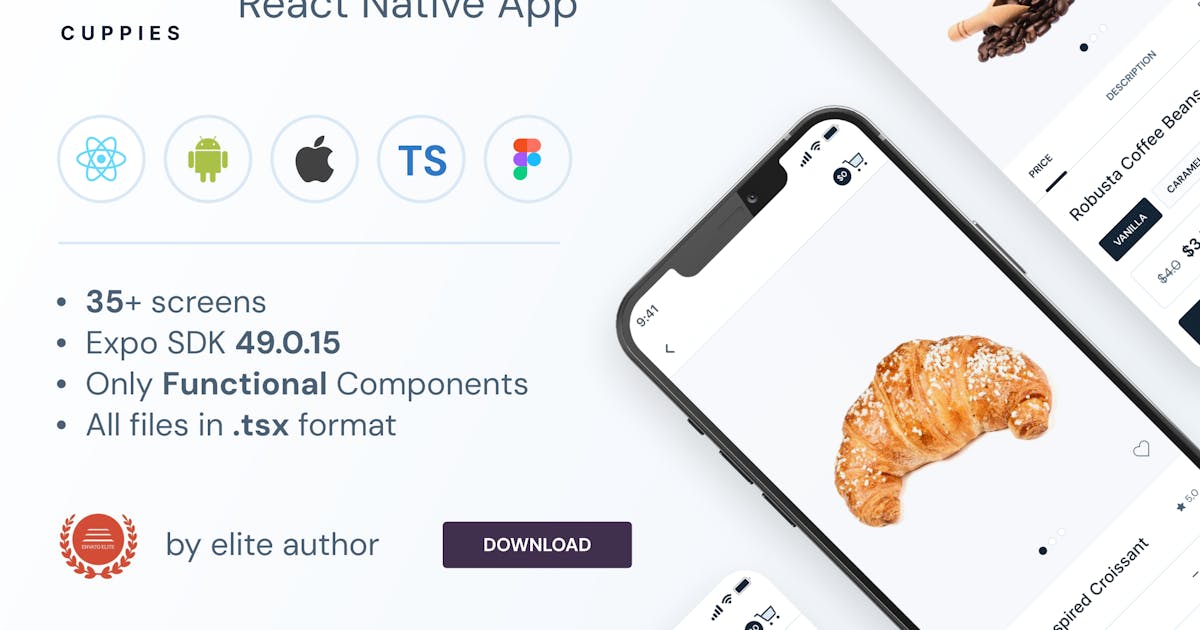
Cuppies - Coffee & Bakery Store | Expo SDK 49.0.15

Cuppies - Coffee & Bakery Store | Expo SDK 49.0.15

– Built with EXPO 49.0.15. – Only Functional Components & React Hooks. – All icons in SVG format. – Design file in figma format included – For Android & IOS – Well structured components – Video Tutorials included. – Free google fonts DM_Sans and Inter – You can add to cart product and delete from cart – You can make product favorite – Ready for the Backend – All files in .tsx format – Used Preloader for images – Used Redux and Redux Persist. If you close the application, your added products to the cart or wishlist will not be deleted.

Created Dec 25, 2025

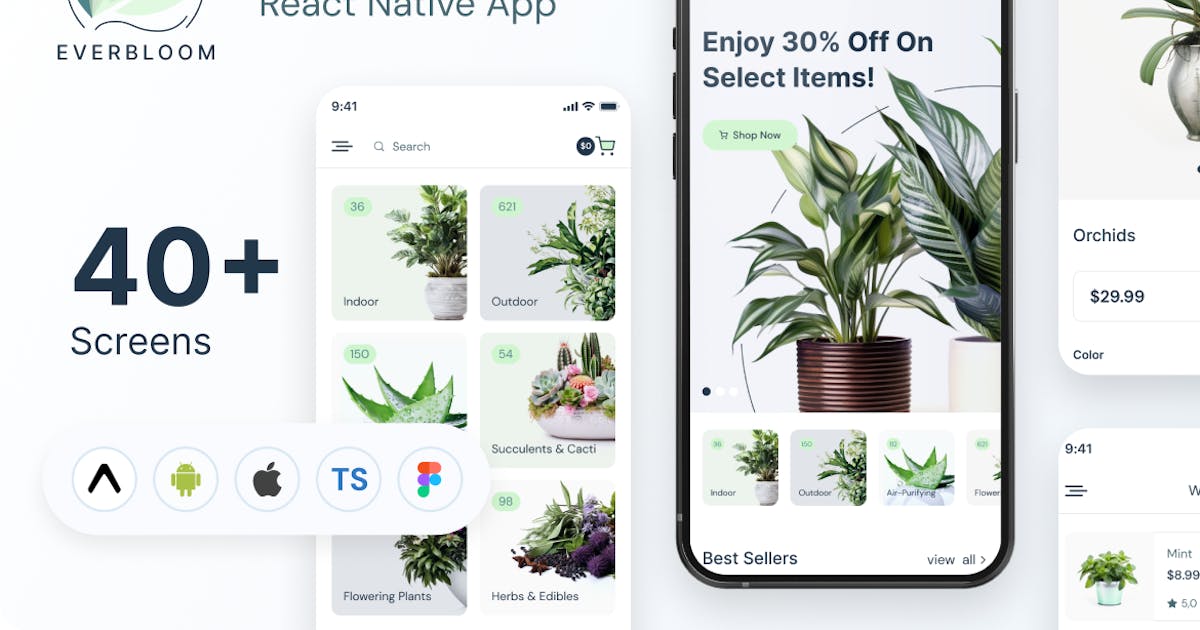
Everbloom - Plant Store | Expo 50.0.7 | Frontend

Everbloom - Plant Store | Expo 50.0.7 | Frontend

– Built with Expo 50.0.7 – Only Functional Components & React Hooks. – All icons in SVG format. – Design file in figma format included – For Android & IOS – Well structured components – Detailed Video Tutorial included. – Free google fonts – Ready for the Backend – All files in .tsx format – Used Preloader for images – Used Redux and Redux Persist. If you close the application, your added products to the cart or wishlist will not be deleted.

Created Dec 25, 2025

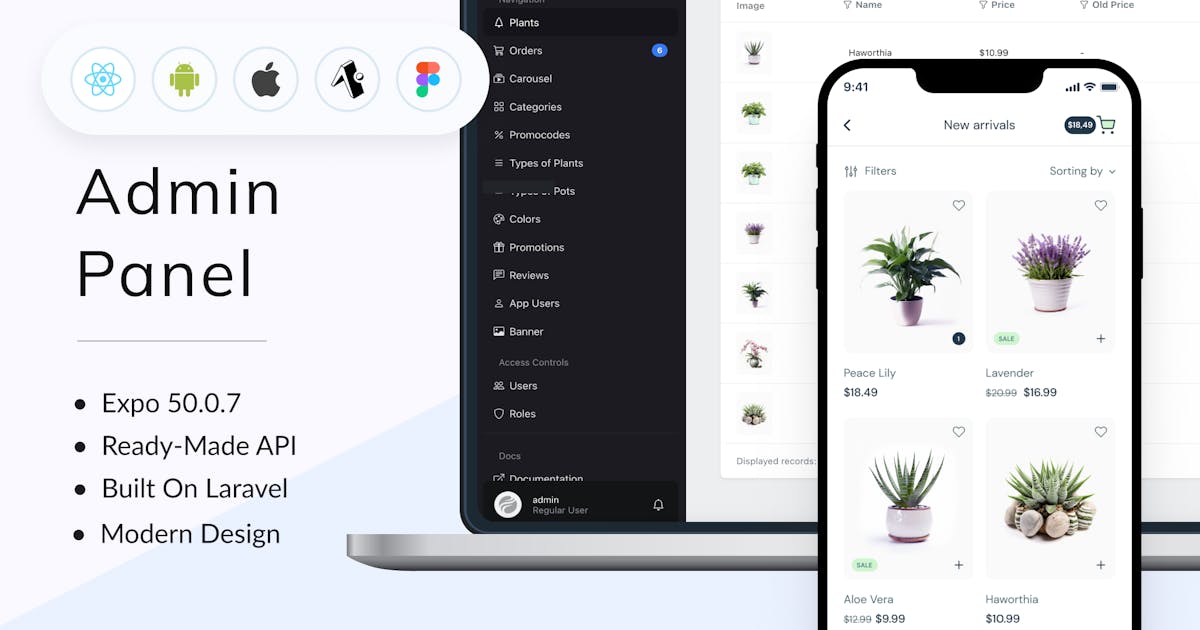
Everbloom - Plant Online Store Expo 50.0.7

Everbloom - Plant Online Store Expo 50.0.7

Everbloom is a comprehensive solution for an online plant store, encompassing both frontend and backend functionalities along with an intuitive admin panel. Developed using Expo 50.0.7, leveraging functional components, this project boasts over 40 screens, offering a seamless user experience. Detailed video tutorials are included alongside the project for ease of understanding. The project utilizes free Google fonts, namely DM Sans and Inter, and is built with TypeScript for enhanced reliability and scalability.

Created Dec 25, 2025