The Largest Curatorial Library
With Codecanyon Social

FS Poster - WordPress Social Auto Poster & Scheduler

FS Poster - WordPress Social Auto Poster & Scheduler

Social media auto poster and scheduler gives marketers an opportunity to auto-publish their blogs, repost old content, bulk schedule multiple posts and directly share individual posts on the most popular social networks. It allows users to share blog photos, infographics, or videos on visual sharing platforms from WordPress. Social media scheduler supports 20 social networks helping to widen your reach and improve your SEO through increased website visitors. Third-party integration tools help to create custom posts for each account. With unlimited post sharing, you will achieve consistency in online presence and reach social media marketing goals. Real-time analytics assess your social media strategy with platform-based performance comparison, post engagements, and click counts.

Created Jul 9, 2018 · Updated Jul 28, 2026 · ★ 4.91 (656) · 17K sales

PHP OAuth Social Login & Register Script

PHP OAuth Social Login & Register Script

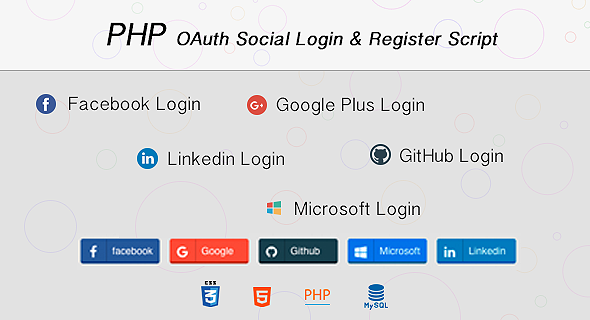
As is known, nowadays filling in registration forms is tedious and time consuming. With just one click, you are now trending in current user data from social networking sites like facebook, twitter, google, microsoft, linkedin and github. PHP OAuth Social Login & Register Script is a PHP web based projects need to have a registry and login system. PHP OAuth Social Login & Register Script is fast and easy, allowing people to login/register to your web site faster. This will increase the number of registered users on your site. We have included 6 CSS3 button style. You can choose the one that works best for you. Connect people to your website faster.

Created Dec 23, 2025

Finder | Android Universal Points of Interest App Template

Finder | Android Universal Points of Interest App Template

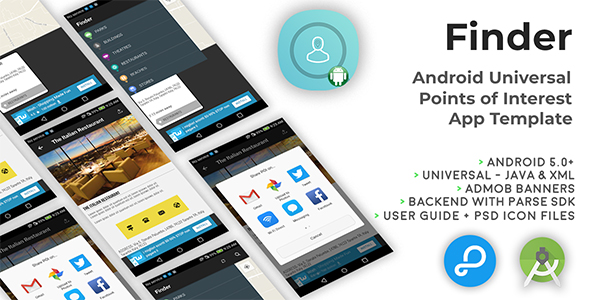
Finder is a Universal App Template for you to build your own Points of Interest app. Mostly dedicated to a city, you can easily add POI’s data directly on your Parse Dashboard on back4app.com or on adminca.com. Once you’ll create a new POI row, you will have to manually type its category, just make sure it matches the uppercase and lowercase characters of the names stored in the Categories class, otherwise, the app won’t recognize them.

Created Dec 23, 2025