The Largest Curatorial Library
With Business Marketing

Product Landing

Product Landing

Drone – x is landing page is a modern design for marketing your electronics product business. Drone – x will give interactive any kind of electronics product presentation for your company. Its very clean and modern design we make it with our love. Integrated with most purpler framework bootstrap 3x latest grid system that’s very easy to use. All the html, css, java-script code are well organized and commented to make any change easy to do without any problems. and we assure that the Drone-x help you to promote and increase your business, You can also use Drone-X template for any kind of product landing business purpose. likes use for business, use for camera landing, digital product landing, drone landing, you can use multipurpose, electronics product landing, use for retail, use for electronics shop or store, this template help you much to increase your business.

Created Mar 8, 2017 · Updated Aug 29, 2017 · 78 sales

Pixel

Pixel

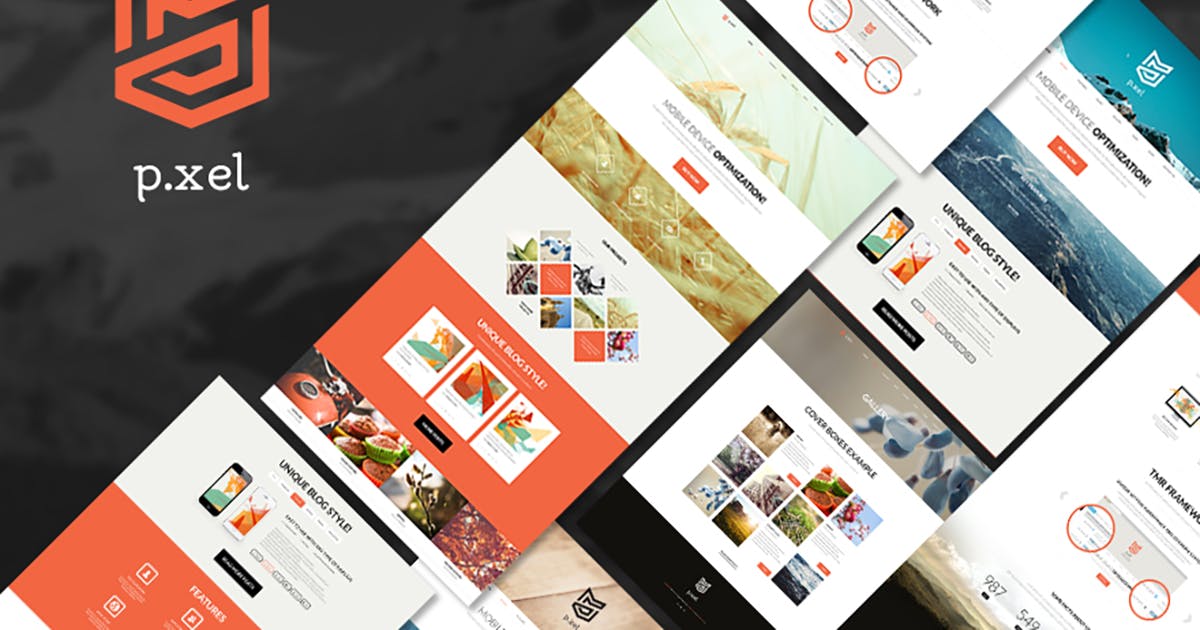
Pixel is a premium HTML site template that makes it possible for you to construct any kind of website that you can imagine. Pixel is perfect as a basis for entrepreneur or corporate website. Also it is really versatile, since it can fit any type of brand and company website: photographer, freelancer, designer, entrepreneur, web studio and other artistic agency.This site template offers a lot of great features. The template offers such features: *Tons of pre-made pages; *Valid HTML5/CSS3; *Optimization for search engines; *Ultra responsive layout; *Retina readiness; *Full customization; *Cross-Browser Compatibility: Firefox, Chrome, Safari, Opera and IE; *Bulletproof consistency

Created Dec 25, 2025

iRestaurant | iOS Universal Restaurant App Template (Swift)

iRestaurant | iOS Universal Restaurant App Template (Swift)

iRestaurant is a Universal App Template where you can show info about your Restaurant and send Push Notifications to all registered devices without having to update the app on the App Store, after applying a few configurations in the code (the User Guide explains what to do) you’ll be able to edit Menu, Gallery, Restaurant name and description, Events and so on via your own Parse Dashboard on back4app.com or via the Adminca CMS panel for Parse apps (it’s all free).

Created Jul 13, 2017 · Updated May 16, 2020 · ★ 0.00 (2) · 17 sales