The best free social media tools are ranked on five criteria, in order of weight. First come free plan limits: forever or trial, plus caps on posts, channels and users. Next is free analytics, so the numbers you see and the days of history kept. Then come networks covered, AI writing help with its credit caps, and ease of start, meaning an account, a card or nothing.
Our overall best pick is Upvote Club. This roundup has 10 picks worth your attention. You will find the summary table at the very end.
1. Upvote Club: The widest set of free social media tools, with no account at all
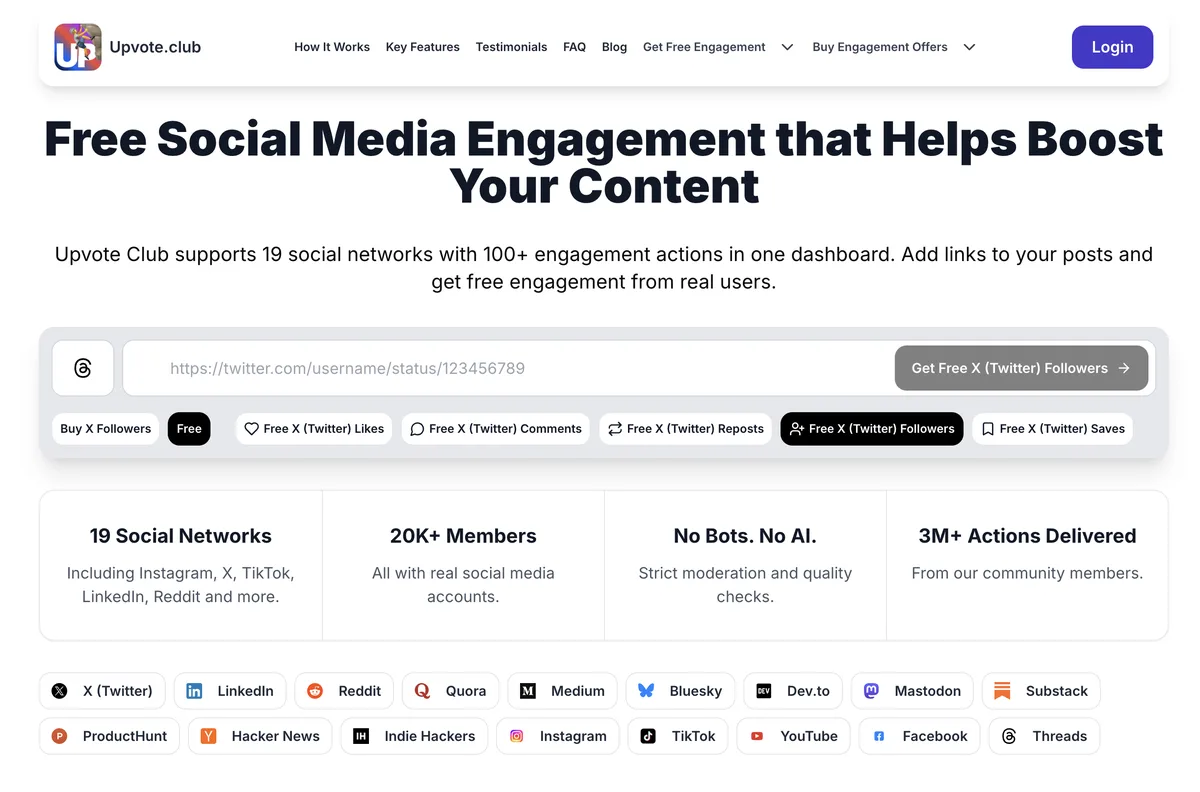
Upvote Club is a free tool catalog that helps you write, check and measure posts across 16 networks.
The page promises tools to "write, check and measure posts on LinkedIn, Instagram, TikTok, X, YouTube, Reddit, Product Hunt and more." In total, the catalog holds 295 of them. AI writers draft hooks and captions, while counters and checkers test your text.
It suits creators and solo founders who want to prepare a post without another subscription. Because the tools run on local AI models, there are no credits to burn. Unlike most free social media tools here, it also skips sign-up.
Best for: Creators and solo founders who want to write, check and time posts before they publish
Key features:
- First, AI writers draft hooks, captions and comments on local models.
- Also, engagement rate calculators for 8 networks show their formula and benchmark source.
- Then the free scheduler plans posts for 17 networks and sends an email or Telegram reminder.
Pros:
- Every tool stays free forever, so nothing expires.
- Checkers never upload your text or images, and no tool asks for a password.
- Best time to post pages cover 12 networks, including Reddit and Substack.
Cons:
- However, the scheduler only reminds you, so you publish each post by hand.
- Instead of syncing accounts, calculators use numbers you type in or public figures.
Pricing: Free forever for all 295 tools, with no trial, no card and no credit system to track.
2. Buffer: One of the easiest free social media tools for queuing posts
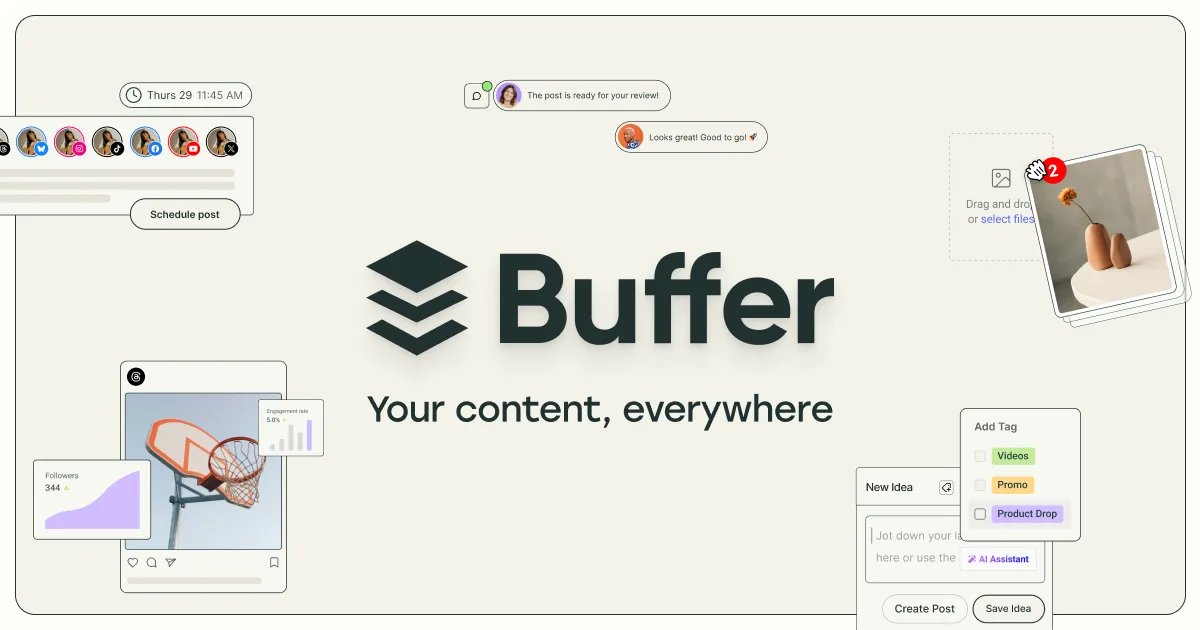
Buffer is a social media scheduler that queues posts and tracks how they perform.
On the free plan you connect up to 3 channels and keep 10 posts in each queue. As soon as a post goes live, its slot opens again. The channel list also spans Bluesky, Instagram, LinkedIn, Mastodon, Threads, TikTok, YouTube Shorts and X, for 11 networks in all.
Solo creators pick it for the calm setup and because the AI Assistant has no credit cap. Insights also show follower growth, impressions and engagement for the last 30 days. When you outgrow the queue, paid plans start low.
Best for: Solo creators who post a few times a week, especially on up to 3 channels
Key features:
- An AI Assistant with unlimited credits drafts and also repurposes posts.
- Free Insights track follower growth and impressions over a 30-day history.
- Also, a community inbox lets you answer comments in one place.
Pros:
- The free plan stays free forever, so no trial clock runs out.
- It covers 11 networks, including Bluesky and Mastodon.
Cons:
- Each channel holds only 10 queued posts at once, so daily posters fill it fast.
- Still, the hashtag manager and first comment scheduling sit behind a paid plan.
- AI replies stop at 5 suggestions per week, while drafting stays unlimited.
Pricing: Free for 3 channels, while Essentials costs $5 and Team $10 per channel per month, each with a 14-day trial.
3. Metricool: Free social media tools for analytics, with competitor tracking included
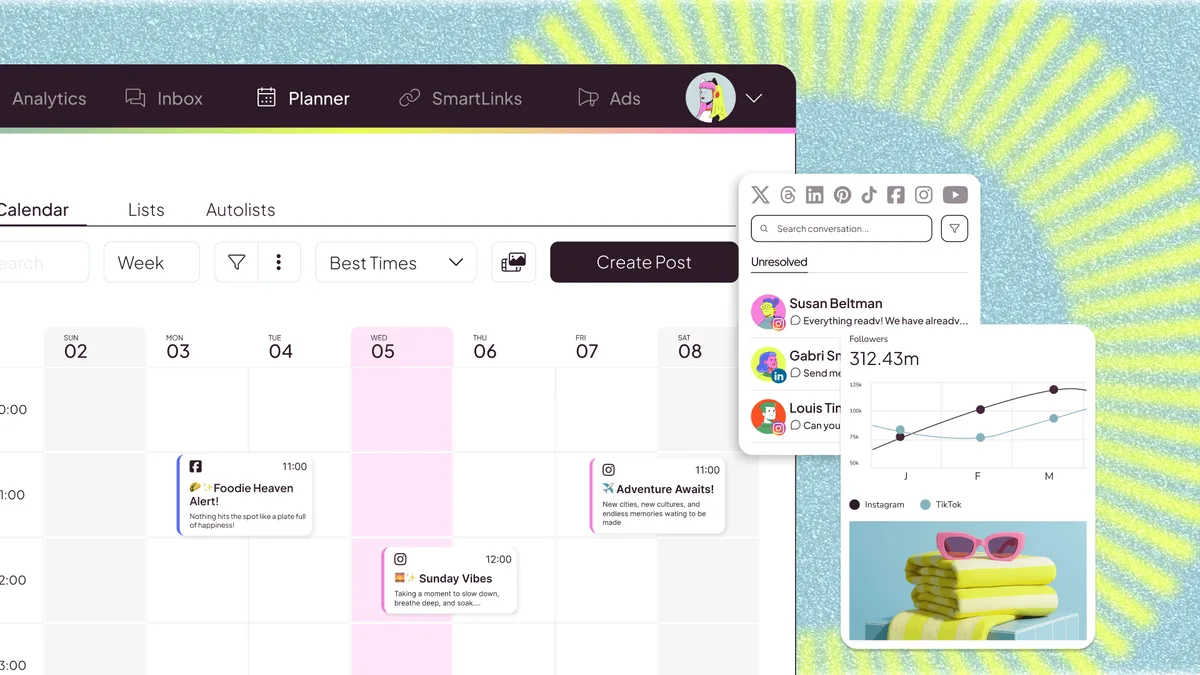
Metricool is a social media planner and analytics tool that schedules posts and tracks rivals.
The free plan covers 1 brand and up to 20 scheduled posts per month. It also keeps 30 days of analytics and follows 5 competitor profiles, so you see how rivals post. In addition, an AI assistant and an MCP connection come at no cost.
Data-minded creators choose it because the numbers arrive with the scheduler. However, LinkedIn and Twitter stay locked until you pay. Then the Starter plan adds LinkedIn, unlimited history and up to 10 brands.
Best for: Creators who want stats and competitor data next to their calendar, especially for one brand
Key features:
- Competitor tracking covers 5 profiles, even on the free plan.
- Analytics keep a 30-day history at no cost, so you can spot trends.
- Also, an AI social media assistant and Metricool MCP come with every account.
Pros:
- You can use the free plan forever, since it has no trial clock.
- It brings stats and rivals into one view, so you skip extra apps.
Cons:
- The cap of 20 posts per month runs out fast if you post daily.
- LinkedIn and Twitter need a paid plan, so two big networks are missing.
- Prices exclude VAT, so your final bill can be higher.
Pricing: Free for 1 brand, while Starter costs from $20 and Advanced from $53 per month on annual billing.
4. Social Champ: A generous free scheduler with a monthly AI writing allowance
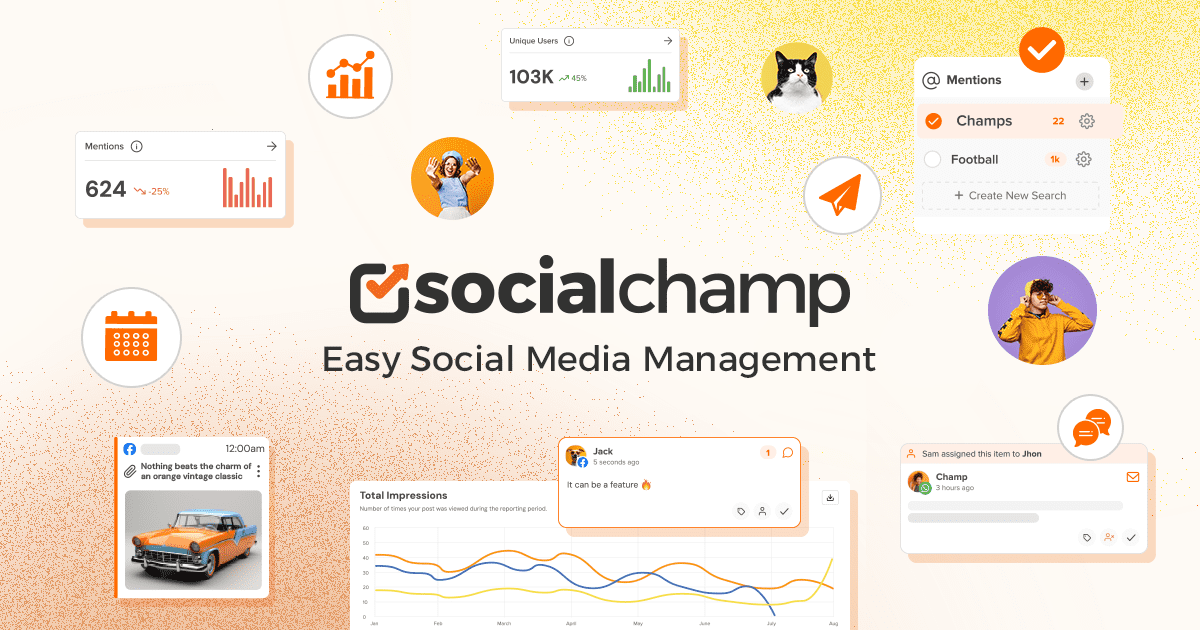
Social Champ is a social media scheduler that publishes posts, drafts copy with AI and runs an inbox.
The free tier gives you 3 social accounts, 15 scheduled posts and 1 user. You can also bulk schedule 15 posts at once. Meanwhile, the AI Content Wizard drafts up to 15 posts per month, and AI Imaginator makes 5 images.
Creators who batch content like the bulk upload, as well as the shared inbox for Facebook, Instagram, YouTube, LinkedIn Page, TikTok and Google Business Profile. Better still, you can bring your own OpenAI key for unlimited AI text. Metrics, though, last only 2 weeks on the free plan.
Best for: Creators who batch a week of posts and also want AI drafts included
Key features:
- Bulk scheduling handles 15 posts at once, even on the free plan.
- The AI Content Wizard gives 15 uses per month, so captions come faster.
- A unified inbox also keeps replies for six networks in one place.
Pros:
- Your own OpenAI key adds unlimited AI text and images.
- Paid plans stay cheap, starting at $4 per account per month on yearly billing.
Cons:
- Free metrics disappear after 2 weeks, so long trends are lost.
- X publishing is a paid add-on, so the free plan skips it.
- Best time to post data starts only when you pay.
Pricing: Free for 3 accounts, while Starter is $4 per account per month and Standard $23.20 per month, both billed yearly.
5. Publer: A light free scheduler with a link in bio page
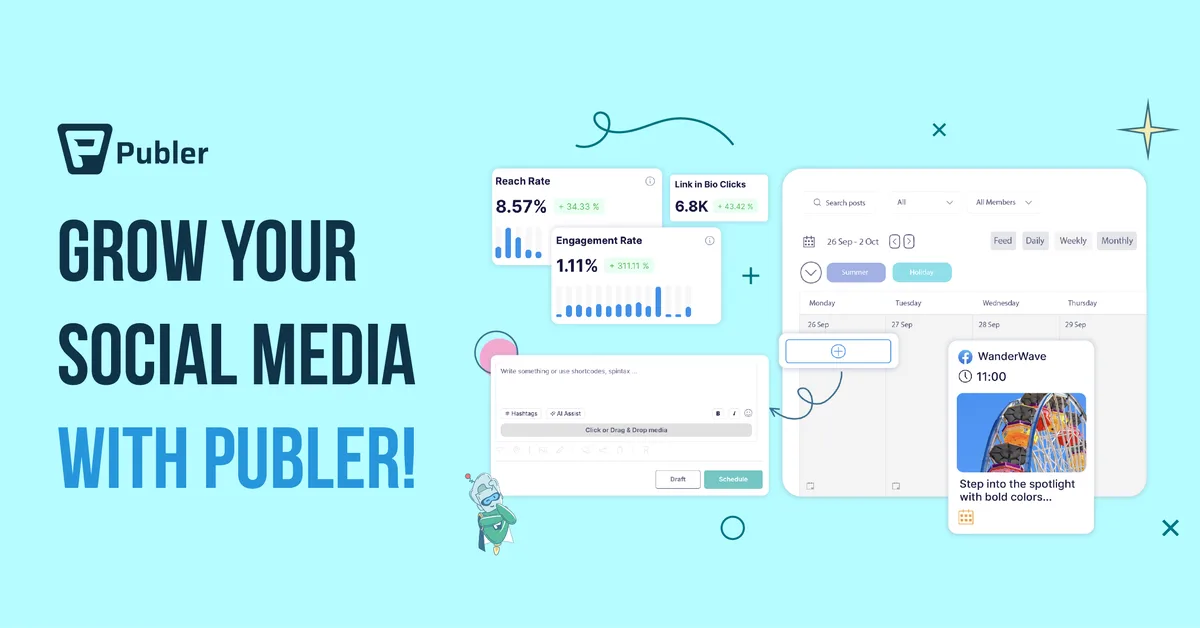
Publer is a social media scheduler that queues posts, saves drafts and builds a link in bio page.
The free plan gives 1 user, 1 workspace and 3 social accounts. Each account holds 10 scheduled posts, and a slot frees up when a post goes out. You can also keep 25 drafts and use the Linkie link in bio page.
It suits creators who post now and then and want a simple calendar. Moreover, you can try most paid features without a credit card. Still, analytics, best times to post and unlimited AI prompts sit on the Business plan.
Best for: Creators on 3 accounts who need a basic queue as well as a link page
Key features:
- Linkie builds a link in bio page that updates when you post.
- You can save 25 drafts on the free plan before you schedule them.
- Then you can test most paid features with no card.
Pros:
- No card is needed to test paid features, so trying them is risk-free.
- A slot reopens each time a post goes out.
Cons:
- X cannot connect on the free plan.
- Published posts stay stored for only 24 hours, so your history vanishes fast.
- Analytics come only with the Business plan, which also holds AI prompts.
Pricing: Free for 3 accounts, but analytics and AI prompts need the Business plan.
6. Typefully: Among free social media tools, the cleanest space for text posts
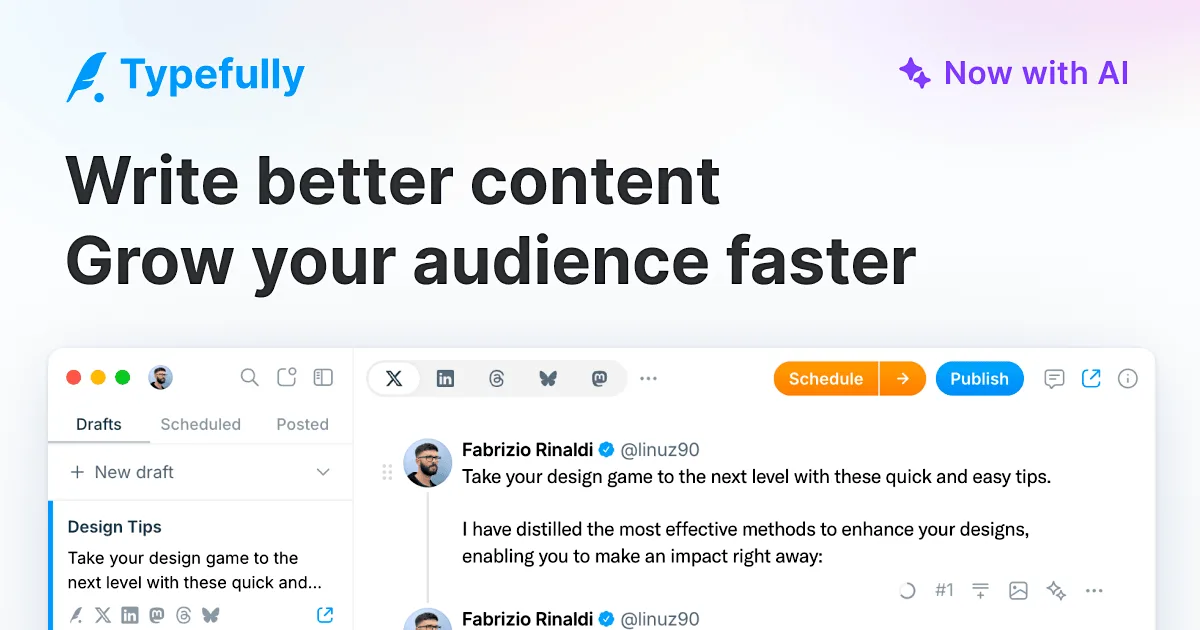
Typefully is a writing and scheduling app that helps you draft and publish text posts.
The free plan allows 10 posts per month for 1 social set and 1 user. It publishes to X, Bluesky, LinkedIn, Threads, Mastodon and Substack. Advanced scheduling, as well as access for agents, API and MCP, also comes free.
Writers who live on X and LinkedIn pick it for the clean editor. More than 10,000 customers use it to write and schedule posts. However, X analytics and AI writing features need the Creator plan, which bills yearly only.
Best for: Writers who post threads and short text, especially on X and LinkedIn
Key features:
- It publishes to 6 networks, including Substack and Bluesky.
- Agents, the API and MCP work on the free plan, so automation costs nothing.
- Also, advanced scheduling comes at no cost.
Pros:
- It reaches Substack, unlike most schedulers.
- So agents can schedule posts through the free API.
Cons:
- The free plan stops at 10 posts per month, so daily posting needs a paid plan.
- AI writing and X analytics require the Creator plan.
- Media uploads are limited on the free plan, while paid plans remove the cap.
Pricing: Free for 10 posts per month, while Creator adds AI and analytics on annual billing only.
7. Pallyy: A visual free planner with 30 days of analytics
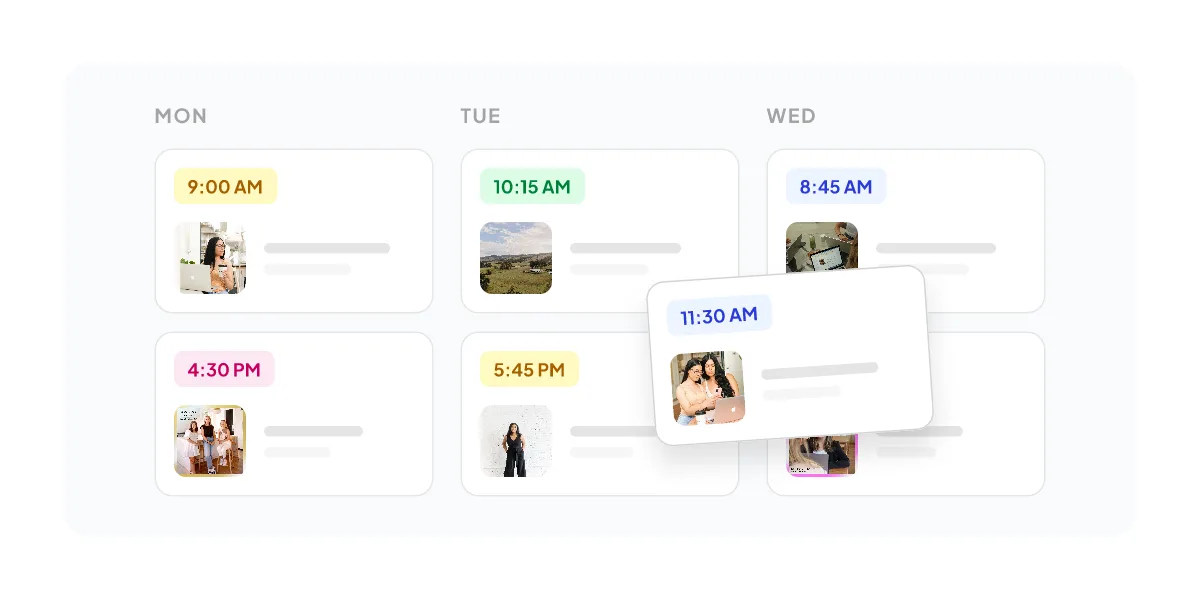
Pallyy is a social media scheduler that plans image posts on a calendar and reports results.
The free plan covers 1 social set and 15 scheduled posts per month, but it handles image posts only. Free analytics also keep 30 days of history and track 1 competitor.
Creators who plan a visual feed like that no card is needed to start. Storage, though, tops out at 200MB, with a 10MB file limit. When you need more, Pro costs $25 per month and adds unlimited posts and AI captions.
Best for: Image-first creators who plan a small monthly calendar, especially for one brand
Key features:
- Analytics keep a 30-day history, so you can compare recent posts.
- You can also track 1 competitor at no cost.
- The free plan opens without a card, unlike the paid trial.
Pros:
- You start for free with no card.
- Each extra social set costs only $10 per month once you pay.
Cons:
- The free plan supports image posts only, so video creators must upgrade.
- Storage stops at 200MB, and files max out at 10MB.
- A 14-day paid trial asks for card details, although nothing is charged.
Pricing: Free for 15 posts per month, while Pro costs $25 per month plus $10 for each extra set.
8. Zoho Social: A free plan built around six core business channels
Zoho Social is a social media management tool that publishes posts across business channels.
The free plan includes 1 brand with 6 channels and 1 team member. Those channels are X, Instagram Business, a Facebook Page, a LinkedIn Company Page, a LinkedIn Profile and Google Business Profile. You also get 5 AI credits and the zShare browser extension.
It suits founders who post mainly on LinkedIn and X. Compose with Zia, powered by ChatGPT, drafts content for you. Meanwhile, TikTok, YouTube, Pinterest and Threads arrive only on the Standard plan.
Best for: Founders who post on LinkedIn and X, as well as Google Business Profile
Key features:
- Compose with Zia drafts post copy, since it runs on ChatGPT.
- The zShare browser extension shares pages fast while you browse.
- Also, free users get 24/5 email support.
Pros:
- Both a LinkedIn Profile and a Company Page fit in the free brand.
- It keeps X on the free plan, while several rivals lock it.
Cons:
- Only 5 AI credits come with the free plan, so drafts run out fast.
- TikTok, YouTube and Threads need the Standard plan.
- One team member is the free limit, so partners need a paid seat.
Pricing: Free for 1 brand and 6 channels, while Standard raises the brand to 14 channels and 40 AI credits.
9. Canva: Free social media tools for designing post visuals fast
Canva is a design tool that helps you create post graphics and videos.
The free plan costs nothing for one person and opens to anyone. It offers 1,000+ design types and 1.6M+ templates. You also get 4.7M+ photos, videos, graphics and audio files, plus 5GB of cloud storage.
Creators pick it to make post images without a designer. AI access on the free plan is limited, however. Social content scheduling belongs to Canva Pro, which also gives 10x more AI.
Best for: Creators who need post graphics and templates before they write the caption
Key features:
- It offers 1.6M+ templates for posts and ads, so you rarely start blank.
- A library of 4.7M+ photos, videos, graphics and audio also comes free.
- Then 1 Brand Kit with 3 colors keeps your look steady.
Pros:
- The free plan stays free for one person, with no trial clock.
- It includes 5GB of cloud storage for your files.
Cons:
- Scheduling posts requires Canva Pro, so you still need a scheduler.
- Free AI access is limited.
- The Brand Kit holds only 3 colors, which is tight for bigger brands.
Pricing: Free for one person, while Canva Pro costs $144 per year and adds scheduling.
10. Planable: A free trial of 50 posts for planning and approval
Planable is a content planning tool that lets you draft, review and schedule social posts.
Your first 50 posts are free, with no time limit and no credit card. It schedules to 9 networks, including Facebook, Instagram, LinkedIn, X, YouTube, TikTok, Pinterest, Google Business Profile and Threads. However, X publishing stays off during the free trial.
Founders who share drafts with a partner like the unlimited users on paid plans. The 50 free posts never reset, so the trial ends once you use them. Analytics is a $14 add-on per workspace and works only after you pay.
Best for: Small teams who want to review posts together before they go live
Key features:
- You get 50 free posts, and they have no time limit.
- It schedules to 9 networks, including Threads and Pinterest.
- Then the paid Basic plan adds unlimited users.
Pros:
- No card is needed to start, so testing costs nothing.
- Paid plans include unlimited users.
Cons:
- The 50 free posts do not reset each month.
- X publishing is blocked during the trial, so X posters must wait.
- Analytics costs $14 per workspace per month extra, even on paid plans.
Pricing: 50 posts free, while Basic costs $33 and Pro $49 per workspace per month.
The bottom line
Pick the tool that matches your main job. If you want to write, check and time posts with no account, start with Upvote Club. For a simple queue, Buffer and Social Champ fit best, while Metricool suits you if numbers drive your plans. Typefully serves text writers, Canva covers visuals, and Zoho Social fits founders on LinkedIn. Also, Pallyy works for image feeds, Publer for a basic link page, and Planable for small teams. Most free social media tools cap posts or history, so match that cap to how often you post.
For more options, browse social media products on code.market.
Quick comparison
| Tool | Free plan limits | Free analytics | Networks covered | AI writing help | Ease of start |
|---|---|---|---|---|---|
| Upvote Club | 295 tools, free forever, no trial | ER calculators for 8 networks with benchmarks | 16 networks; scheduler 17 | Local AI hooks, captions, comments | No sign-up, no card |
| Buffer | 3 channels, 10 queued posts each | Insights, 30-day history | 11 networks | AI Assistant, unlimited credits | Free plan, no trial needed |
| Metricool | 1 brand, 20 posts/month | 30 days, 5 competitors | All but LinkedIn and X | AI assistant included | Free forever account |
| Social Champ | 3 accounts, 15 posts, 1 user | 2 weeks of metrics | No X on free | 15 AI drafts/month | Free sign-up |
| Publer | 3 accounts, 10 posts each | - | No X on free | - | No card for trials |
| Typefully | 10 posts/month, 1 user | - | 6 networks | - | Free sign-up |
| Pallyy | 1 set, 15 posts/month | 30 days, 1 competitor | - | - | No card needed |
| Zoho Social | 1 brand, 6 channels, 1 user | - | 6 channels | 5 AI credits | Free sign-up |
| Canva | Free forever, 5GB storage | - | - | Limited AI access | Free for anyone |
| Planable | 50 posts total, no time limit | Paid add-on only | 9 networks, no X on free | - | No card needed |