WebViewGold for iOS – WebView URL/HTML to iOS app + Push, URL Handling, APIs & much more! icon

WebViewGold for iOS – WebView URL/HTML to iOS app + Push, URL Handling, APIs & much more!

Hot or Not
WebViewGold for iOS – WebView URL/HTML to iOS app + Push, URL Handling, APIs & much more!

Description

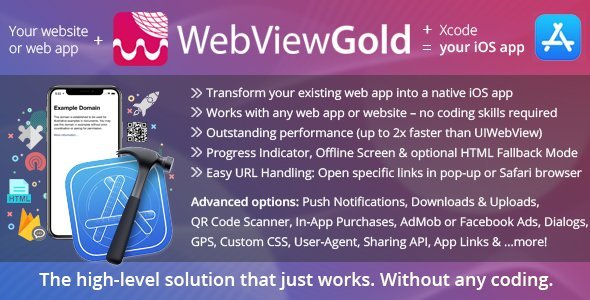
WebViewGold. The WebView solution that just works.
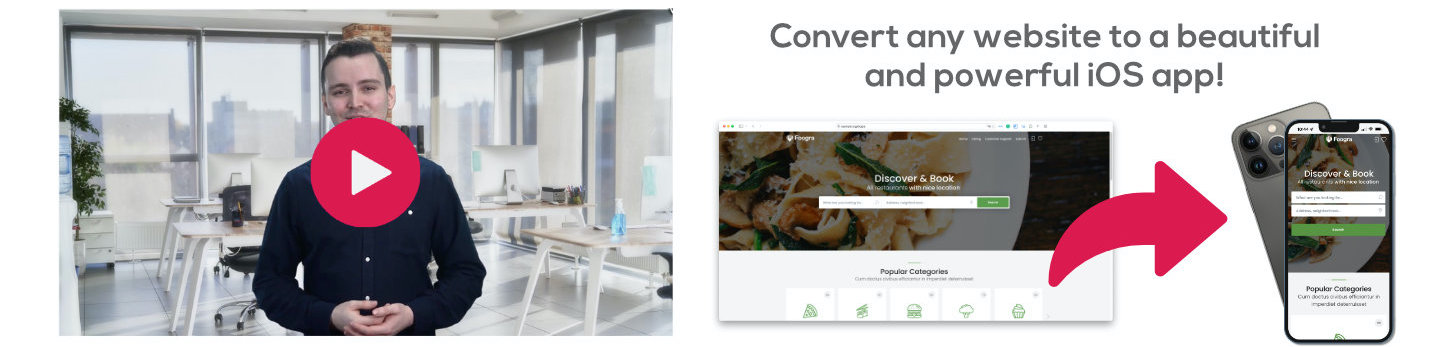
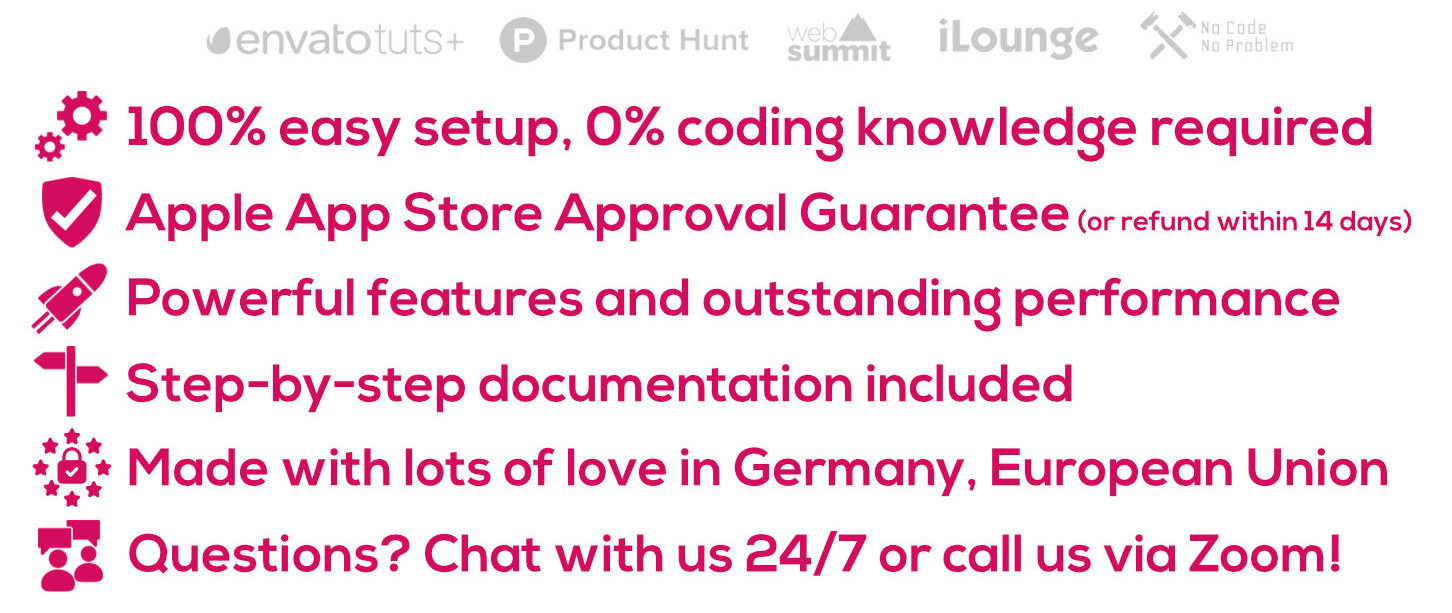
Let’s convert your websites and web apps into apps for iOS (iPhone, iPad, iPod touch)! This app template supports all kinds of web apps/websites (including HTML, PHP, WordPress, Progressive Web Apps, HTML 5 Games, WiX, Jimdo, apprat.io, bubble, Webflow, ...). WebViewGold comes with a 100% Apple App Store approval guarantee: Receive a full refund of your license if Apple rejects your app built with WebViewGold (by claiming within 14 days after purchase). WebViewGold is an Xcode package using the WebView approach that wraps your URL (or local HTML) into a real, native iOS app using the advanced WKWebView technology and smart performance mechanisms! An excellent approach to gain access to millions of App Store customers. No coding, no more plugins needed. It just works.
  • Full iOS App Template – no coding required
  • Works with any web app/website that works on Safari browser
  • Submit your app to the Apple App Store easily (or use our App Publishing Service)
  • Optimized for exceptional performance (up to 2x faster than UIWebView apps)
  • 100% ready for iOS 14, iPadOS 14, Swift 5.2, and Xcode 12
  • Support for Apple App Tracking Transparency (including User Tracking Decision API)
  • Universal App Design: Optimized for iPhone, iPod touch and iPad lineups
  • Easy: Just define your current web app address/URL (or your local HTML folder), and WebViewGold takes care of the rest!
  • Your app content is always up-to-date automatically
  • Optional fallback switch mode: Use local HTML folder if the user is offline, and use the remote URL if the user is online
  • Native Loading Spinner/iOS Activity Indicator while loading your web app
  • Display a Splash Screen (e.g., containing animated GIFs) until the first page was loaded completely
  • Smart Performance Cache Mechanism
  • Pull To Refresh Functionality
  • Take Screenshot API
  • App Version Check API
  • Social Login Support (“Login with Google” and “Login with Facebook”)
  • Native Swipe Gesture Navigation Support
  • Offline Screen with “Try again” button and Auto Reconnect if your app can’t connect to your URL
  • File Uploads & Camera Uploads supported
  • Support for uploading multiple files in HTML upload forms
  • GPS Location / HTML Geolocation supported
  • Option to prevent the device from going to sleep mode while the app is active
  • HTML 5 Audio supported – even if your app is in background mode
  • URL Handling: Define which URLs should be opened in Safari instead of your app (ideal for external links, e.g., Facebook/Twitter)
  • Language Detection: Append the user system language to the WebView URL
  • Custom Status Bar Color Design
  • Custom Safe Area/Bottom Bar Color
  • iOS Dark Mode Support
  • Define customized, separated User-Agents for iPhone and iPad devices
  • Downloader for PDF, ePub, Wallet, Documents, and Music Files (using “Open with” dialog; add unlimited file types that should trigger the built-in file downloader)
  • Image Saving API (save images directly to Photos app)
  • Native JavaScript Dialogs like alert(), confirm() and prompt()
  • Optional Tab Functionality with additional In-App-Browser (by calling top.location or top.location.href links)
  • Print documents: Just link to a .pdf file and iOS will offer the AirPrint option in “Open with…“ dialog
  • In-App Purchases & In-App Subscriptions API (Extended License required)
  • Native Sharing Dialog API
  • iCal Calendar API
  • UUID API
  • Powerful QR Code Scanner API
  • NFC (Near Field Communication) integration possible (sold separately)
  • “Reset the app” API (clear cookies and cache of your user via link)
  • First Run Dialog (e.g. “Thanks for downloading this app!”)
  • In-App App Store Rating Dialog
  • “Follow on Facebook” Dialog
  • Push Notifications via JavaScript, Firebase, OneSignal, or bubble.io with URL Deeplinking and Unique User Identification)
  • Option to append individual OneSignal/Firebase push user IDs to the web page URL to assign unique push tokens to the user on the server side
  • Get OneSignal User ID by JavaScript
  • Support for AdMob Banner & Full-Screen Interstitial Ads
  • Support for Facebook Full-Screen Interstitial Ads
  • Universal Links (possibility to easily configure a link scheme like webviewgold:// which can be triggered from Mail app, Safari app, ... and opens the attached link in the WebView app)
  • Define custom CSS classes (that will be injected into your web app code while loading in the app built with WebViewGold)
  • Your app built with WebViewGold will save all cookies (including login session cookies) until they expire (this is defined by your server/your site)
  • All kinds of web apps/websites supported (including HTML, PHP, WordPress, Progressive Web Apps, HTML 5 Games, ...)
  • Free updates
  • ...and much more! Check all features of our WebViewGold WebView app template and convert your web app into an iOS (or Android/macOS) app today!


What is WebViewGold? WebViewGold is an innovative no-code WebView app template for Xcode designed to make things easier for you: Create your own apps for iOS easily using your existing web apps. Create your own apps for iPhone & iPad with just a few clicks and without any understanding of code. Use your mobile web app as the basis, and the WebViewGold app template wraps your URL content into a real, native iOS app! No more coding, no more plugins needed, it just works.

How will my app look like? Your app will work as a full-screen browser. All the changes you have done on your website will be applied to your iOS app immediately. Users will navigate your web app exactly as your web app on iOS Safari Browser without the browser interface. Please take a look at our example apps.

Do I need any coding skills? No. WebViewGold is a 100%-ready app template, and the setup of your app works without any understanding of coding. Just insert your website address, and you are done. Documentation and free updates are included.

Will Apple approve this app for the Apple App Store? Yes, WebViewGold comes with an Apple App Store approval guarantee. Take a look at our example apps. However, make sure that your app content does not contradict the legal requirements of the Apple App Store. If Apple rejects your WebView app, we can offer you a full refund of the WebViewGold license (by claiming within 14 days after purchase). Feel free to send all the details to support@onlineappcreator.com – we are happy to help you.

What do I need, what are the requirements? WebViewGold is a 100% ready full app template. You need to have an existing web app or website that you want to convert into an app. Afterward, just download the WebViewGold app template and follow the easy step-by-step documentation. For iOS, the latest Xcode app (running on your own Mac or MacInCloud.com) is needed. For an App Store app submission, a developer account from Apple is required. No coding knowledge is required.

Will my app work offline? If you provide a local HTML folder, yes. If your web content is hosted on a website, your app will display a beautiful Offline screen with a “Try again” button instead. Moreover, WebViewGold offers a fallback mode that uses an HTML folder if the user is offline, and uses a remote URL if the user is online.

What’s new in the latest update? Please check the changelog here.

Can you create an individual demo app for me? Unfortunately, we cannot build custom apps as a demo. But your app will look and work like your web app in Safari (iOS). If this is not the case, you get a 100% refund of your money paid for the WebViewGold license (by claiming within 14 days after purchase). We want you to see us as a partner you can always rely on – even in the unlikely case of trouble with the Apple App Store Review Team. Please check out the example apps.

How can I ensure that my web app/website has a great, app-like user experience that satisfies my future app users? Please consider a professional User Experience/UX Review on UXreviewer.io or similar services. Such a UX review with suggestions for improvement helps you to achieve better customer retention for your website, web app, and app.

Can you help me with the App Store submission process / publishing with Apple? Yes, support for specific questions or problems during the publishing process is free (terms and conditions apply). Or choose the publishing service from appsubmitter.io.

Do you have a refund policy? Yes! If Apple rejects your app, we offer you a full refund of your WebViewGold license (by claiming within 14 days after purchase).

Can I contact you if I need custom app solutions? Yes, at any time. We create transparent quotes for high-quality apps, and we use the best tools (like Slack) for collaborating on joint projects.

Read more FAQs | Read the user comments

read more reviews © OnlineAppCreator.com Changelog | Get WebViewGold for Android | Support | Terms | Legal Disclosure

External listing. code.market does not sell this product and does not process payment for it. Pricing, payment, delivery, licensing, refunds, and support are handled by the third-party merchant on its own website. We may earn an affiliate commission from a referral. Details.

Universal for IOS - Full Multi-Purpose IOS app icon

Universal for IOS - Full Multi-Purpose IOS app

Hot or Not
Universal for IOS - Full Multi-Purpose IOS app

Description

Features
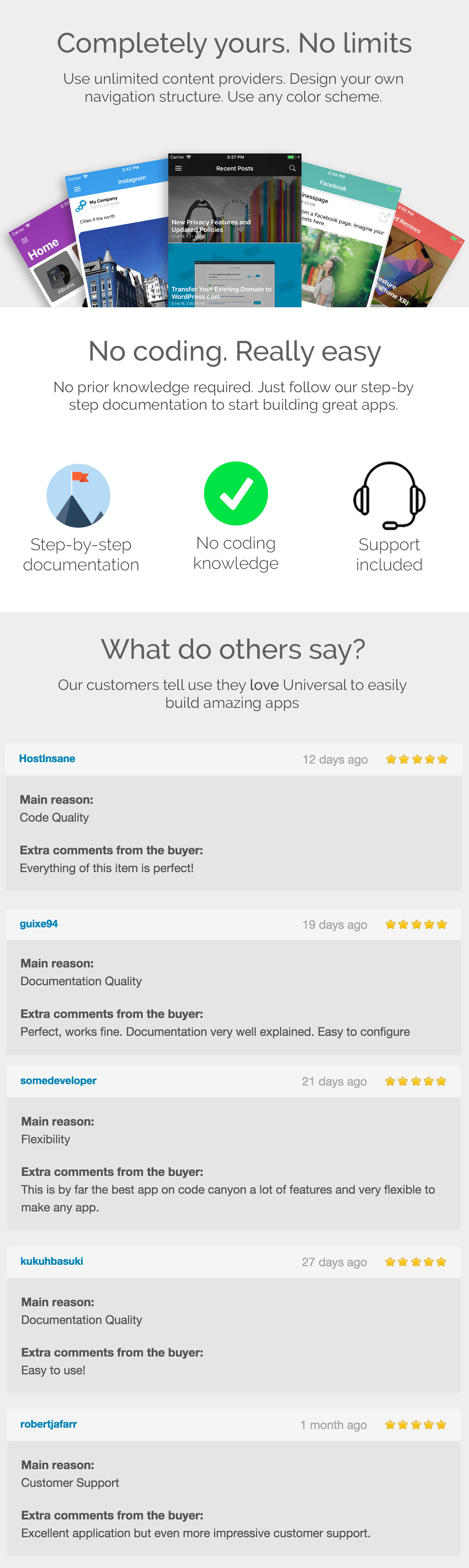
  • Unlimited Items – You can use & combine as many Blogs, Timelines, Feeds, Channels, Playlists, Stations, Webpages, etc as you want. Optionally add icons and create sections.
  • Beautiful Design – We took great care of the UI of this template to make sure it is focussed on your content. Display the articles and videos in styled detail views with parallax scrolling header images and fading navigation bars.
  • Completely native – The app is written completely in Swift with native layout files.
  • Notifications build-in – Support for notifications by OneSignal is completely build in, all you have to do is configure your OneSignal ID and configure your certificates and you can send notifications to your users. Notifications can open in the in-app webview, or in Safari.
  • Admob Banners & Interstitial – Easily enable banners throughout you app and instantly monetize your application. Also supports interstitials shown during navigation on a configurable interval.
  • Customizable & Brand-able – Make your app yours by customizing theme colors & using your own icons. You can also choose between multiple styles for your Navigation drawer, for example by setting a header image. Easily translatable.
  • Tabs & Sliding Menu – Organise and navigate your content using tabs and/or the sliding menu drawer. You can also use category screens to organise content.
  • In App Purchases* – Provide your users with the option to remove ads and/or unlock additional content with a quick in-app purchase to monetise your app.
  • Social – Let your users share content from your app to other apps
  • Connection Manager – No connection message when no internet. Error handling is also integrated.
  • In-App Videoplayer – Let users play youtube videos without even having to leave your application!
  • About Dialog – Display about dialog with a link to your own contact page.
  • Dynamic Remote Configurations – Define your app’s configuration easily using our free Configuration tool. Your app will load based on this configuration, and you can update your apps configuration remotely, no need to update the app itself.
  • Great Documentation – Step by step instructions on how to configure your template from scratch.
Providers
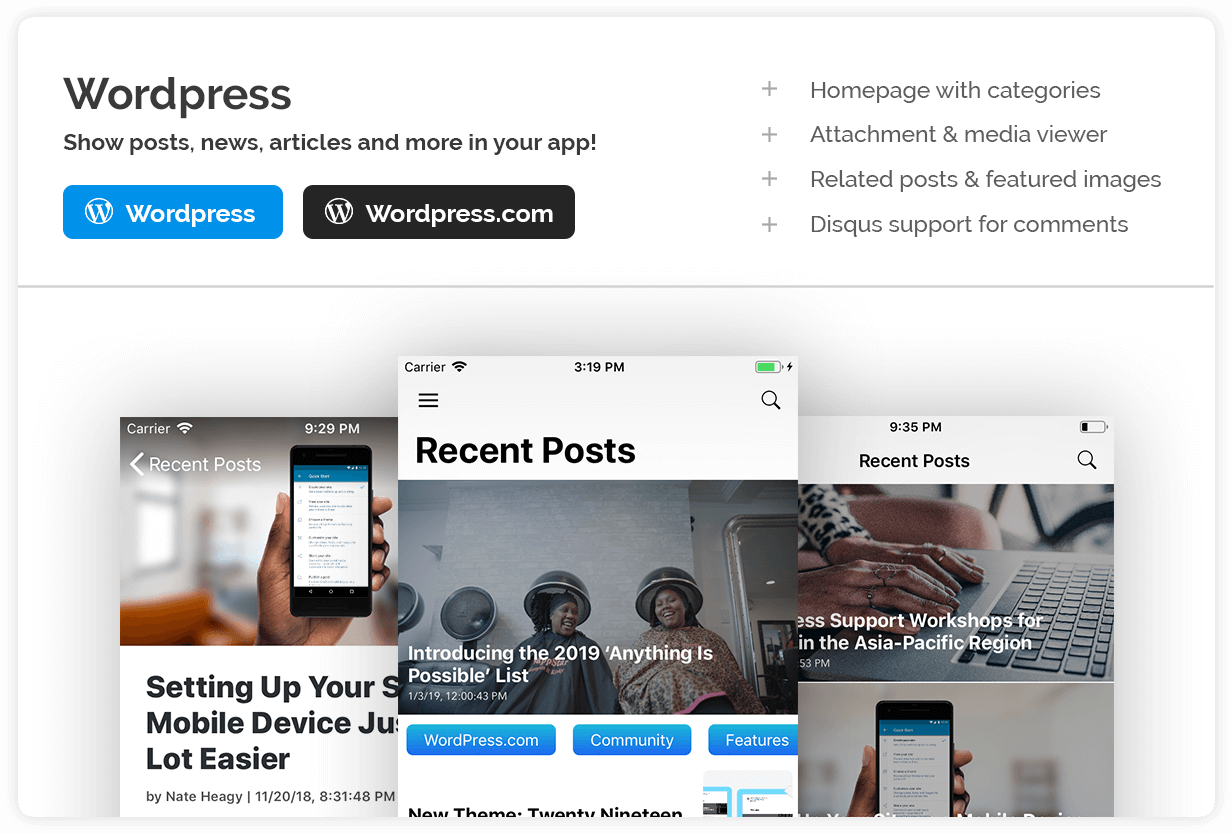
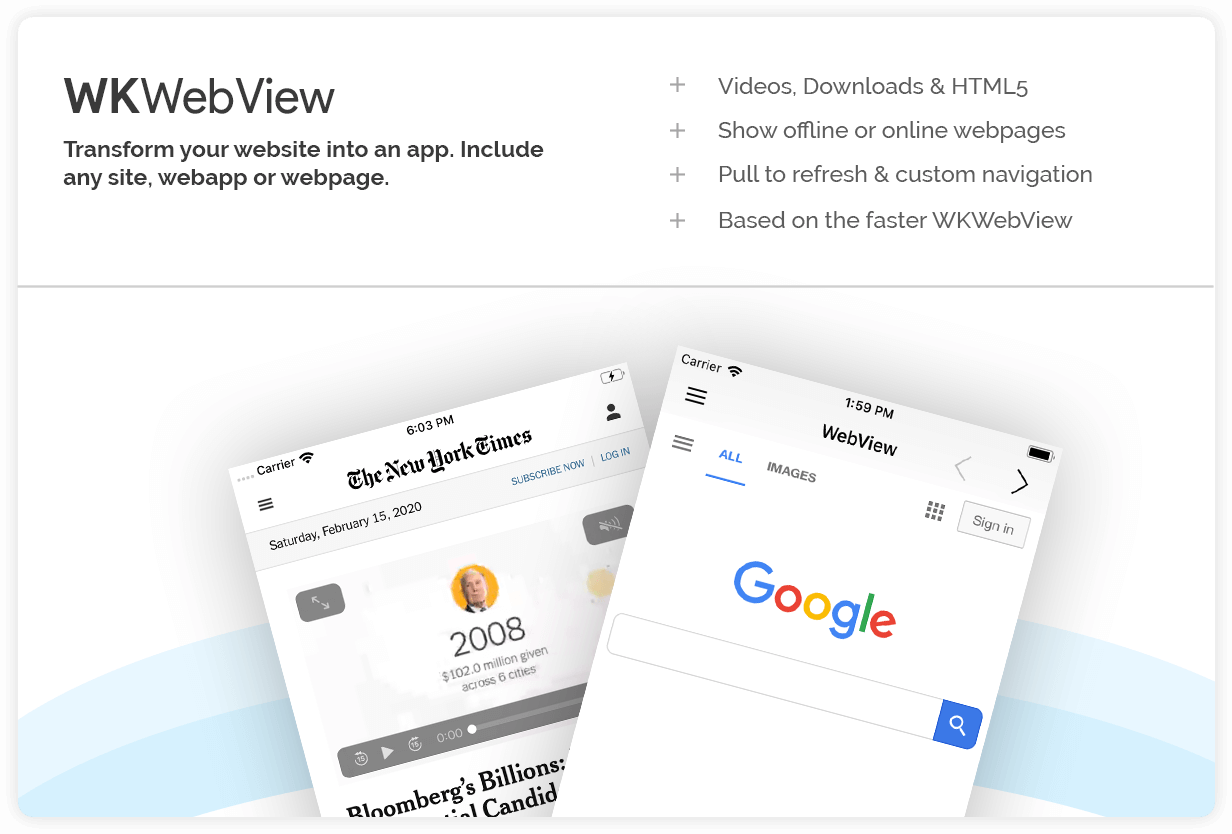
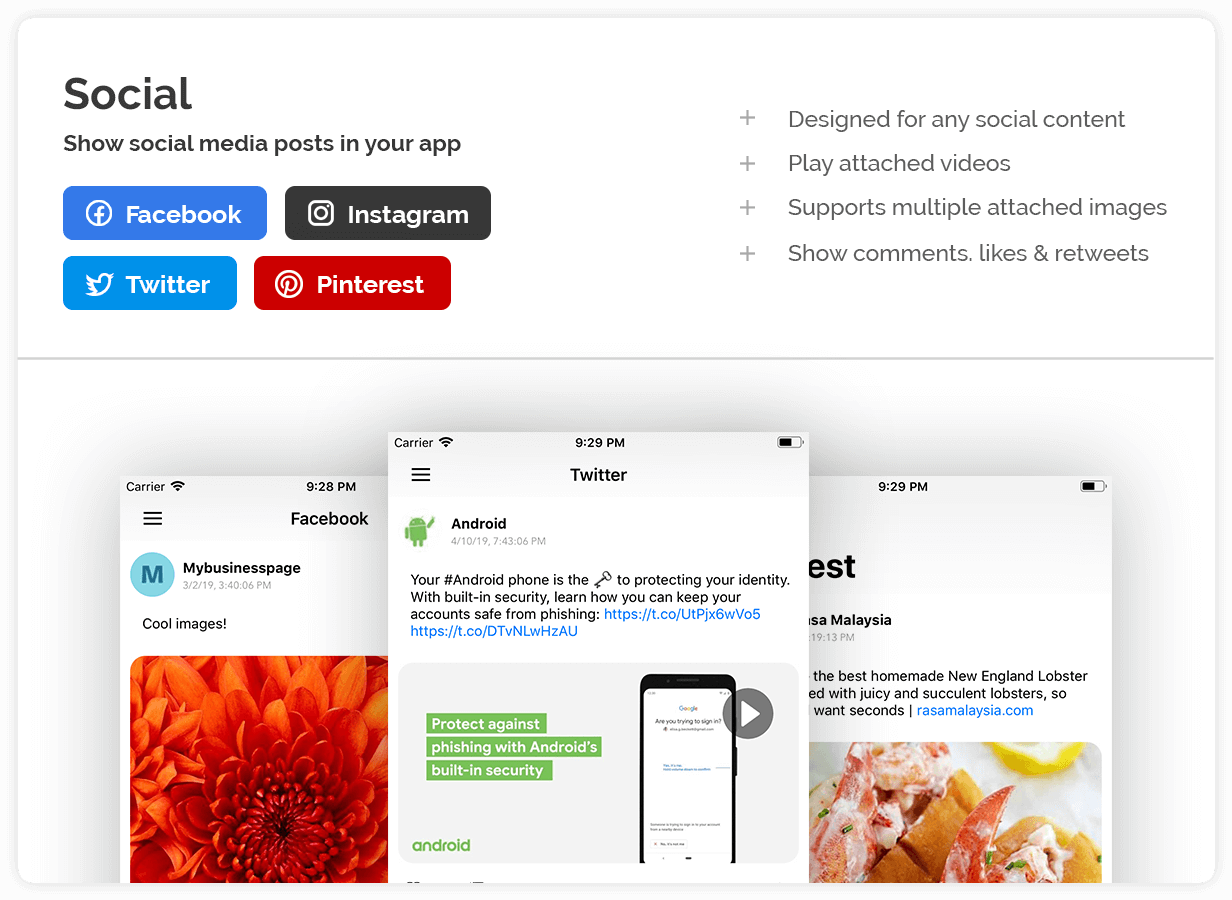
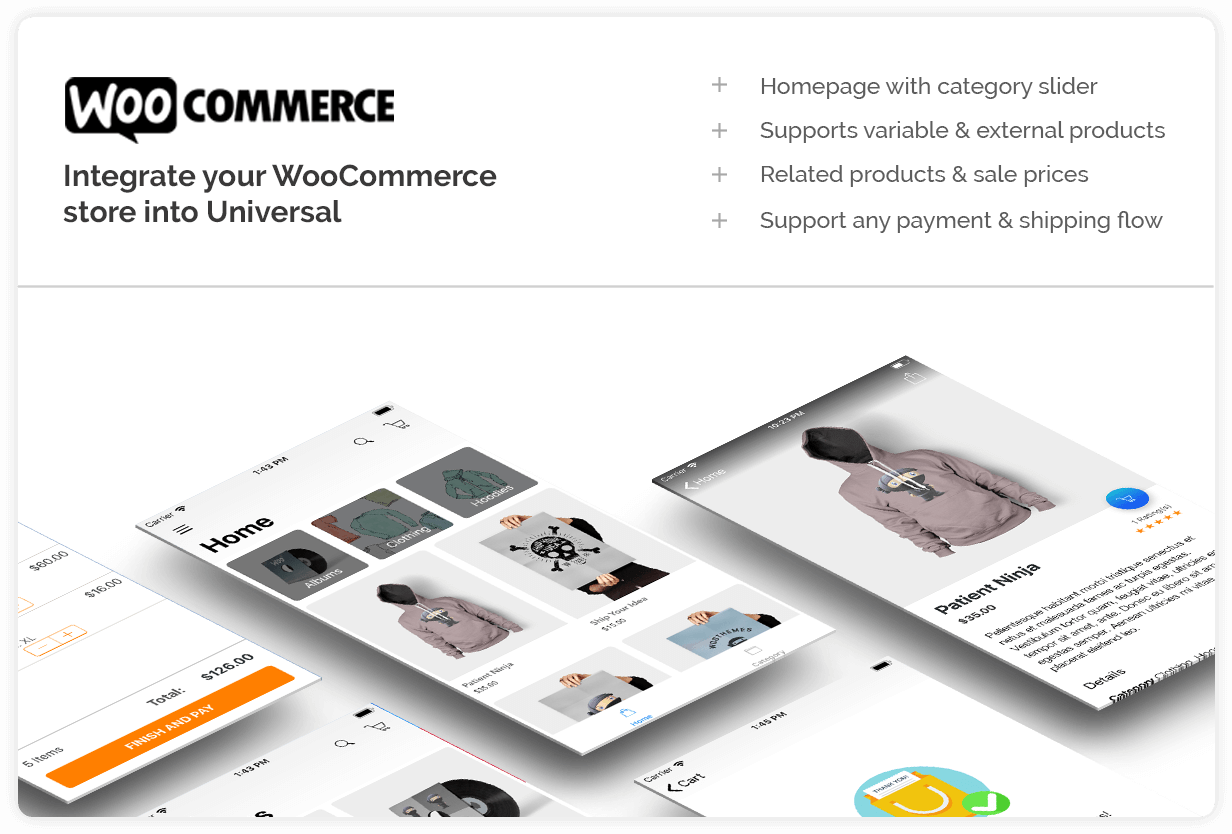
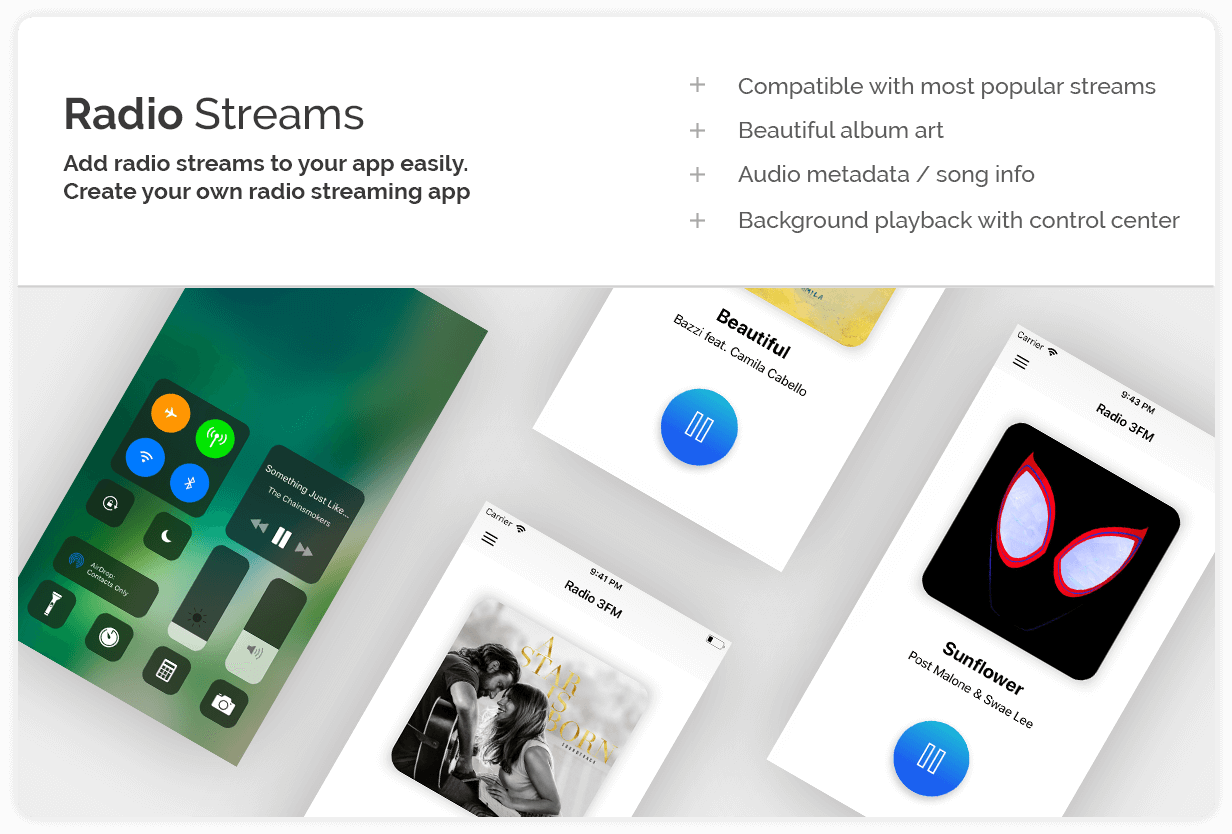
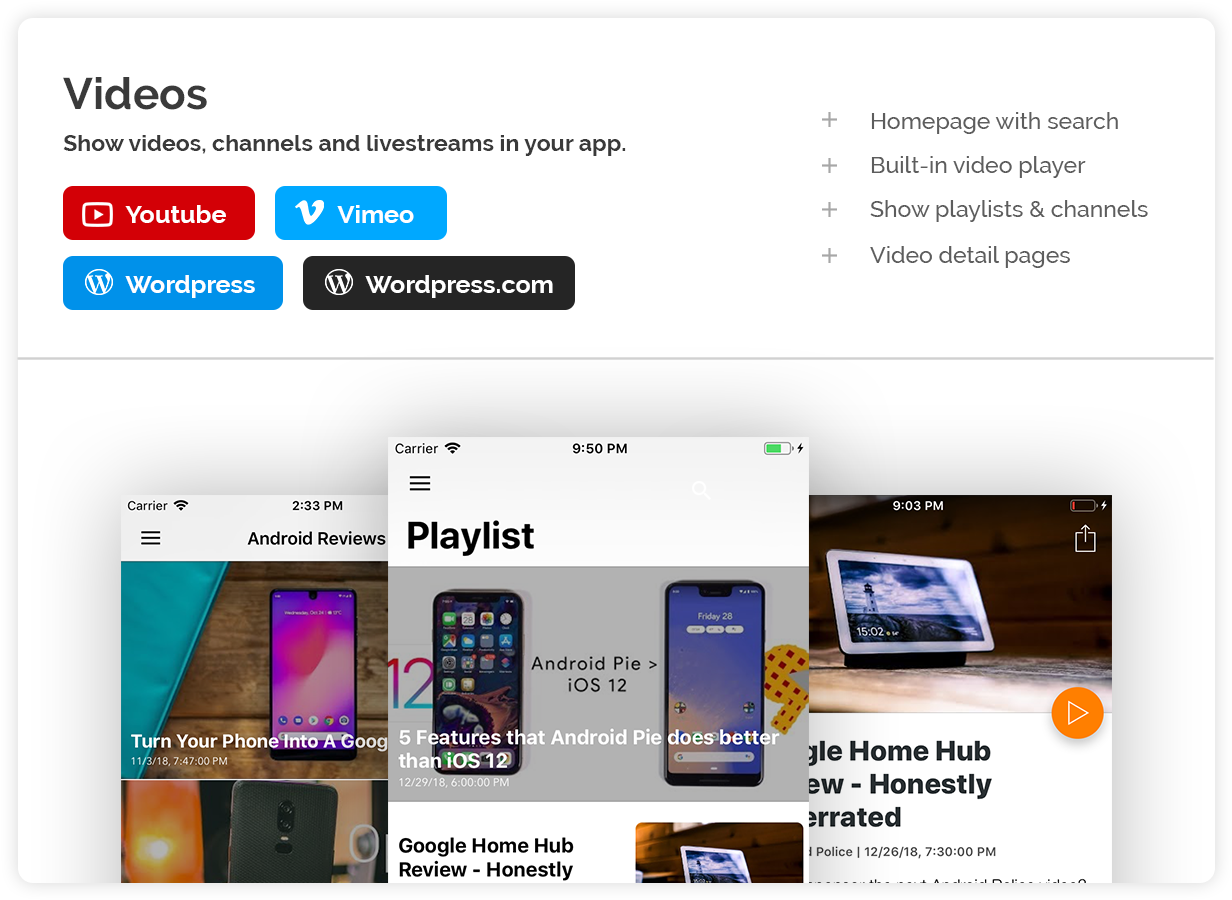
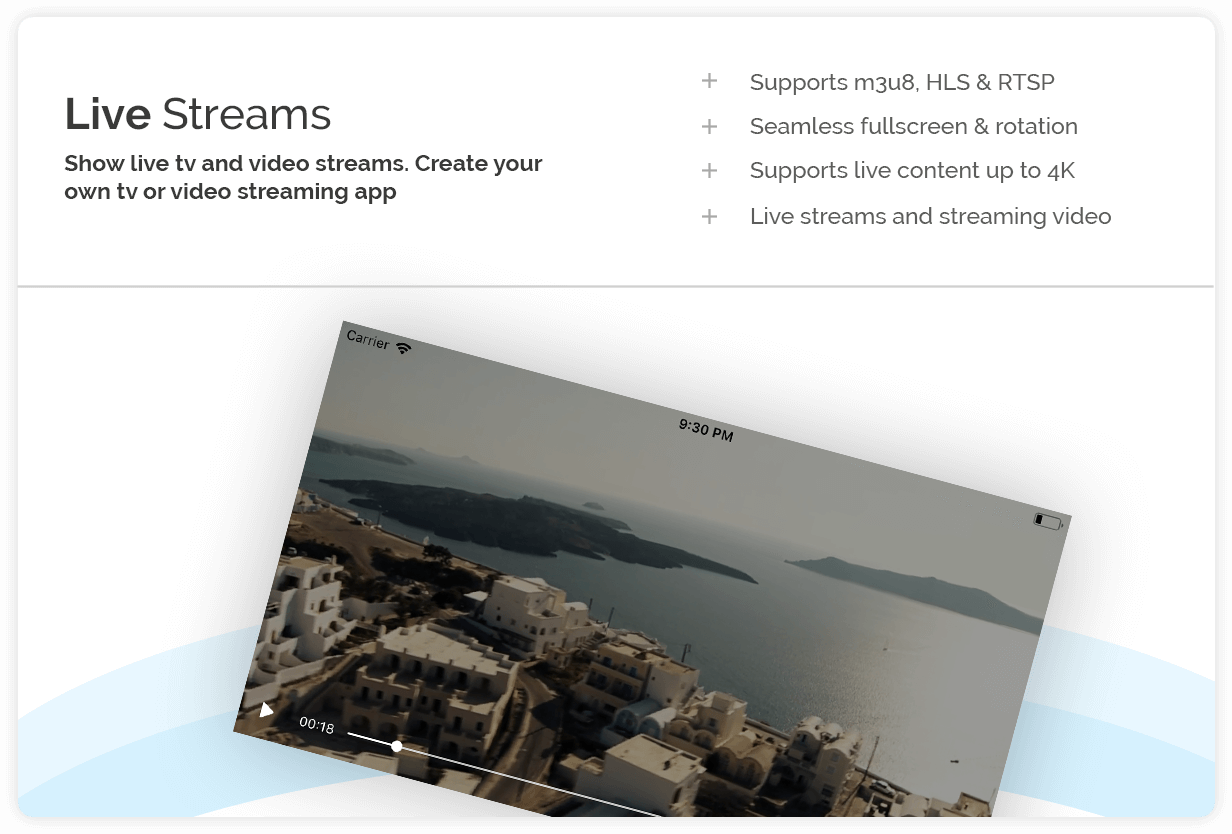
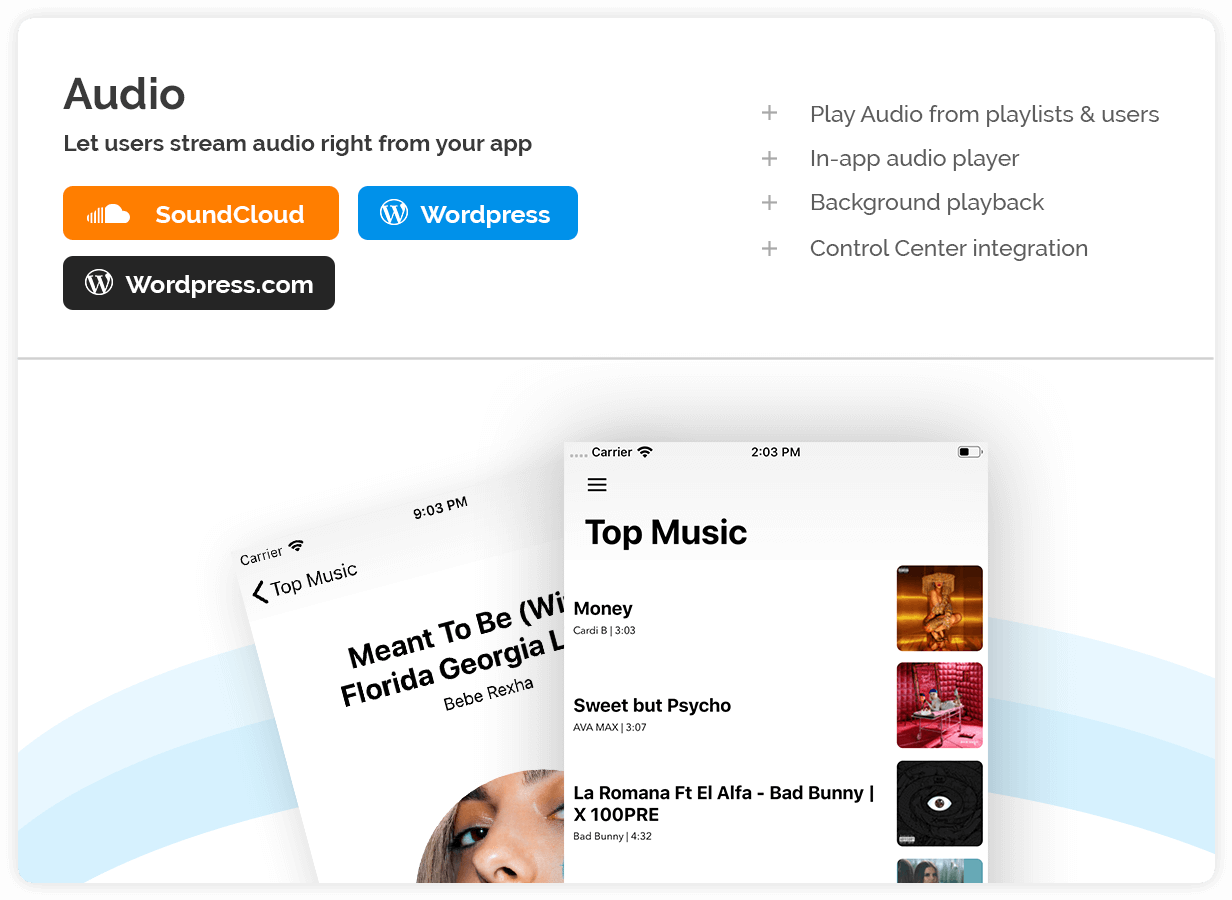
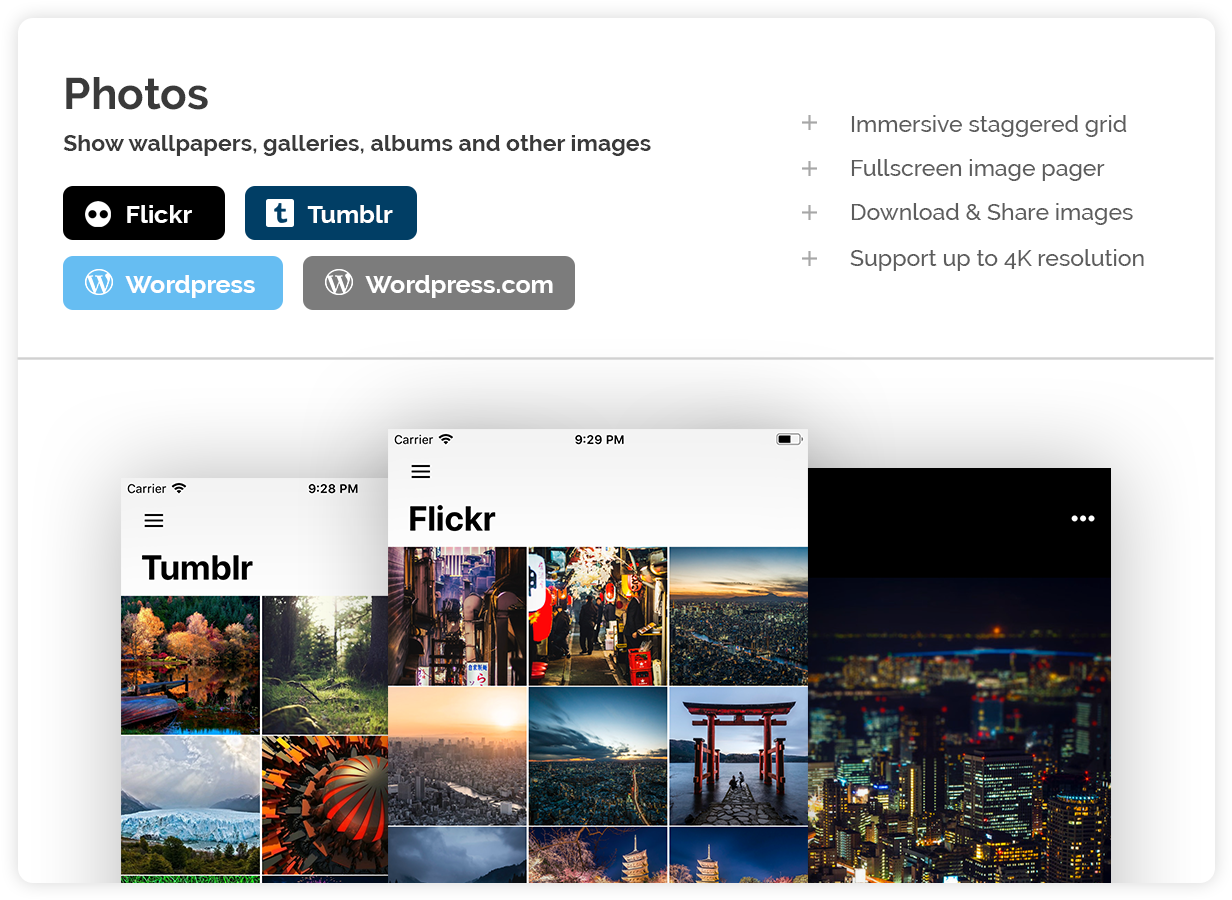
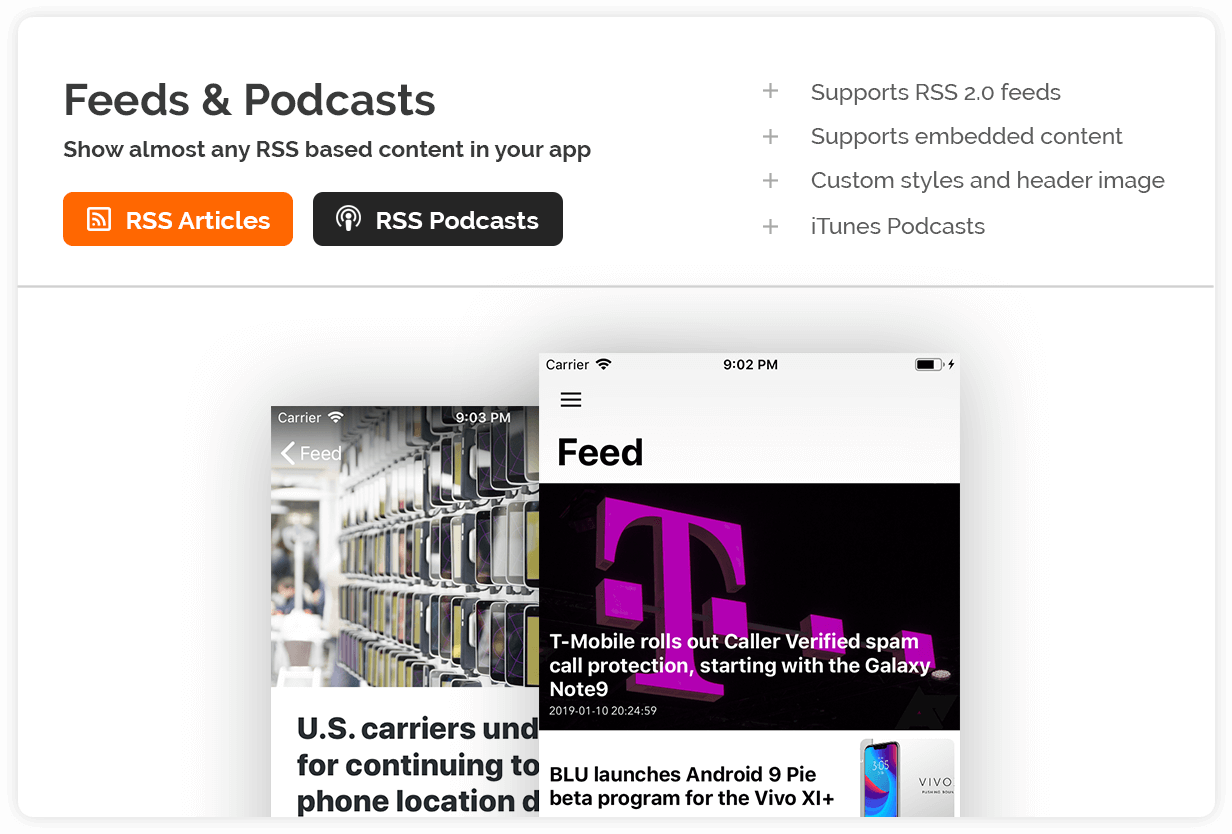
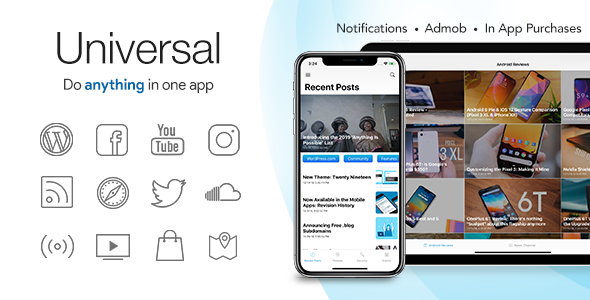
We support many content providers with Universal to ensure you can show content from all across the web. * Wordpress to show your Wordpress blog posts, either from Wordpress.com or self-hosted Wordpress sites, in your app. * Youtube to show Youtube channels, Youtube playlists or live videos right in your app. * Radio so you users can listen to Radio or Shoutcast/Icecast streams in your app, with metadata/now playing information and automated album art. * WooCommerce functionality to integrate your WooCommerce Store into your app, users can browse products, add them to the cart, checkout, login and view their recent orders. * WebView is available to show webpages, either online or offline. * Facebook to show your Facebook Page feed. * TV & Live Streams to show live TV and video streams in HD. * SoundCloud to play SoundCloud playlists and user uploads. * RSS and Podcasts to show RSS feeds and articles in your app, optionally with Audio. * Instagram, to show your Instagram posts. * Tumblr, to show a gallery of Tumblr user images. * Flickr, to show a Flickr gallery or album. * Twitter to show tweets based on a hashtag, query or username. * Maps, to show GeoJSON locations in your app. * Pinterest to show a Pinterest Board. * Wordpress Audio, to create an MP3 or ringtones app and let users listen to your hosted audio in your app. Above in the description you’ll find a more detailed description of each content provider and screenshots.

Compatibility

Works with RSS feeds per the RSS 2.0 specification. Works with Youtube Channels & Playlists. For self-hosted Wordpress installations, version 4.7 or higher is recommended. Most Wordpress themes and plugins should be compatible with our plugin, however we can not guarantee full 3rd party plugin and theme support. WooCommerce works with the WooCommerce REST API V2 and supports categories, regular products & variable products and has checkout in WebView. Radio player works with media formats supported by AVPlayer. In order to comply with App Store submission guidelines, all hosted remote resources you use with Universal need to be IPV6 compatible. Universal for IOS currently has no RTL support built-in.

Important notice: Pinterest has currently stopped its API service and API access is no longer available, which means that native Pinterest content in the app is currently not supported. We are currently awaiting Pinterest API updates. Our apologies for the inconvenience. Universal is compatible with iPhone, iPod and iPad and uses Storyboards & Autolayouts. Please keep in mind that the compatibility and features of Universal for IOS may be different from Universal for Android. We recommend to edit Universal for IOS in the latest version of XCode.

Questions & Demo

If you have any questions regarding this template, you can always ask your question in the comments section. Can I run this on Windows? Compiling the template requires the latest version of XCode, which can only run on MacOS. However, you can install MacOS on your machine as a dual boot or in a virtual machine. Alternative, you can use a service like like MacInCloud to run MacOS and Xcode from the cloud. And finally, you can consider hiring to compile the template for you, you can hire us or hire someone elsewhere.

Support

For support, please visit our support website.

Changelog

V.4.4.1
- Bugfixes and performance improvements

V4.4.0
- Vimeo Provider
- Wordpress Images provider
- Wordpress Video provider
- GDPR dialog support
- Radio instantly resumes
- Load Youtube, Instagram, Facebook API tokens from config.json

V4.3.5.1
- Hotfix for Control Center and remote config file

V4.3.5
- Tabbar background will match theme colour (unless in light mode)
- Option to disable WebView navigation
- Bugfixes and performance improvements

V4.3.4
- Bugfixes and performance improvements

V4.3.3
- Scrolling Navigationbar for more providers
- All core files migrated to Swift, completing Swift migration
- Option to permanently hide NavigationBar

V4.3.2
- Added Wordpress Audio provider (WP REST API)
- XCode 11 and IOS 13 Support
- Bugfixes and performance improvements

V4.3.1
- Bugfixes and performance improvements

V4.3
- Pinterest and Tumblr have new layout and viewer and rewritten in Swift
- Twitter, Pinterest, Facebook & Instagram have new layout and rewritten in Swift
- Twitter, Facebook, Instagram support for multiple images per post & videos.
- Maps and WebView in Swift
- Overview redesigned and in Swift
- Support for XCode 10.2 and Swift 5
- Improved WooCommerce product page
- Bugfixes and performance improvements

V4.2 
- Wordpress has new layout, related posts, category chips and image slider
- Added Wordpress Audio provider (JetPack API only)
- Youtube has new layout
- RSS is faster and has new layout
- Radio has a new layout, and shows metadata in Control Center
- RSS, Wordpress, Youtube, Radio, WebView, TV, SoundCloud are Rewritten in Swift
- WooCommerce product image slider, external/affiliate product support
- Option to change menu text colors
- Improved layouts for iPad and landscape iPhone
- Compact, Large, and Immersive layout styles for Wordpress, RSS & Youtube

V4.1
-Support for IOS 12 and XCode 10
-Performance improvements & bugfixes

V4.0
-WooCommerce added!
-Flickr added!
-Youtube Live added!
-New (light) navigation layout
-New layout for Facebook, Twitter, Instagram & Pinterest
-Overall layout improvements
-Bugfixes and performance improvements
-Twitter 280 character support
-Use of CocoaPods

V3.2
-IOS 11 & Xcode 9 support
-Iphone X support
-Bugfixes

V3.1
-Content defined in configuration files
-Support for remote configuration!
-Overview screens
-GeoJSON support for maps
-IAP for unlocking menu items
-Basic support for RSS podcasts
-WP Rest API featured images support
-Bugfixes and stability improvements

V3.0.1
- Support for SoundCloud Playlists
- Support for Custom Items (launch apps/urls)
- Bugfix for when using more than 5 tabs
- Stability improvements and optimisations

V3.0
- Support for Tabs!
- Pinterest!
- Live Video Stream Support (TV)!
- Support for Wordpress.com/JetPack!
- Basic Support for WP Rest API.
- In-app purchases (to remove advertisements)
- Admob Interstitials
- Sliding Menu header logo (optional)
- WebView file upload support
- Layout improvements for Youtube & RSS
- Bugfixes and performance improvements
- New Youtube Player
- Updated OneSignal/Admob/SDWebImage/etc
- Basic WP REST API support

V2.2.1
- IOS10 & XCode 8 optimisations
- Stability improvements

V2.2
- Wordpress Comments over Disqus
- Search for Wordpress & Youtube
- Bug fixes and optimizations

V2.1
-SoundCloud
-Notifications over OneSignal
-New Radio layout with metadata support (now playing info) for Shoutcast.
-WebView pull-to-refresh
-WebView optimizations for loading and navigation buttons
-Drawer is hidden when only 1 item is added
-Language translation support
-Wordpress Imagery improvements
-Instagram Token fix
-Documentation & code optimizations

V2.0
-Rewritten with StoryBoard & Autolayout
-Support for all devices (iPad mini, iPad air, iPad, iPad Pro, iPhone plus)
-Support for Split-View
-Improved for IOS9
-In-App background radio playing
-Bug fixes

V1.2
- Admob
- IOS 9 & XCode 7 support
- Bugfixes and improvements

V1.1
- iAd integration
- Minor improvements

V1.0
Initial release
*In-App purchases require an extended license.

Legal

Icons used in the Demo and Promotional Images are retrieved from icons8.com and are not distributed with the template.

Universal relies on 3rd party APIs for data which impose several terms and conditions. Youtube API terms and conditions. Google Privacy Policy. Facebook API terms and conditions. OneSignal terms and conditions. SoundCloud terms of use.

External listing. code.market does not sell this product and does not process payment for it. Pricing, payment, delivery, licensing, refunds, and support are handled by the third-party merchant on its own website. We may earn an affiliate commission from a referral. Details.