Ionic WooCommerce marketplace mobile app - wc marketplace
Description
This app works with WC Marketplace plugin https://wordpress.org/plugins/dc-woocommerce-multi-vendor
Build and try demo for your own site before you buy
https://docs.google.com/document/d/1qRyU6e72JaH7tXTeGUAAHTvdyF50A9-DQ0oe_ylsdRQ/edit?usp=sharing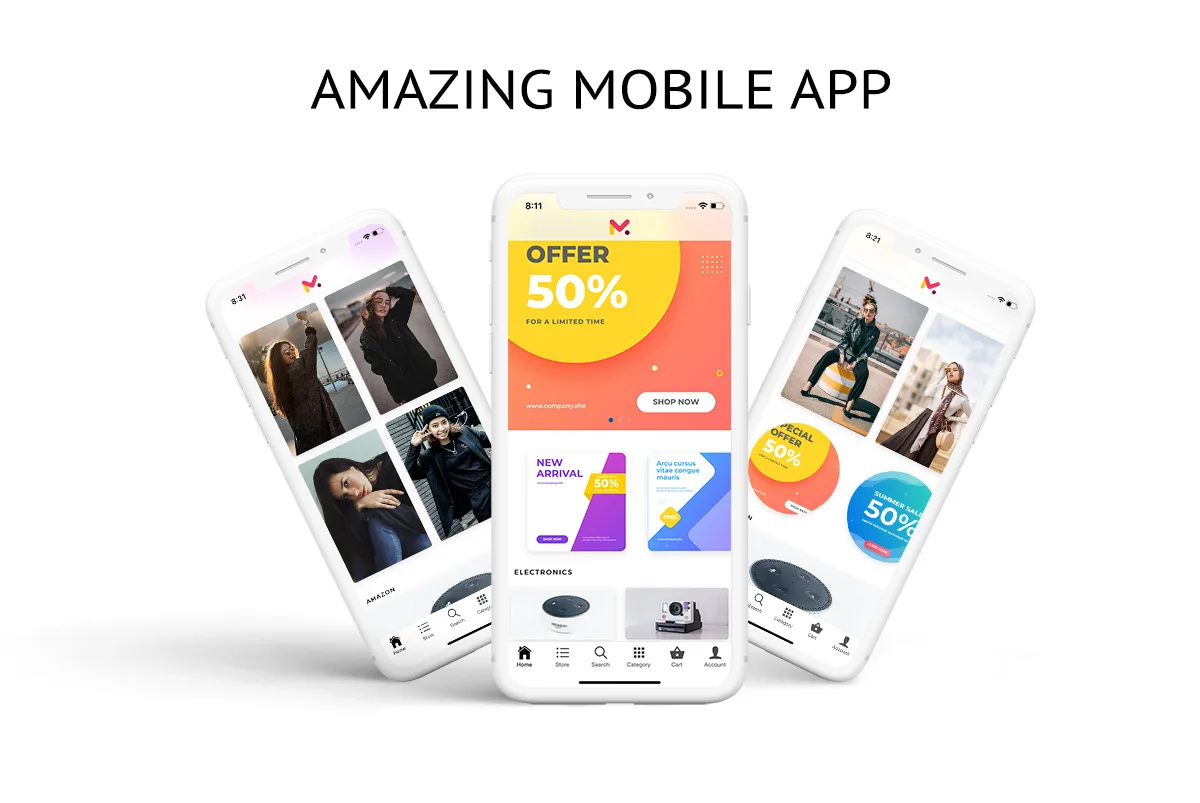
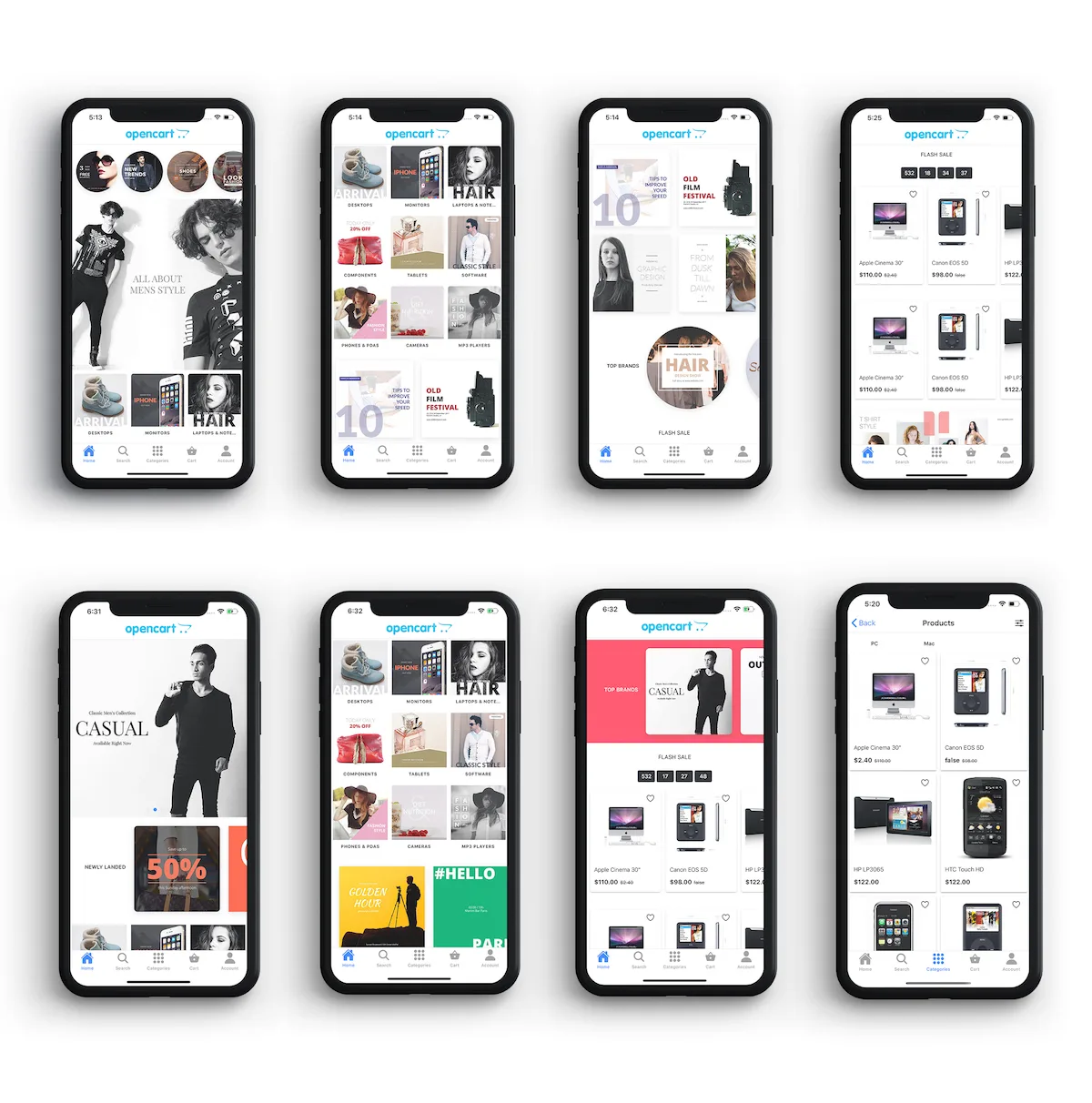
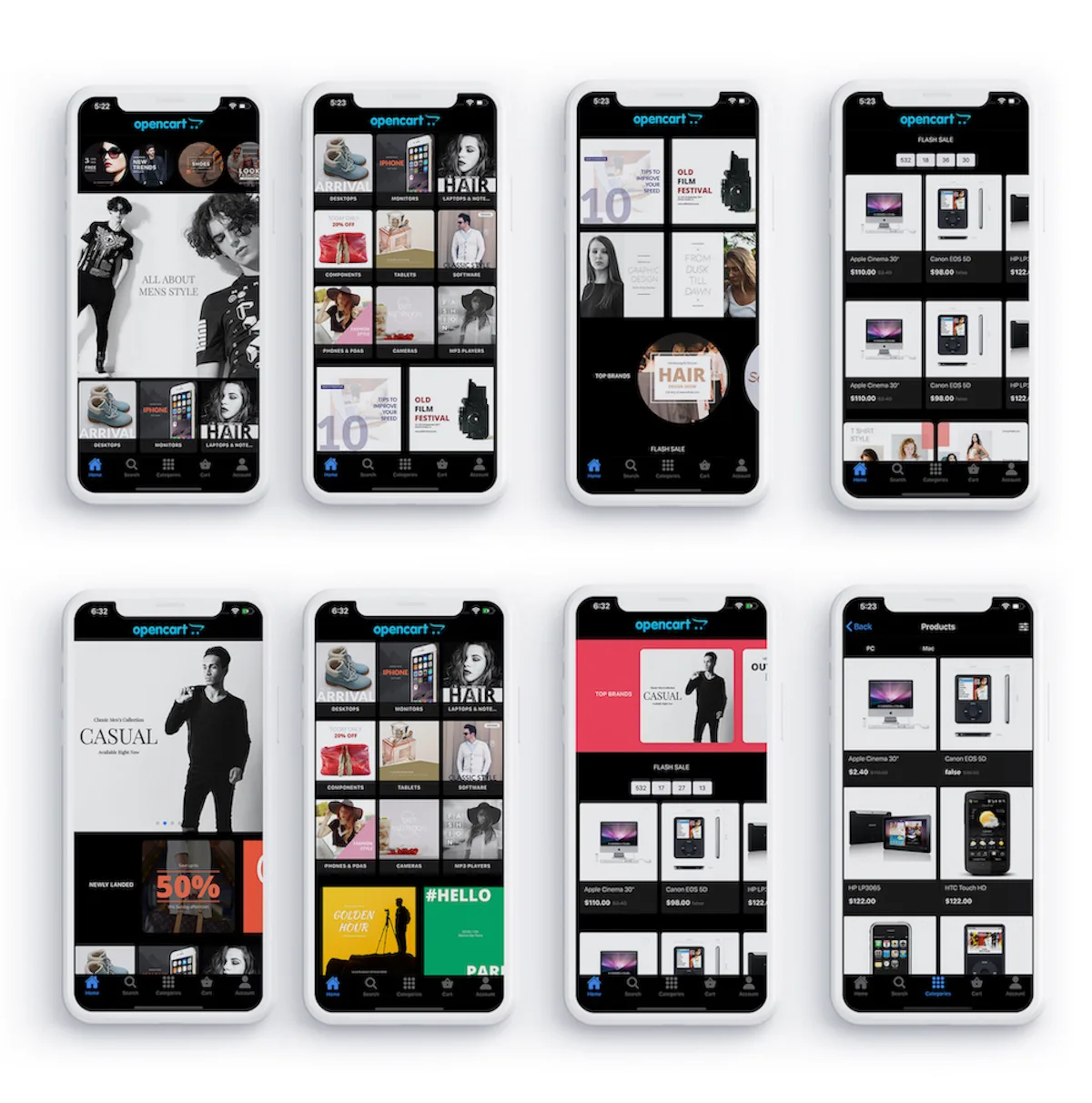
Light Theme
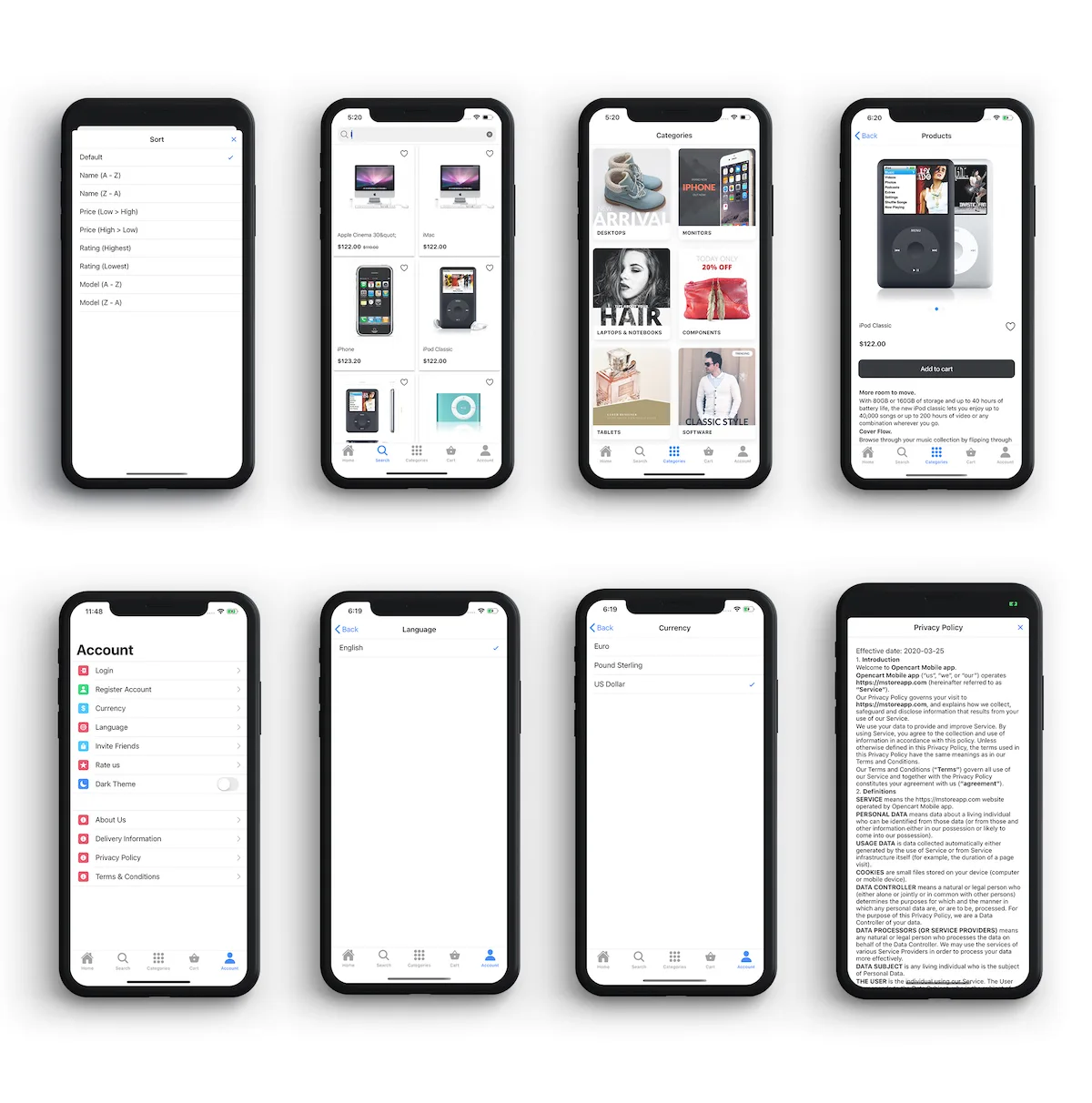
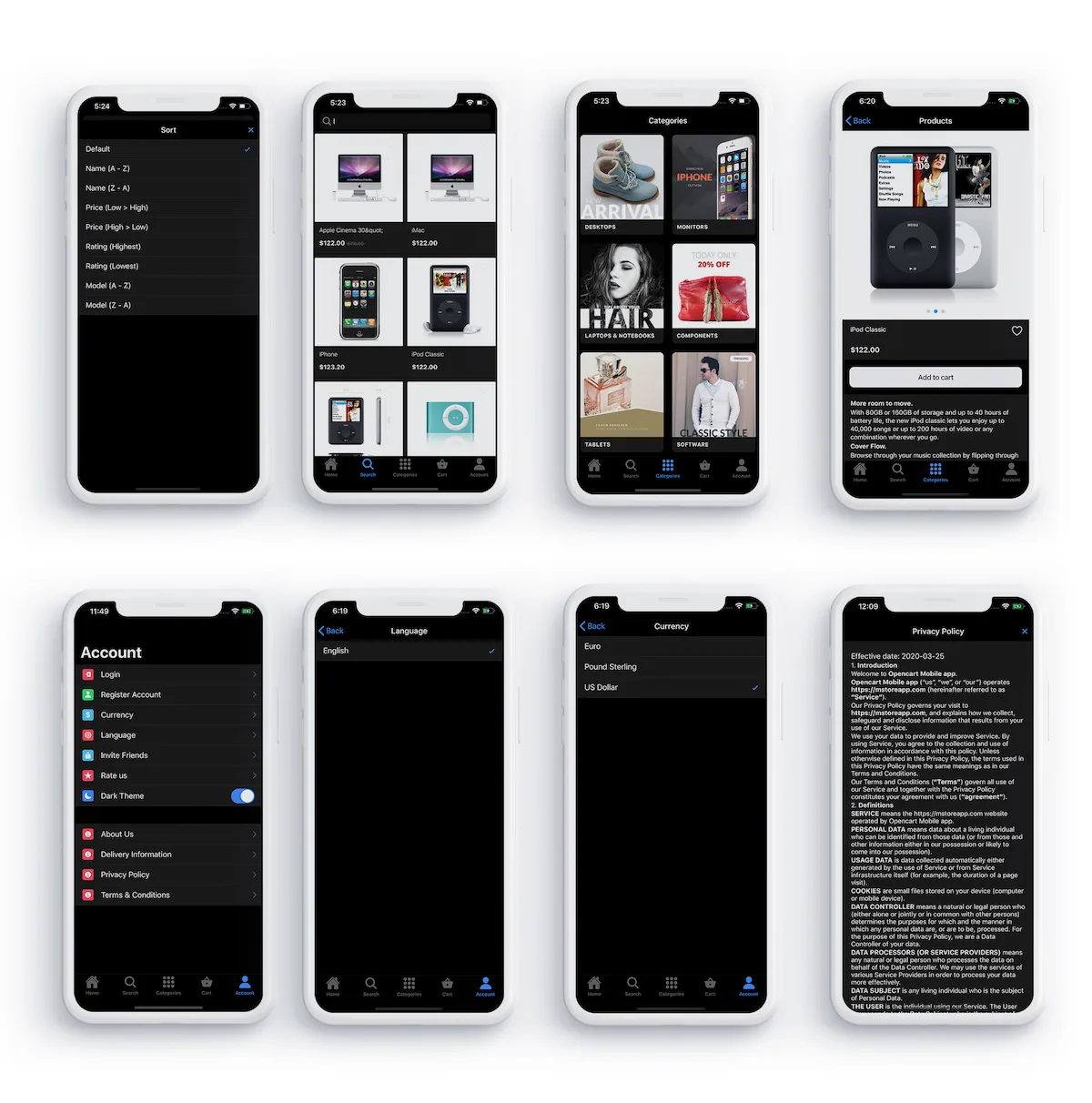
Dark Theme
About this app
Simple Perfect and Customizable
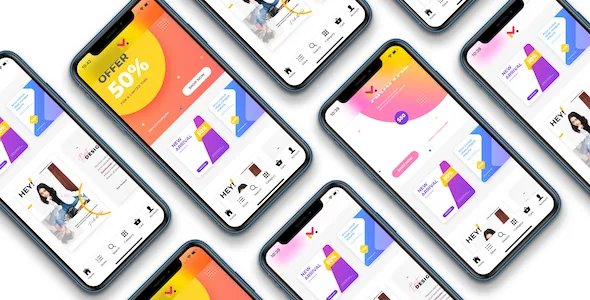
Simple ionic 4 mobile app for WooCommerce. Easily customizable into any theme.
Dynamic Design
Manage home design from admin panel easily. create hundreds of layout with simple settings. Give your customer a unique feeling every day.
Dynamic Blocks
Add banners or categories or products blocks from admin panel. Link banner to category or product or post.
Future update with new themes
Adding new layout design with future updates
Online app builder tool
Quickly build an android app using online toll. Build your android app without any technical skill
WooCommerce Points and Rewards
Supports WooCommerce Points and Rewards plugin https://woocommerce.com/products/woocommerce-points-and-rewards/?aff=7531 Customer can view Reward points balance and history of transactions. Points can be redeemed for a discount at checkout
WooCommerce Product Add-Ons
Supports WooCommerce Product Add-Ons plugin – https://woocommerce.com/products/product-add-ons/?aff=7531
Wallet System
Supports TeraWallet – For WooCommerce plugin – https://wordpress.org/plugins/woo-wallet/
WPML
App support WPML plugin. Just enable WPML in settings to turn your app into multi-language
OneSignal Push notification
Send Push notification from the one-signal panel. Link notification to category or product or post. Automatically redirect the customer to linked category or product or post when notification opened
Customer Push notification for Orders
The customer gets the notification for order status update
Vendor Push notification for Orders
The vendor gets push notification for their new order or order updates
Admin Push Notification for Orders
Just log in as admin and get Push Notification for All new orders and order updates
Social login
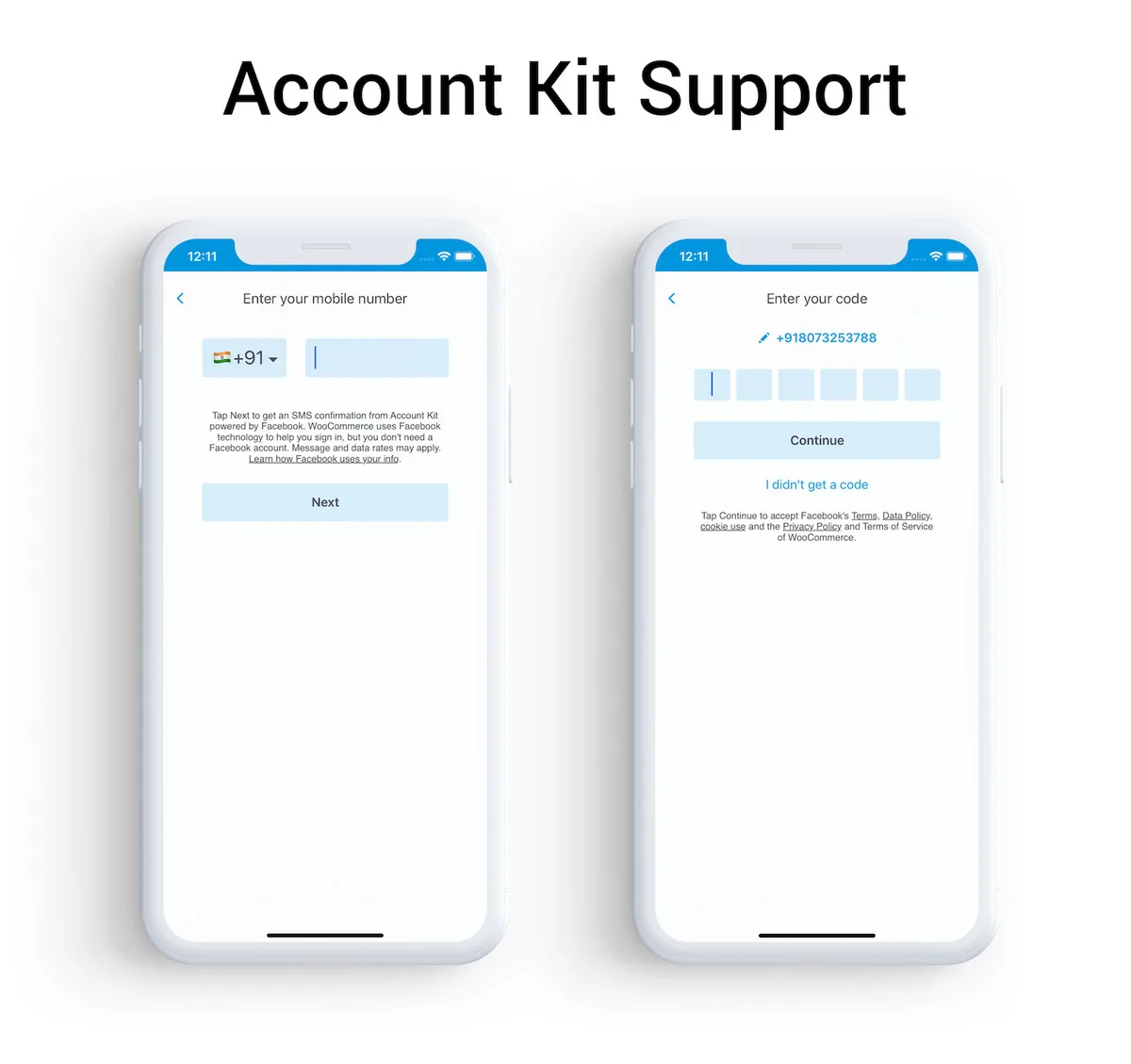
Google login and Facebook login support

Multiple easily customizable account layouts

Multiple easily customizable login layouts

Multiple easily customizable categories layouts

Multiple easily customizable products layouts

And responsive design

150 Prebuilt themes


Features
- Dynamic design layout
- Unlimited design layout
- Update designs from admin panel
- Update designs to live app
- Unlimited banners
- Link banners to product or category or post
- Dynamic sortable banner blocks
- Dynamic sortable products blocks
- Dynamic sortable category blocks
- Instant loading using local storage
Vendor Features
- Vendor Login
- Vendor Manage Store
- Vendor upload products
- Vendor Manage products
- Vendor Orders list
- Vendor Manage Order
Vendor Login Username : vendor1 Password : vendor1
iOS Demo – https://testflight.apple.com/join/hElOyQvk Android demo –
Categories
Tags
External listing. code.market does not sell this product and does not process payment for it. Pricing, payment, delivery, licensing, refunds, and support are handled by the third-party merchant on its own website. We may earn an affiliate commission from a referral. Details.
Products of the Week.
Submit🥇

STOP GUESSING WHAT TO POST
AI that learns your brand voice and builds a month of consistent, on-brand social content: carousels, posts and hooks that sound like you, not like everyone else's AI.
SaaS · 3,926 views · 35 clicksSaaS · Week 45 · 3,926 views · 35 clicks
🥈

Conversational Backlinks for Busy Founders
Place Backlink Relevant Conversation for your domain across Forums and Conversations
Website · 41,554 views · 222 clicksWebsite · Week 45 · 41,554 views · 222 clicks
🥉

upvote.club
Free Social Media Engagement that Helps Boost Your Content. Upvote Club supports 19 social networks with 100+ engagement actions in one dashboard. Add links to your posts and get free engagement from real users.
SaaS · 39,585 views · 114 clicksSaaS · Week 45 · 39,585 views · 114 clicks
#4

Substack Posting API
Onboard your Agent to Substack. Write Publish on Substack via API
SaaS · 58,617 views · 198 clicksSaaS · Week 45 · 58,617 views · 198 clicks
#5

Seenshot App
Free, Fast, MacOS Screenshot app. Make Screenshot cmd+shift+2 and send it via link
Desktop App · 28,001 views · 121 clicksDesktop App · Week 45 · 28,001 views · 121 clicks
#6

Hand-Placed Backlinks $9.99 per link. Flat rate.
Buy hand-placed forum, Q-A and directory backlinks. Flat $9.99 per link, no subscriptions — you only pay for approved listings.
Website · 3,861 views · 19 clicksWebsite · Week 45 · 3,861 views · 19 clicks
#7

Free Invoice Generator - PDF Invoices in Your Browser, No Sign-Up
A free invoice maker for freelancers and small businesses: fill in the invoice, check the live preview, and download a PDF that looks exactly like it. Any currency, tax per item, three templates, no sign-up, and nothing leaves your device.
2,540 views · 17 clicksWeek 45 · 2,540 views · 17 clicks
#8

Merge PDF Files Free - Combine PDFs in Your Browser, No Upload
A free PDF merger for office workers, students, and freelancers: combine PDFs and images into one file in the browser, reorder files and pages, pick page ranges, keep bookmarks, and open password-protected PDFs. Nothing is uploaded, no sign-up, no watermark.
2,362 views · 13 clicksWeek 45 · 2,362 views · 13 clicks