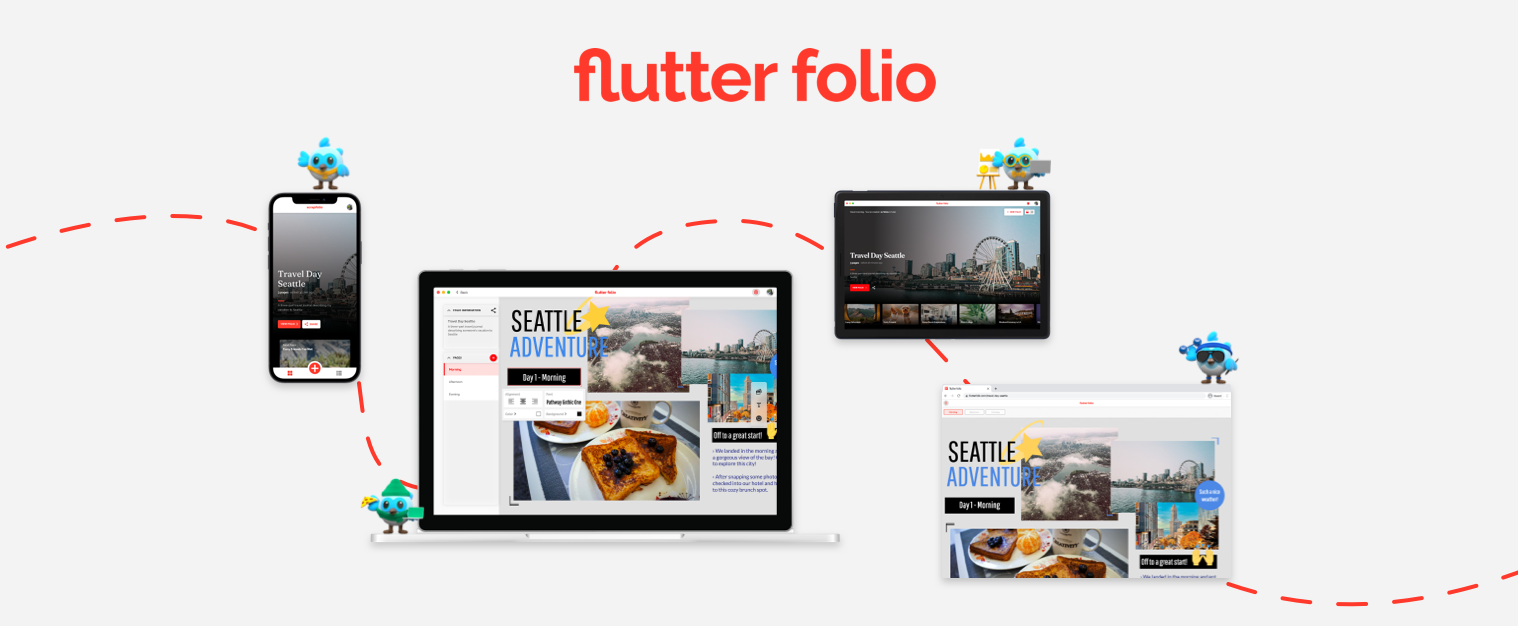
Flutter Folio - mobile(ios, android), desktop (windows, macos, linux), web
Description
Flutter Folio A demo app showcasing how Flutter can deliver a great multi-platform experience, targeting iOS, Android, MacOS, Windows, Linux, and web. Built by gskinner in partnership with Google, Flutter Folio purposefully considers user expectations, input devices and idioms for each platform, ensuring it feels at home on every device. In addition to forking and reviewing the MIT licensed code available here, you can check out more information on the Flutter Folio Showcase Website. About gskinner We exist to build innovative digital experiences for smart clients, and we love how easy Flutter makes that experience. Don't hesitate to stop by our site to learn more about what we do. We'd love to hear from you! Demo Builds To preview the app without needing to run a build process you can download any of the latest released builds. Target Platfom www.flutterfolio.com tar.gz .zip dmg Checkout the repo to install on your local device. Checkout the repo to install on your local device. If you're new to Flutter the first thing you'll need is to follow the setup instructions. Once Flutter is setup, you can use the default channel, or switch to the latest version to get the most current fixes for desktop/web: Run flutter channel dev Run flutter upgrade If you've never run a desktop build before, you will need to enable it with a one-time command for your current platform: flutter config --enable-macos-desktop flutter config --enable-windows-desktop flutter config --enable-linux-desktop Once you're on and desktop is enabled, you're ready to run the app: flutter run -d windows flutter run -d macos flutter run -d linux flutter run -d android flutter run -d ios flutter run -d web If you re-start your IDE, you should also see a new launch option for your current desktop platform. Client Keys This repo includes a set of Keys for Cloudinary and Firebase that are on the free pricing plans. Depending on traffic, these may reach their limit. If that happens, you will need to provide your own keys in order to run the app locally, those can be found in . These limits should refresh each month, so your mileage will vary here. This application is released under the MIT license. You can use the code for any purpose, including commercial projects.
Categories
Tags
Products of the Week.
Submit🥇

Costcodle
Costcodle is a free, daily price-guessing game for Costco shoppers who want to test their sense of value by estimating items within six tries.
Other · 58 views · 3 clicksOther · Week 43 · 58 views · 3 clicks
🥈

STOP GUESSING WHAT TO POST
AI that learns your brand voice and builds a month of consistent, on-brand social content: carousels, posts and hooks that sound like you, not like everyone else's AI.
SaaS · 433 views · 12 clicksSaaS · Week 43 · 433 views · 12 clicks
🥉

Hand-Placed Backlinks $9.99 per link. Flat rate.
Buy hand-placed forum, Q-A and directory backlinks. Flat $9.99 per link, no subscriptions — you only pay for approved listings.
Website · 422 views · 13 clicksWebsite · Week 43 · 422 views · 13 clicks
#4

autoadify.com
Autoadify helps businesses, creators, marketers, agencies, and ecommerce teams reduce the time spent creating, scheduling, approving, and publishing social media content. It combines AI content creation, automation, ecommerce workflows, and multi-platform publishing in one place, making social media management faster and easier to scale.
Other · 3,489 views · 9 clicksOther · Week 43 · 3,489 views · 9 clicks
#5

Ecomz AI | Multi-Tenant SaaS
Launch your own branded AI e-commerce platform without building the software from scratch. Ecomz AI provides a white-label, source-code/business-in-a-box solution that lets you offer merchants online stores, branded mobile apps for each shop, AI-powered sales and support agents, a unified inbox, a customisable drag-and-drop page builder, Ecomz Appstore integrations, and subscription plans you control under your own SAAS brand/hosting/business.
Other · 6,467 views · 17 clicksOther · Week 43 · 6,467 views · 17 clicks
#6

Whisper Notes - Best Offline
Whisper Notes turns speech into text entirely on your iPhone or Mac — no internet, no account, and your audio never leaves the device. Pick Whisper, Parakeet V3 or SenseVoice for 100+ languages, transcribe recordings and imported audio or video files with speaker labels, and on the Mac direct download hold Fn to dictate into any app. One-time purchase: $7.99 on iPhone, $14 on Mac, with 5,000 free words a week on Mac.
Other · 6,400 views · 11 clicksOther · Week 43 · 6,400 views · 11 clicks