
Cool Timeline Pro - Horizontal & Vertical Timeline Plugin For WordPress

Description

WordPress Timeline Plugin
Cool Timeline Pro is a popular WordPress timeline plugin with 20,000+ active installs and 250+ five-star reviews on the WordPress.org plugin directory.
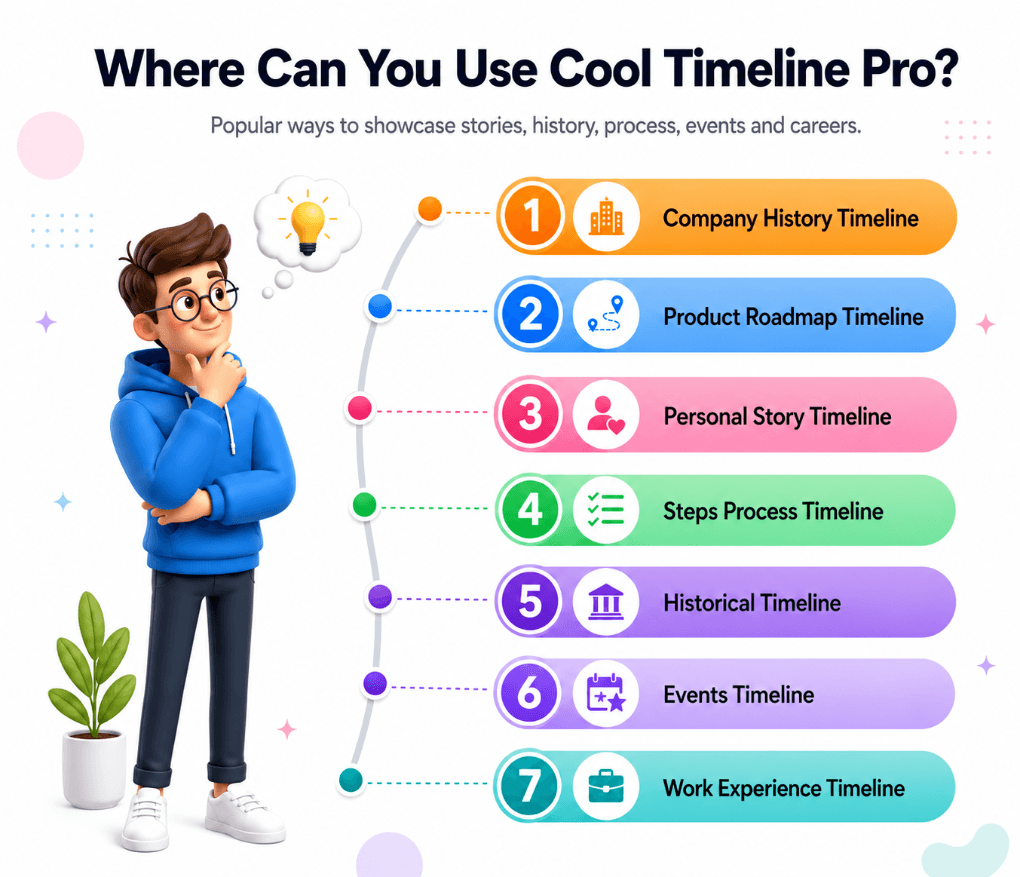
It helps you create vertical and horizontal timelines on your WordPress website. You can use it to display your company’s history timeline, product roadmaps, personal stories, or key events.
Using Cool Timeline Pro, you can create timelines in two ways:
- Timeline Shortcode: Cool Timeline Pro allows you to display timelines anywhere on your WordPress website using a simple shortcode. You can insert the timeline shortcode inside the Classic Editor, Block Editor, Elementor, Divi, widgets, sidebars, or any area that supports shortcodes.
- Timeline Block: If you prefer visual editing, you can use the dedicated Timeline Block inside the Gutenberg editor. The block allows you to add, preview, and adjust timeline layouts directly inside the WordPress editor without manually handling shortcode attributes.
Cool Timeline Demos:
Vertical Timeline Horizontal Timeline One-sided Timeline Compact Timeline Post Timeline View All DemosKey Features of Timeline Plugin
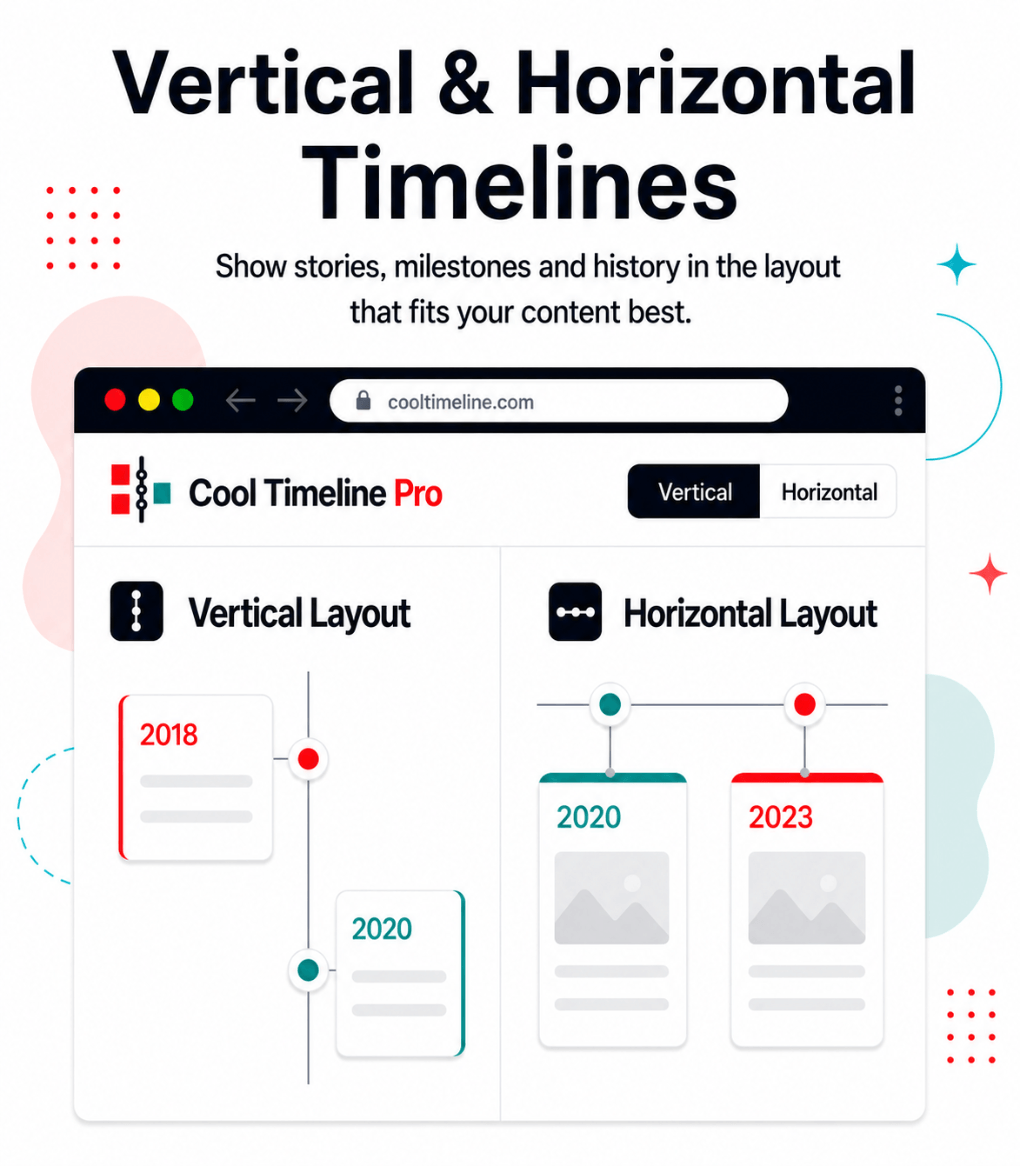
Vertical or Horizontal Timeline Layouts: Create beautiful vertical and horizontal timelines in WordPress to present your story, company history, project roadmap, milestones, events, product journey or step-by-step process in a clear chronological layout.
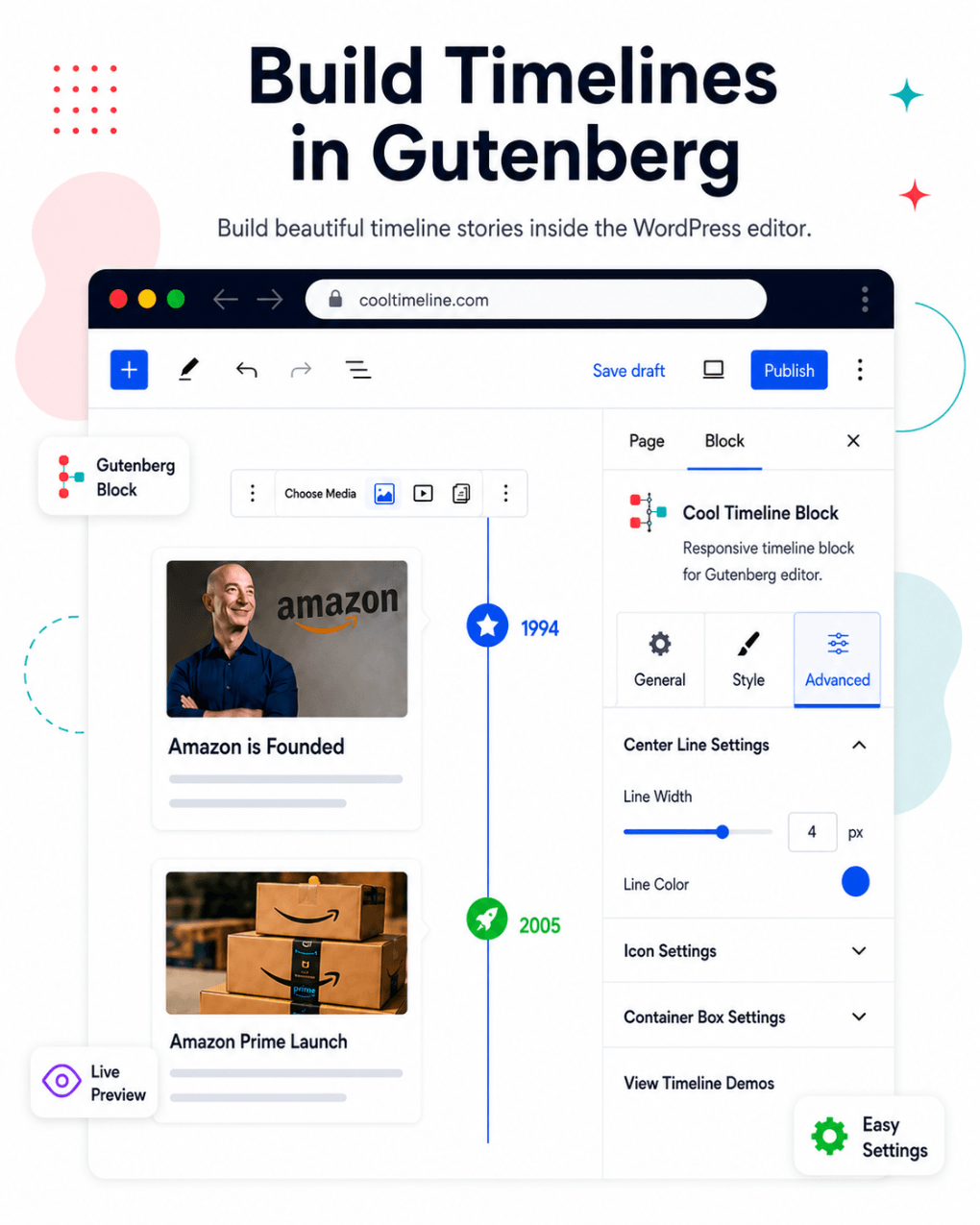
Gutenberg Block Support: Create and display timelines directly inside the WordPress Block Editor. This WordPress timeline plugin includes a dedicated Gutenberg block, so you can add a timeline to any page or post, choose the layout, adjust the settings and preview the timeline.
Timeline Shortcode: Add timelines to pages, posts, landing pages, widget areas, sidebars or custom sections using a shortcode. Create stories, select the layout, category, number of stories, order, date format and other options, then copy the shortcode and use it anywhere.
Ajax Load More and Pagination: Manage a large timeline with Ajax Load More and pagination. Let visitors load more stories when they want to continue browsing.
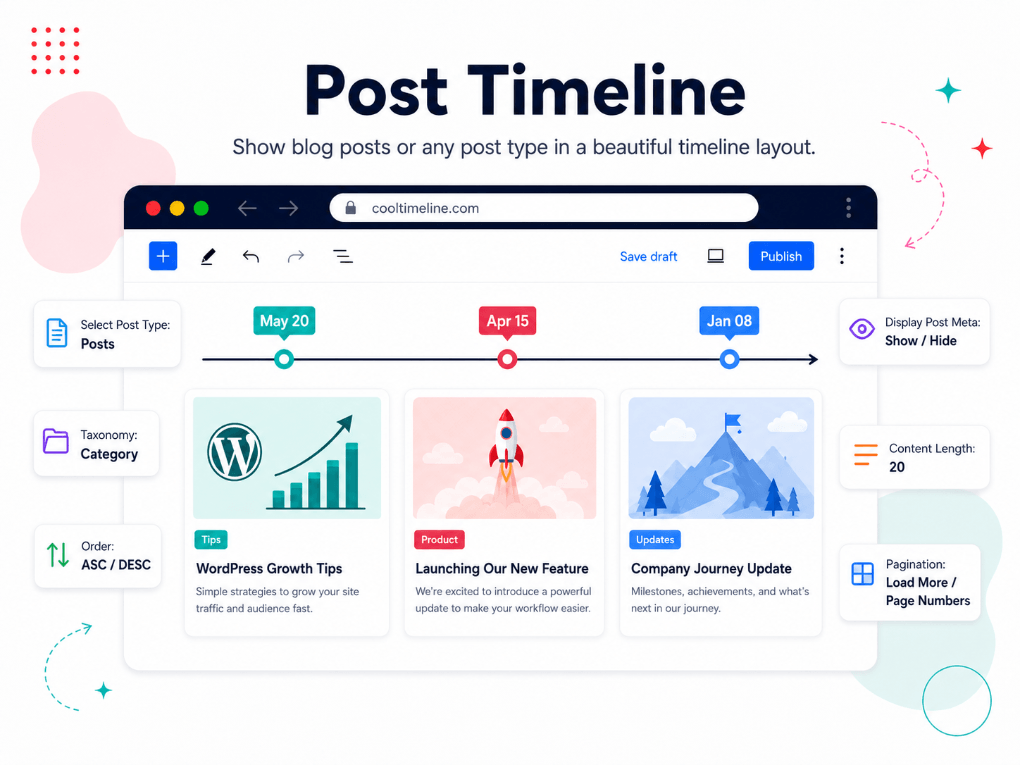
Blog Post Timeline: Cool Timeline Pro can automatically use your existing posts and organize them in a vertical or horizontal timeline. It is useful for news updates, product releases, company announcements, project milestones, event stories or changelog-style content in chronological order.
Multiple Timelines: Organize timeline stories into categories and create multiple timelines on the same WordPress website.
Category-Based Timeline: Show only selected timeline categories on specific pages and display separate timelines for different services, departments, products, events or case studies.
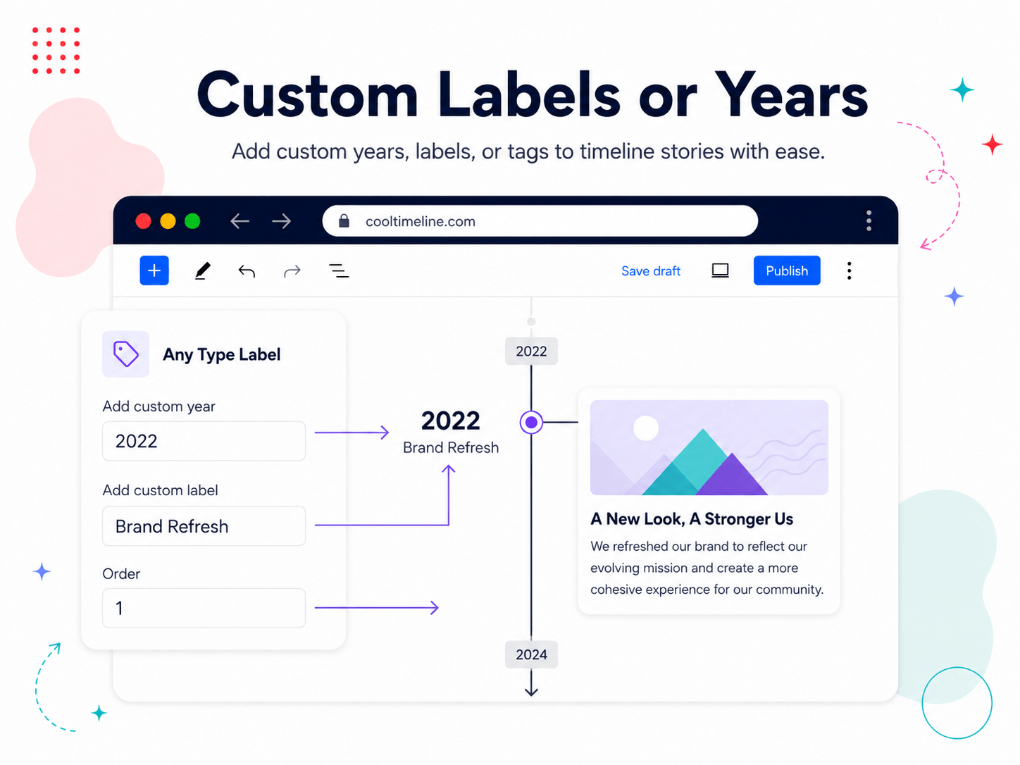
Custom Timeline Stories: Use custom labels instead of regular dates. You can add labels like Step 1, Phase 2, Planning, Development, Launch, AD, BC or any custom text.
Custom Colors and Fonts: Customize timeline titles, descriptions, dates, buttons and other design elements from a user-friendly settings panel. You can adjust fonts, colors and styles to match your WordPress theme and brand design.
Custom Timeline Icons: Replace default timeline dots with icons, custom images or text.
Multimedia Support: Add media to your timeline stories. You can use images, videos or slideshows to represent your story visually.
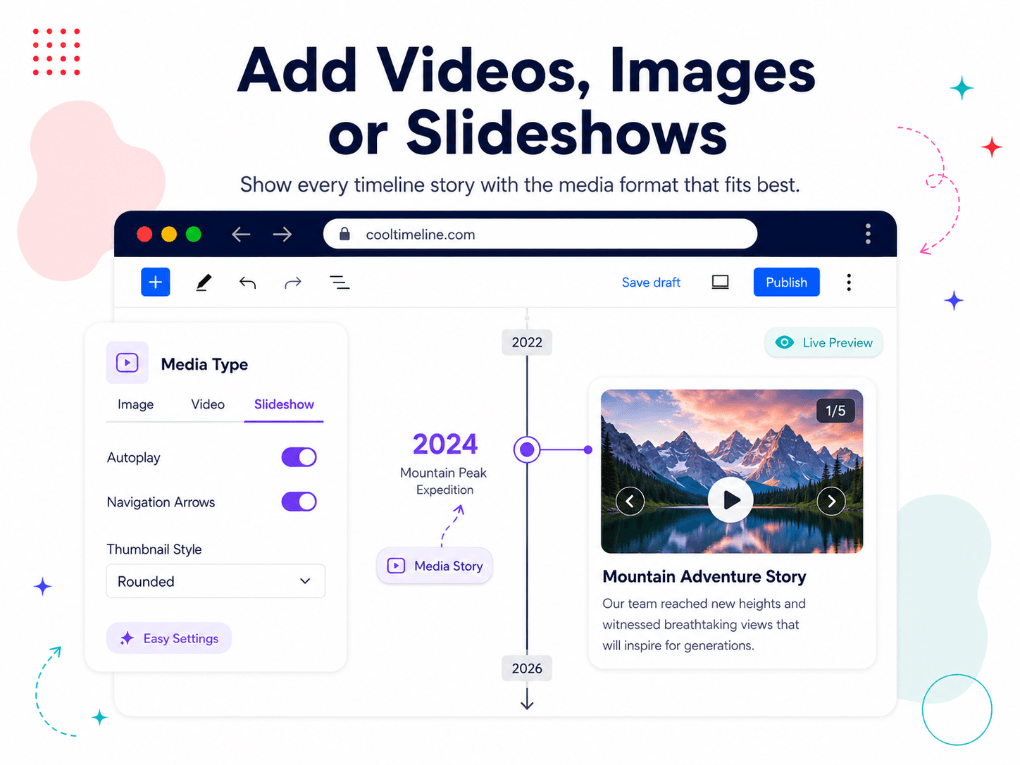
Date Formats: Choose how timeline dates should appear on your website. This helps you keep the event display consistent across your website.
Timeline Stories Order: Adjust the order of your timeline stories. Show the oldest item first for company history or show the latest item first for changelogs, news updates and product release timelines.
Small Scrolling Navigation: Add a small scrolling navigation bar to your timeline so visitors can quickly jump between different timeline stories, dates, milestones or events in large timelines.
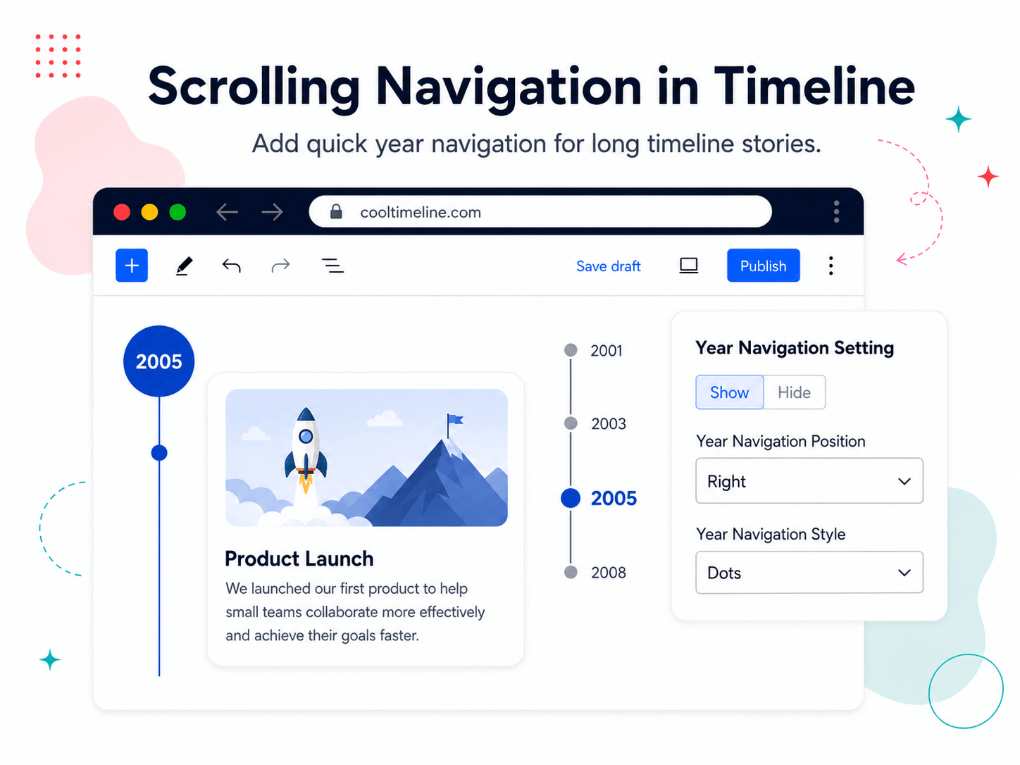
Read More Link Support: Add Read More buttons inside timeline stories. This helps you send visitors to full articles, product pages, case studies, event pages or other important content.
Works with Popular Editors and Builders: Cool Timeline Pro works with Gutenberg, Classic Editor, Elementor, Divi, WPBakery and other builders that support shortcodes.
Mobile-Friendly Timeline Layouts: Timelines are fully responsive, so they look good on desktop, tablet and mobile screens. Also Cool Timeline Pro works with popular browsers including Chrome, Firefox, Safari and Microsoft Edge, so your timeline display remains consistent for different visitors.
Where can you use the Cool Timeline?
Company History Timeline Holiday Package Timeline Product Roadmap Event Planning Timeline Team Showcase Timeline Features Timeline Personal Journey Timeline BC / AD Timeline Portfolio Timeline| Type | WordPress Plugin |
|---|---|
| Author | CoolPlugins |
| Category | Wordpress / Interface Elements |
| Price | $39 |
| Sales | 14,357 |
| Rating | 4.74 from 370 ratings |
| Published | Jul 14, 2016 |
| Last Update | Oct 15, 2026 |
| Compatible Browsers | Firefox, Safari, Opera, Chrome, Edge |
| Compatible Software | WordPress 6.9.x, WordPress 6.8.x, WordPress 6.7.x, WordPress 6.6.x, WordPress 6.5.x, WordPress 6.4.x, WordPress 6.3.x, WordPress 6.2.x, WordPress 6.1.x, WordPress 6.0.x, WordPress 5.9.x, WordPress 5.8.x, WordPress 5.7.x, WordPress 5.6.x, WordPress 5.5.x, WordPress 5.4.x, WordPress 5.3.x, WordPress 5.2.x, WordPress 5.1.x, WordPress 5.0.x, WordPress 4.9.x |
| Compatible With | Block Editor, Elementor, Elementor Pro, Visual Composer, WPML |
| Gutenberg Optimized | Yes |
| Source Files Included | JavaScript JS, HTML, CSS, PHP |
Categories
Tags
External listing. code.market does not sell this product and does not process payment for it. Pricing, payment, delivery, licensing, refunds, and support are handled by the third-party merchant on its own website. We may earn an affiliate commission from a referral. Details.
Products of the Week.
Submit🥇

STOP GUESSING WHAT TO POST
AI that learns your brand voice and builds a month of consistent, on-brand social content: carousels, posts and hooks that sound like you, not like everyone else's AI.
SaaS · 4,970 views · 45 clicksSaaS · Week 45 · 4,970 views · 45 clicks
🥈

Conversational Backlinks for Busy Founders
Place Backlink Relevant Conversation for your domain across Forums and Conversations
Website · 42,969 views · 225 clicksWebsite · Week 45 · 42,969 views · 225 clicks
🥉

upvote.club
Free Social Media Engagement that Helps Boost Your Content. Upvote Club supports 19 social networks with 100+ engagement actions in one dashboard. Add links to your posts and get free engagement from real users.
SaaS · 41,003 views · 120 clicksSaaS · Week 45 · 41,003 views · 120 clicks
#4

Substack Posting API
Onboard your Agent to Substack. Write Publish on Substack via API
SaaS · 59,948 views · 202 clicksSaaS · Week 45 · 59,948 views · 202 clicks
#5

Seenshot App
Free, Fast, MacOS Screenshot app. Make Screenshot cmd+shift+2 and send it via link
Desktop App · 29,323 views · 124 clicksDesktop App · Week 45 · 29,323 views · 124 clicks
#6

Hand-Placed Backlinks $9.99 per link. Flat rate.
Buy hand-placed forum, Q-A and directory backlinks. Flat $9.99 per link, no subscriptions — you only pay for approved listings.
Website · 5,108 views · 19 clicksWebsite · Week 45 · 5,108 views · 19 clicks
#7

Free Invoice Generator - PDF Invoices in Your Browser, No Sign-Up
A free invoice maker for freelancers and small businesses: fill in the invoice, check the live preview, and download a PDF that looks exactly like it. Any currency, tax per item, three templates, no sign-up, and nothing leaves your device.
3,756 views · 17 clicksWeek 45 · 3,756 views · 17 clicks
#8

Merge PDF Files Free - Combine PDFs in Your Browser, No Upload
A free PDF merger for office workers, students, and freelancers: combine PDFs and images into one file in the browser, reorder files and pages, pick page ranges, keep bookmarks, and open password-protected PDFs. Nothing is uploaded, no sign-up, no watermark.
3,475 views · 14 clicksWeek 45 · 3,475 views · 14 clicks