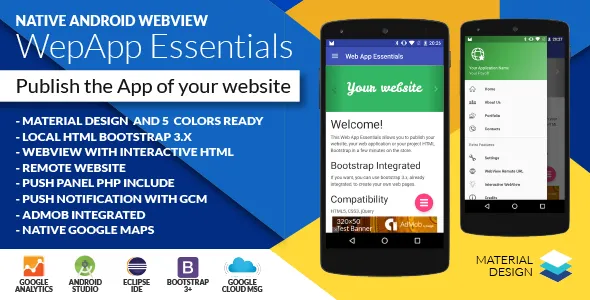
Android Web App + Push Web Panel
Description



Reviews from customer
Very good project! Thanks for your work.by pumpun
 by pumpun
very great app template. I used it to customize several app . it is very easy to use with good user manual. just a great and amazing job
One of the best webview app templates with excellent features and customazaibility ,the support from the author is impeccable too .
NATIVE ANDROID
DEMO GIF
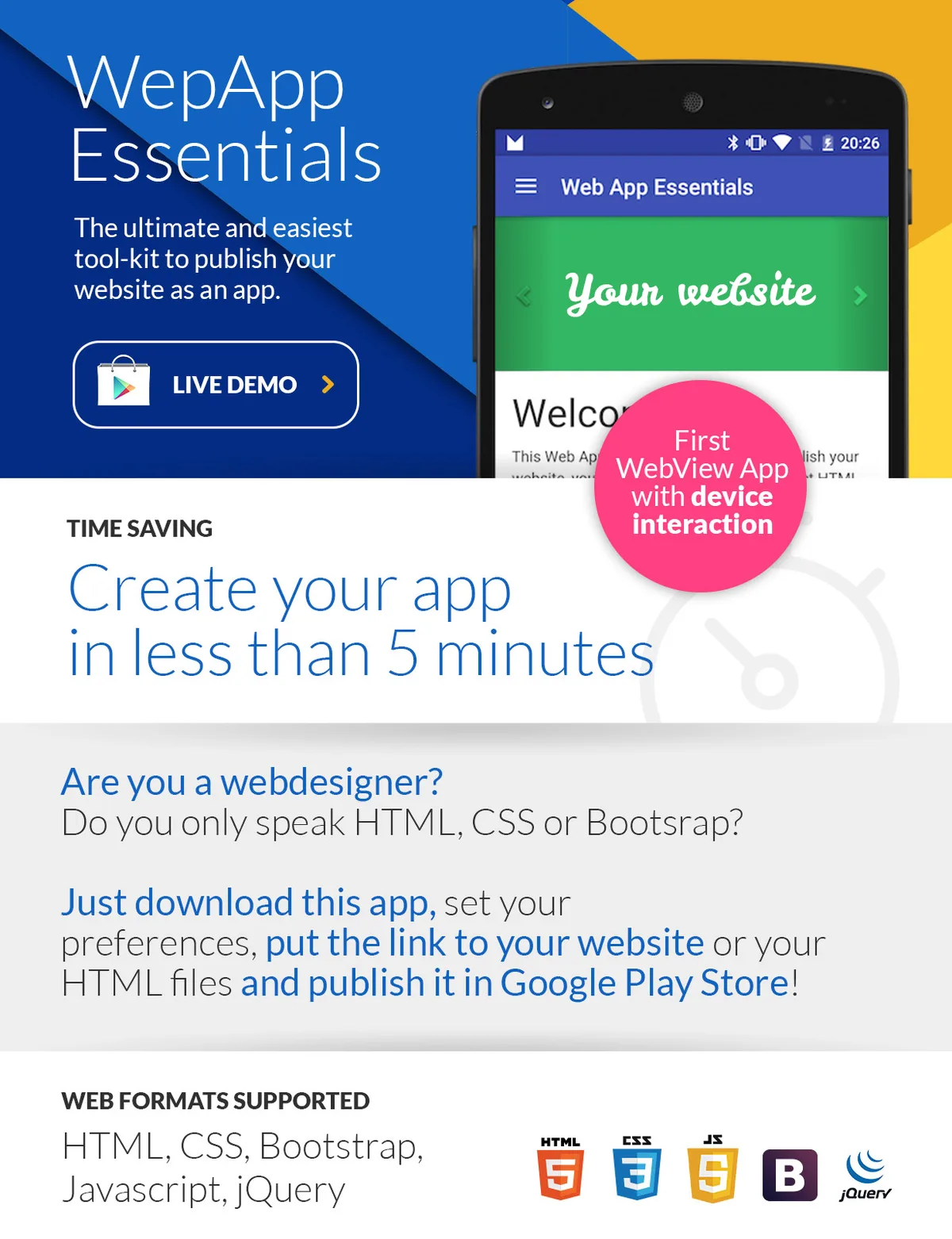
Create your app in less than 5 minutes
Are you a webdesigner? Do you only speak HTML, CSS or Bootsrap? Just download this package, set some preferences, load in your HTML pages and publish it in Google Play Store!All featuers
- Material design 5 colors version
- WebView Remote or Local content
- Download and Upload listener
- Local HTML with Bootstrap 3.x (integrated)
- Interactive HTML like play mp3, show toast and more
- Dialog Loading or Pull-to-refresh
- Push notification with GCM
- Web Push Panel (PHP+Mysql)
- Google Analytics Tracking
- AdMob banner and interstitial
- Android native google maps
- Floating button
- Navigation Left Drawer menu
- RTL right-to-left support
- Multi-language
Just choose
how to make your app come to life!- Simple local HTML pages
- HTML and Bootstrap 3.x pages (integrated)
- Online HTML pages (your wordpresso website?)
- XML native layout
WEB FORMATS SUPPORTED
HTML, CSS, Bootstrap, Javascript, jQuery, Wordpress, Joomla, Drupal and more…
DEVICE INTEGRATION FOR A BETTER EXPERIENCE
Webview interacting with user’s device Your HTML page can call some functions already available in Java. Just call your functions with buttons or link tags < a >. Functions Available Vibration With duration options Toast Message Play Mp3 Files Push Notification Native message or snack bar GCM – Push Notifications integrated + Push Panel (PHP & SQL) Create your push notification with simple web panel Try the panel now! TRY THE DEMO APP ON YOUR MOBILE Download and try the demo app for free from the Play Store Download now from Play Store … and more features available! Missing connection error page – Floating material button – Navigation drawer menu – Google analytics integration – Code written with expertise – SupportVideo Tutorial
Do you need help? Go to my Youtube Channel
Preview Video link
Getting started! Video link
How to open project with Android Studio 2.2 Video link
How to disable ADMOB Video link
How to setup my remote website Video link
How to change colors Video link
How to change menu header Video link
How to change package name Video link
How to generate apk files Video link
Changelog
v.2.8.1 Last version 15 April 2020
Fixed push notification for Android 28+
Fixed sql file for push panel

v.2.8.0 Last
Improved for last Android Studio
Bugfixing for Android SDK 28 and 29

v2.7.0 Last Version (3 October 2019)
Update to SDK 28
Update to Android Studio 3.4.x

v2.8.0 Last Version (25 December 2019)
Update to SDK 28
Update library reference to SDK 28
Update to Android Studio last version

v2.2.0
Add Permission request for GPS
Liberires update
Force refresh firebase token
Removed GCM
MinifyEnabled true for build APK

v2.1.9
Switch GCM with FCM (Google Firebase)

v2.1.9
Url remote bug fixing

v2.1.8
Youtube and iframe videos fixed

v2.1.5
Added “sms:” intent
Bug fixes “tel:” for external link
Push panel bug fix the limit of 1000 push
Little bugfixing
Tested on Android 6

v2.1.0
Integrated GPS library for send latitude and longitude to GeoPush Panel
Integrated youtube video intents

v2.0.2
Added file upload chooser for Android Kitkat 4.4
Eclipse version bug fix

v2.0
Added Upload File Listener
Integrated Share Button

v1.7
Added multilanguage support
Added link option on push panel
Open web page on tap notificaiton (if link is present)
Add RTL support
User guide updated

v1.6
Add .sql file for push panel
User Guide updated
Little bug fix
Add source files for other IDE
Add back button function: go back on web pages
Categories
Tags
External listing. code.market does not sell this product and does not process payment for it. Pricing, payment, delivery, licensing, refunds, and support are handled by the third-party merchant on its own website. We may earn an affiliate commission from a referral. Details.
Products of the Week.
Submit🥇

STOP GUESSING WHAT TO POST
AI that learns your brand voice and builds a month of consistent, on-brand social content: carousels, posts and hooks that sound like you, not like everyone else's AI.
SaaS · 4,285 views · 38 clicksSaaS · Week 45 · 4,285 views · 38 clicks
🥈

Conversational Backlinks for Busy Founders
Place Backlink Relevant Conversation for your domain across Forums and Conversations
Website · 41,995 views · 223 clicksWebsite · Week 45 · 41,995 views · 223 clicks
🥉

upvote.club
Free Social Media Engagement that Helps Boost Your Content. Upvote Club supports 19 social networks with 100+ engagement actions in one dashboard. Add links to your posts and get free engagement from real users.
SaaS · 40,037 views · 117 clicksSaaS · Week 45 · 40,037 views · 117 clicks
#4

Substack Posting API
Onboard your Agent to Substack. Write Publish on Substack via API
SaaS · 59,047 views · 198 clicksSaaS · Week 45 · 59,047 views · 198 clicks
#5

Seenshot App
Free, Fast, MacOS Screenshot app. Make Screenshot cmd+shift+2 and send it via link
Desktop App · 28,419 views · 122 clicksDesktop App · Week 45 · 28,419 views · 122 clicks
#6

Hand-Placed Backlinks $9.99 per link. Flat rate.
Buy hand-placed forum, Q-A and directory backlinks. Flat $9.99 per link, no subscriptions — you only pay for approved listings.
Website · 4,255 views · 19 clicksWebsite · Week 45 · 4,255 views · 19 clicks
#7

Free Invoice Generator - PDF Invoices in Your Browser, No Sign-Up
A free invoice maker for freelancers and small businesses: fill in the invoice, check the live preview, and download a PDF that looks exactly like it. Any currency, tax per item, three templates, no sign-up, and nothing leaves your device.
2,933 views · 17 clicksWeek 45 · 2,933 views · 17 clicks
#8

Merge PDF Files Free - Combine PDFs in Your Browser, No Upload
A free PDF merger for office workers, students, and freelancers: combine PDFs and images into one file in the browser, reorder files and pages, pick page ranges, keep bookmarks, and open password-protected PDFs. Nothing is uploaded, no sign-up, no watermark.
2,709 views · 13 clicksWeek 45 · 2,709 views · 13 clicks