
Free Post Preview and Character Counter for LinkedIn, X, Threads, and Bluesky
Description
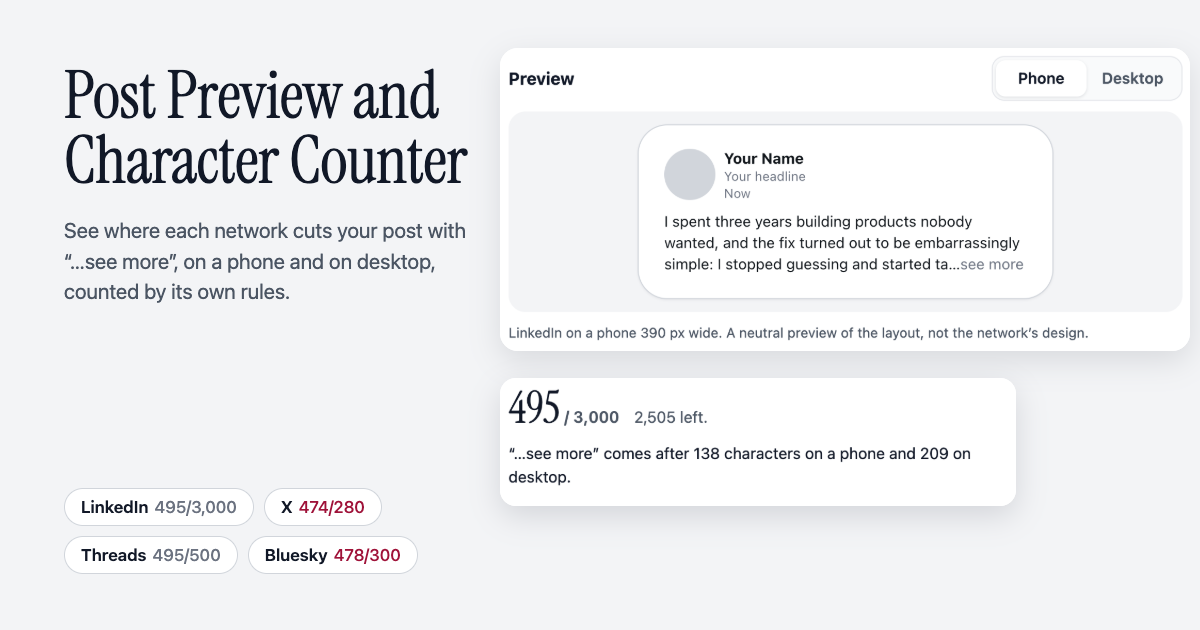
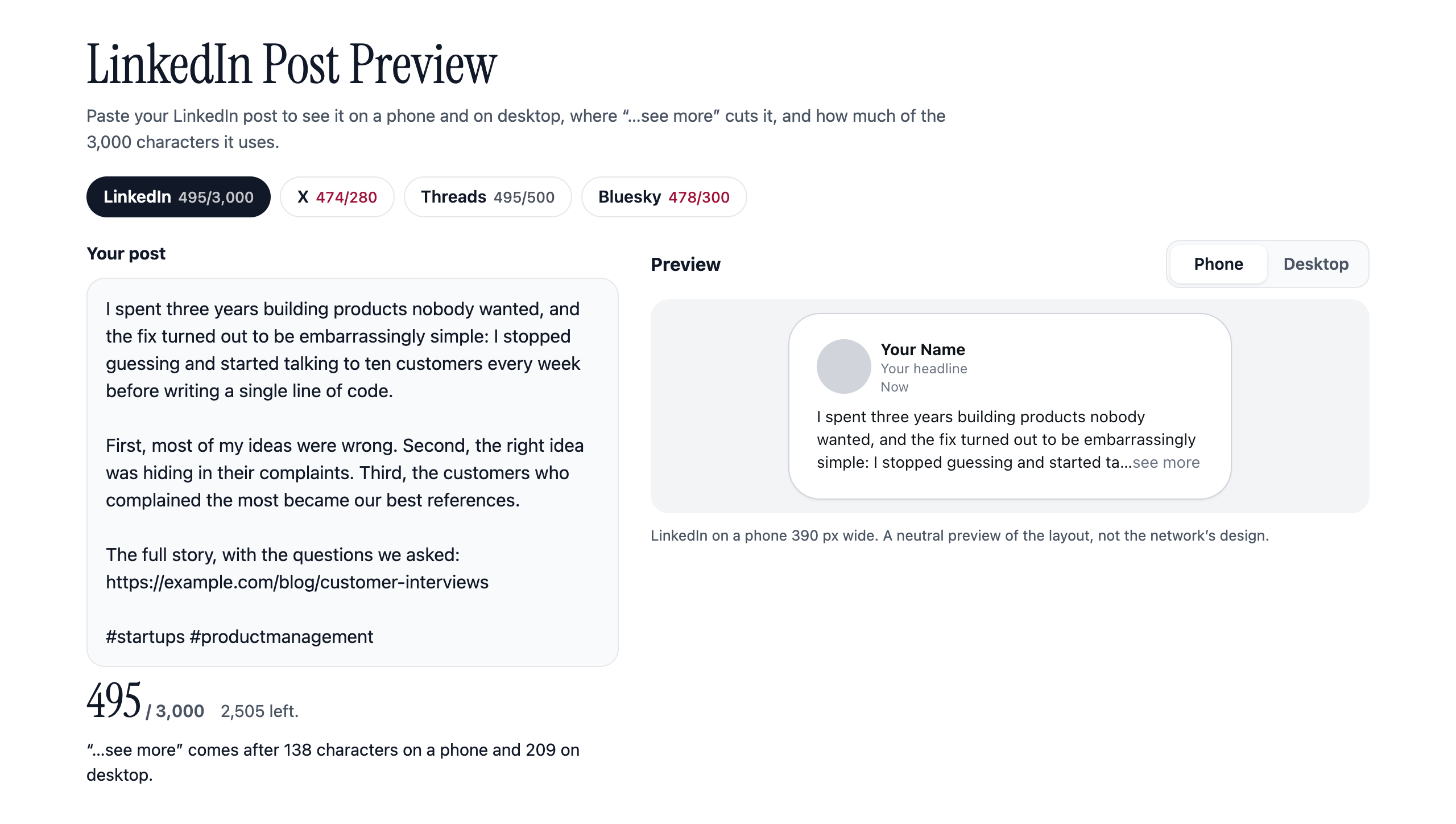
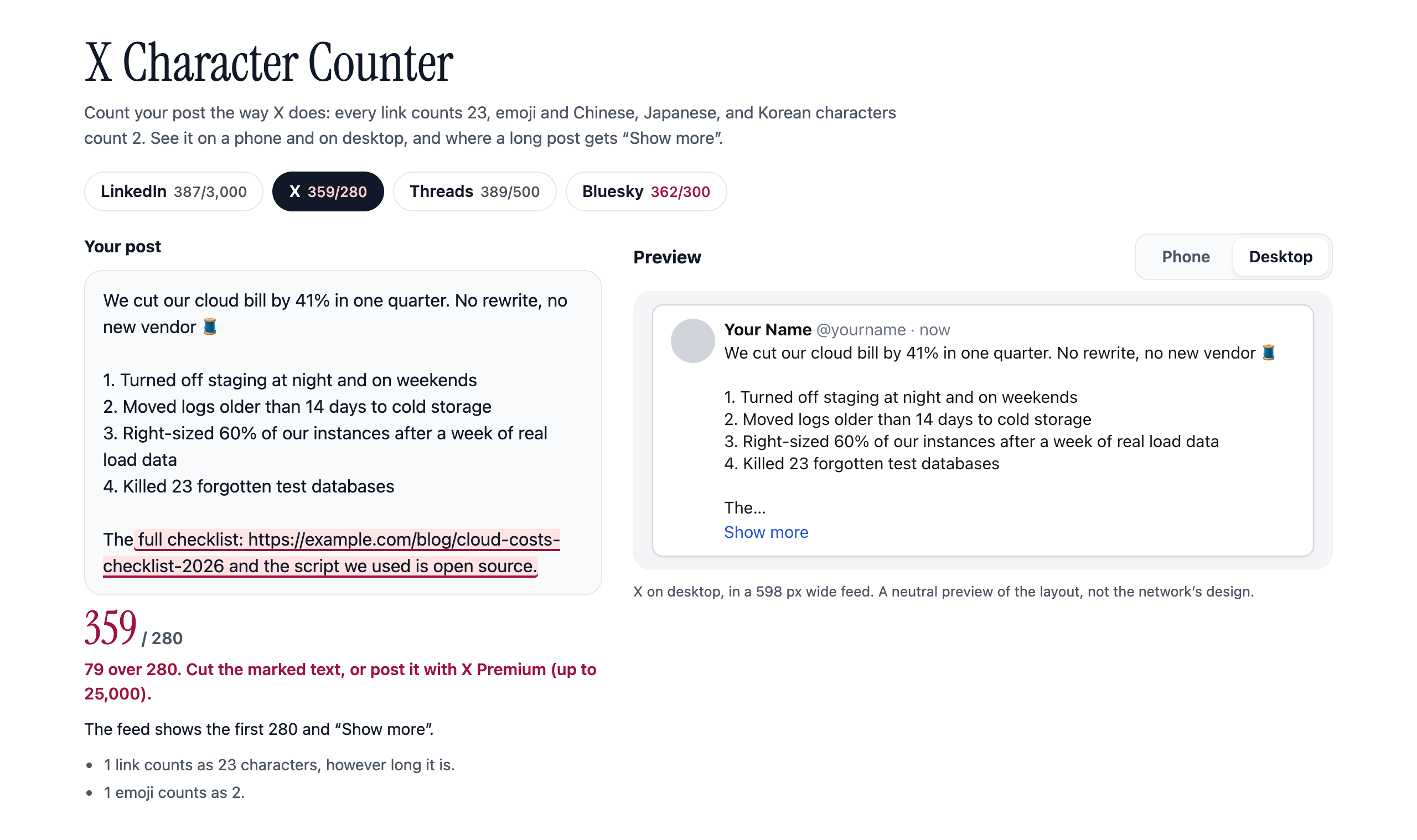
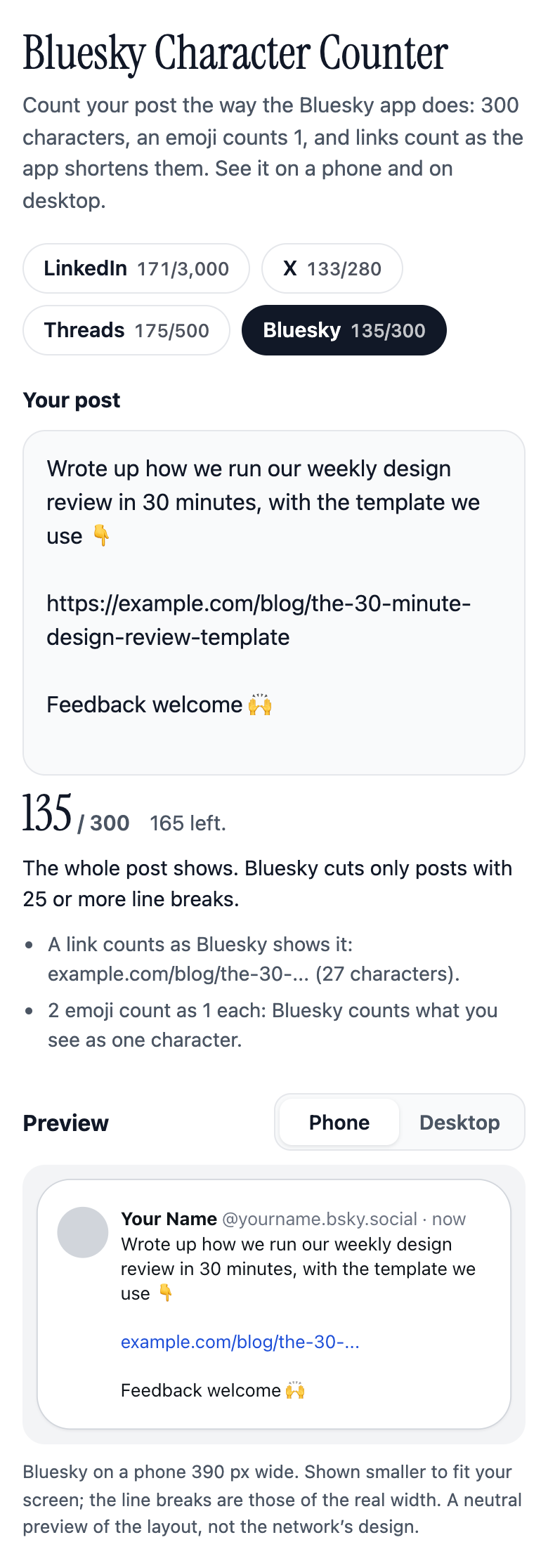
What it does: shows how a post will look on LinkedIn, X, Threads, or Bluesky before you publish it. Paste the text and see it on a phone and on desktop, with the cut exactly where the feed puts it: "...see more" after 3 lines on LinkedIn, "Show more" after 280 characters on a long X post, "Show more" after 25 lines on Bluesky. Below the text box, one line says how many characters a reader sees before the fold on a phone and on desktop. The counter counts the way each network counts: on X every link is 23 and every emoji or Chinese, Japanese, or Korean character is 2, on Threads an emoji counts as its UTF-8 bytes, on Bluesky links are shortened the way the app shortens them and an emoji is 1, LinkedIn allows 3,000. Whatever is over the limit is marked in the text.
Who it is for: people who write posts for a living or for their business: creators, founders, ghostwriters, social media managers, and anyone who cross-posts the same text to several networks. Each network has its own address (?network=linkedin, ?network=x), so a site owner can serve every "LinkedIn post preview" and "X character counter" search with one page.
What you get: use it free in the live preview above, or take the whole tool: a one-page site for any static host with no server, no database, and no API keys, the counting and fold logic in their own JavaScript modules with unit tests, every network's limit, fold, and sources in one settings file, and HTML documentation on hosting it, changing texts, colors, and rules, and embedding it in another page.
What you do: pick the network, paste the post, and switch between Phone and Desktop. To host it yourself, upload the post-preview folder to any static host.
Features
- Four networks on one page: LinkedIn, X, Threads, and Bluesky, each at its own address, with the heading and page title naming it.
- Phone and desktop previews in a neutral layout of each network's post (no logos), with line breaks, links, and hashtags as they appear.
- The fold where each network cuts the post: LinkedIn's "...see more" measured on the real line breaks at the real width, so a hook that starts with short lines folds earlier, X's "Show more" for posts over 280, Bluesky's 25-line "Show more".
- Counts by each network's published rules, each rule linked to its source: X's weights (links 23, emoji 2, CJK 2), Threads' emoji bytes, Bluesky's graphemes with its link shortening and 3,000-byte cap, LinkedIn's 3,000.
- Checked against the networks' own code: the X count matched twitter-text on 4,357 test posts, the Bluesky count matched the Bluesky app's rules on 2,928.
- A short note says what changed the count ("1 link counts as 23 characters"), and text over the limit is marked in the text box.
- One text for every network: each network link shows its count, so a cross-post is checked at once.
- Private: everything runs in the browser, the text is never sent or stored, no sign-up, no ads.
- Works on a phone and with the keyboard, and fits a frame on any page.
Screenshots
Categories
Tags
Products of the Week.
Submit🥇

Costcodle
Costcodle is a free, daily price-guessing game for Costco shoppers who want to test their sense of value by estimating items within six tries.
Other · 66 views · 3 clicksOther · Week 43 · 66 views · 3 clicks
🥈

STOP GUESSING WHAT TO POST
AI that learns your brand voice and builds a month of consistent, on-brand social content: carousels, posts and hooks that sound like you, not like everyone else's AI.
SaaS · 440 views · 12 clicksSaaS · Week 43 · 440 views · 12 clicks
🥉

Hand-Placed Backlinks $9.99 per link. Flat rate.
Buy hand-placed forum, Q-A and directory backlinks. Flat $9.99 per link, no subscriptions — you only pay for approved listings.
Website · 428 views · 13 clicksWebsite · Week 43 · 428 views · 13 clicks
#4

autoadify.com
Autoadify helps businesses, creators, marketers, agencies, and ecommerce teams reduce the time spent creating, scheduling, approving, and publishing social media content. It combines AI content creation, automation, ecommerce workflows, and multi-platform publishing in one place, making social media management faster and easier to scale.
Other · 3,495 views · 9 clicksOther · Week 43 · 3,495 views · 9 clicks
#5

Ecomz AI | Multi-Tenant SaaS
Launch your own branded AI e-commerce platform without building the software from scratch. Ecomz AI provides a white-label, source-code/business-in-a-box solution that lets you offer merchants online stores, branded mobile apps for each shop, AI-powered sales and support agents, a unified inbox, a customisable drag-and-drop page builder, Ecomz Appstore integrations, and subscription plans you control under your own SAAS brand/hosting/business.
Other · 6,472 views · 17 clicksOther · Week 43 · 6,472 views · 17 clicks
#6

Whisper Notes - Best Offline
Whisper Notes turns speech into text entirely on your iPhone or Mac — no internet, no account, and your audio never leaves the device. Pick Whisper, Parakeet V3 or SenseVoice for 100+ languages, transcribe recordings and imported audio or video files with speaker labels, and on the Mac direct download hold Fn to dictate into any app. One-time purchase: $7.99 on iPhone, $14 on Mac, with 5,000 free words a week on Mac.
Other · 6,404 views · 11 clicksOther · Week 43 · 6,404 views · 11 clicks